

How to Reduce the Number of Steps in Your Booking Process
Shorten your booking process by removing repeated choices, unnecessary fields and avoidable account creation while keeping the details needed for a valid appointment.
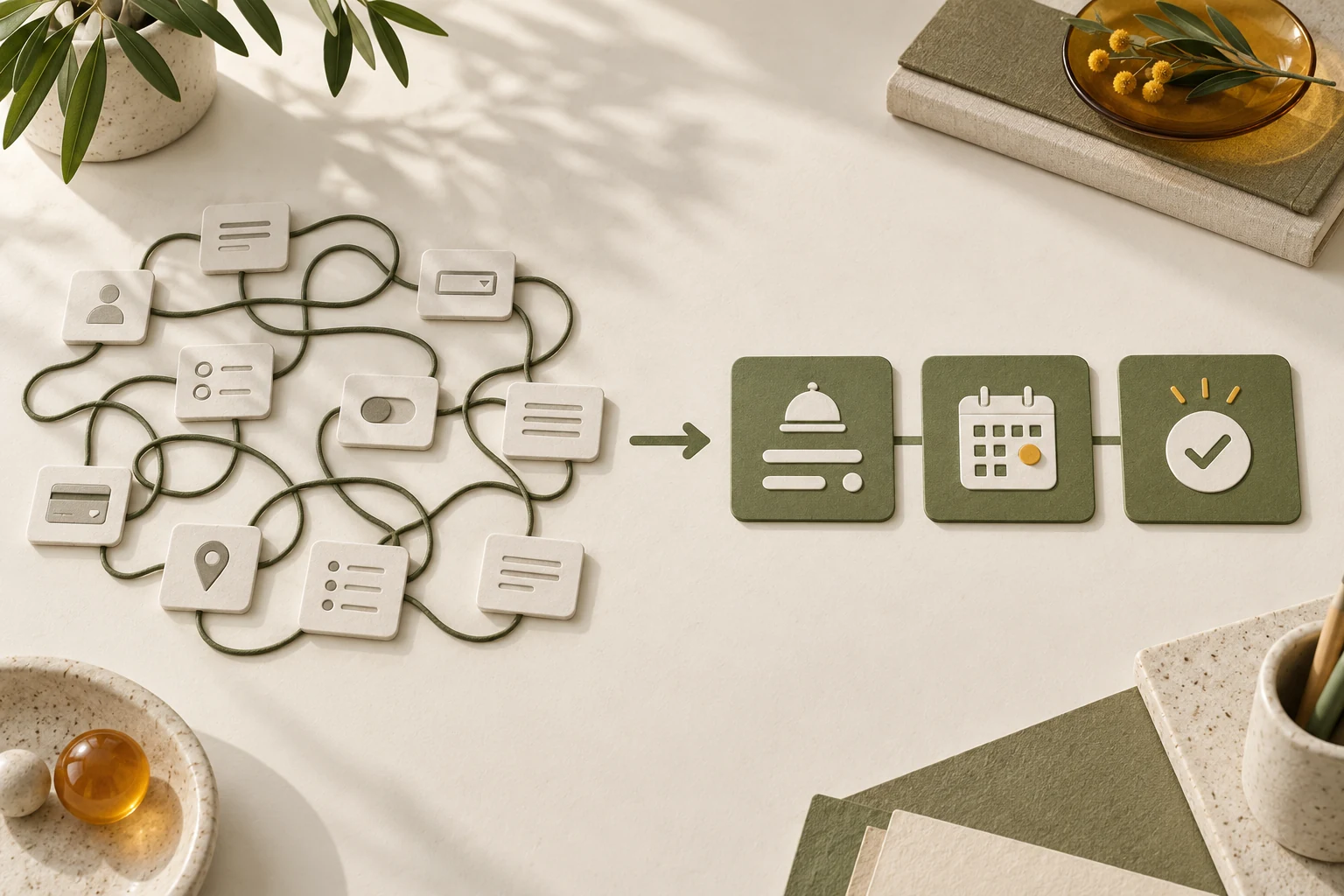
Reduce the number of steps in your booking process by removing repeated decisions and moving optional questions until after the reservation. Keep the choices needed to establish the service, available time and customer contact details. Combining everything into one crowded screen may reduce the screen count while making the booking harder.
For a WordPress appointment business, Niwa can explain service choices and book the appointment on the website or directly through a social conversation. That helps you avoid using a long questionnaire merely to explain your menu. With the WhatsApp AI Agent, the customer can choose an available time and provide the required details in the connected booking workflow. Keep a direct website route for customers who already know what they need.
Record the process a customer actually follows
Start from a real entry point: a service page, business profile or email link. Complete the journey on your phone and write down every screen, decision and field you encounter. Include sign-in, a redirect to another site, payment if required, and the final confirmation.
Separate required work from repetition. Selecting a service is useful. Selecting the same service again after a redirect is usually something to investigate. Providing an email for confirmation may be necessary; creating a password for a single appointment may not be.
Measure the effort beyond clicks. A customer can select a date quickly but spend several minutes deciding between two unexplained appointments. Note confusing terms, waiting and the recovery work after an error.
Use a representative booking rather than only the shortest service. Your more complex appointments may need a different path. Keep an assisted route available for requests the standard scheduler cannot safely accept.
Remove fields that do not decide or deliver the booking
For every field, name the operational reason it is required before reservation. Does it identify the customer, establish suitability, determine duration or collect a necessary payment? If nobody uses the answer until the appointment, consider asking later.
W3C's forms tutorial recommends asking only for information needed to complete the process. Apply that principle to optional background questions and duplicated contact information.
An illustrative language tutor might need the lesson type, time, name and email to reserve an introductory session. A detailed learning-history questionnaire could arrive afterward. That is an example of a possible process, not a universal minimum for every business.
Do not remove a requirement merely because it causes friction. A service that needs an eligibility check or deposit still needs that decision. Explain why the information is necessary and make the question easy to answer.
Carry the selected service into the scheduler
Put the booking action beside the service description and link it to the correct route. Where your scheduler supports it, preserve the selected service so the customer does not have to find it again in a general menu.
Check the exact destination rather than assuming a query parameter works. Open the link in a fresh browser and confirm the intended service is selected. Repeat from mobile and from a WhatsApp message.
The Niwa Booking Agent uses configured services and availability to connect the conversation to a saved appointment. Prepare clear descriptions, durations and staff assignments. Niwa should explain the choices using that information; it should not add an unrelated interview before a customer can choose a time.
Customers who know what they need should also have a direct booking action. Assistance is valuable when it resolves a question. Making conversation compulsory can become an extra step.
Decide whether an account is necessary
Use guest booking when an account provides no essential benefit before the first appointment. If your scheduler requires authentication for a particular service, make that requirement clear before the customer fills in other details.
For returning customers, consider whether a supported saved-details or sign-in route genuinely saves effort. Test the recovery path for someone who has forgotten their password. An account system that saves one field but introduces a difficult reset may create more work than it removes.
Do not copy details from a previous customer or infer missing identity information. Reducing steps should preserve correct customer records and access boundaries.
Group the remaining decisions into understandable stages
A useful sequence might be service choice, time choice and necessary details, followed by a clear result. The right grouping depends on how much each appointment requires.
W3C's multi-page form guidance describes logical stages and progress indicators. It also recommends letting users revisit completed steps. This supports a short, understandable sequence rather than an arbitrary one-page target.
Keep a visible summary of the service, date, time and price before commitment. Allow corrections without wiping everything already entered. Explain errors beside the affected field and retain valid information where appropriate.
The final action should state what happens next. A reservation confirmed immediately and a request awaiting staff review are different outcomes. A clear label helps the customer understand whether they have booked a time.
Compare the simplified journey with the original
Before release, repeat the same appointment on the same devices. Record the number of required decisions, repeated entries and recoverable errors. Verify the saved service, time, staff assignment and customer details.
Then compare completion using a consistent measure. For example, count sessions that start the booking flow and contain a successfully saved reservation. Keep the appointment definition and traffic window consistent; do not compare a click metric before the change with a saved-booking metric afterward.
Check the operational result too. A shorter form that produces unsuitable bookings or missing contact information has moved work onto your team. Monitor staff correction requests and attendance alongside completion.
No specific reduction in steps guarantees more bookings. The aim is to remove work that serves no purpose and verify that customers can finish a valid reservation.
Simplify the flow on your existing WordPress site
The standalone Niwa plugin can connect service explanations to website and conversational booking without requiring a new website. If you need a complete site or migration, Niwa Business is USD 150 and includes hosting, maintenance and business-specific AI tools.
Send your website address and the steps a customer currently follows. Include the information your team must have before accepting the appointment.

