

What Is SEO?
Understand what SEO means, what it can do for a small business, and how content, technical access and trust work together on a WordPress website.
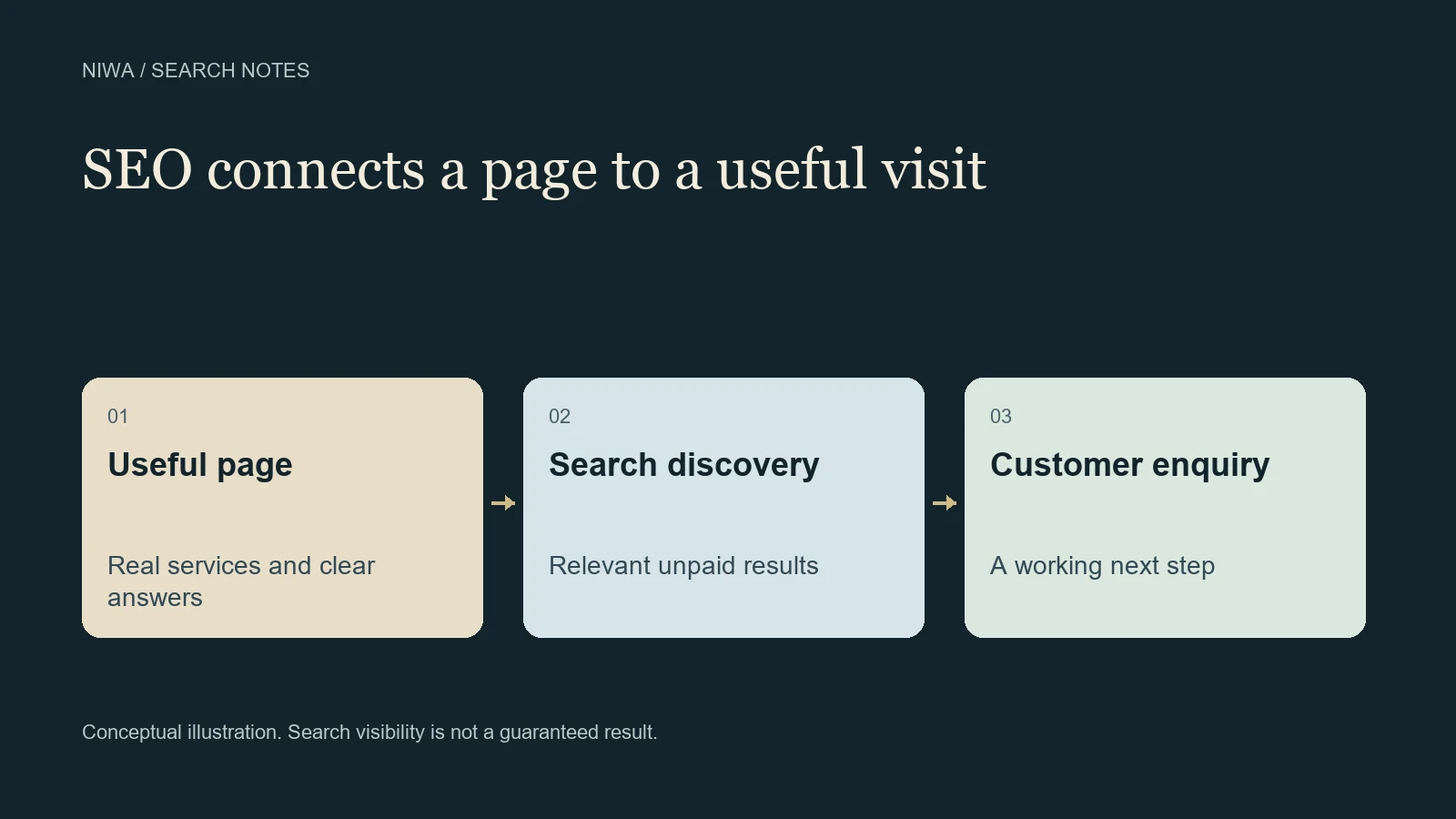
SEO stands for search engine optimization. It is the work of making your website easier for search engines to understand and more useful to people looking for what your business offers. The aim is to earn relevant visits from unpaid search results, then help those visitors take a sensible next step.
For a small business, that might mean a customer finding a repair service, checking whether it covers their area and sending an enquiry. Ranking for a term nobody uses to buy your service is less useful than reaching someone you can actually help.
On WordPress, Niwa's website maintenance assistant can help with supported page edits and content improvements. It gives an owner a practical way to act on an SEO task. Search engines still decide whether to index the page and where to show it.
What SEO changes on a website
Consider a fictional bicycle workshop. Its homepage says it provides quality solutions, but never names the repairs it handles, the town it serves or how a customer can arrange a visit.
An SEO improvement could be a clear service page explaining brake adjustment, puncture repairs, typical booking arrangements and the workshop's location. A customer can understand the offer, and a search engine has meaningful information to evaluate. The improvement comes from describing a real service, rather than repeating a phrase dozens of times.
SEO usually involves several connected kinds of work:
- Content: answering the questions a prospective customer needs resolved, using accurate service or product details.
- On-page presentation: clear page titles, useful headings, descriptive links and images that support the explanation.
- Technical access: making important public pages reachable, indexable and usable on common devices.
- Reputation: earning appropriate references, links and, for eligible local businesses, genuine customer reviews.
Google's Search Essentials explains the conditions and practices that support eligibility for search. Those foundations matter before an owner worries about advanced tools.
How a search visit happens
A search engine first discovers a URL, often through a link. It may crawl the page to retrieve its content, then decide whether to include it in its index. When someone searches, it evaluates relevant indexed pages and presents results for that particular query.
That explains why three common milestones mean different things. Publishing a page makes it available on your website. Being indexed means the search engine has included it in its searchable collection. Ranking concerns its visibility for a specific search. None of these milestones proves that the page generated a customer.
Google describes this process in its guide to how Search works. A submitted sitemap or an indexing request is a way to help discovery, not a purchase of a position.
SEO and advertising use different routes
With paid search advertising, you pay for advertising under the platform's campaign and billing rules. SEO works on your website's unpaid search visibility. Google does not sell an organic ranking position.
SEO still has costs. Someone must inspect the site, prepare information, fix problems and review what happens afterward. A business owner can do part of that work themselves, or pay a specialist for a defined task. Free access to a search result does not make the work behind the page free.
An advertising campaign can support a wider business plan, but it does not excuse a confusing landing page. Both routes need accurate information and a working way to contact, buy or book.
A sensible first SEO task
Choose one important page, such as a service that customers already ask about. Read it as someone who has never heard of your business.
Can that person tell what you provide, who it suits, where it is available and what happens next? Fill any meaningful gaps using your actual operating details. Keep claims specific enough that your team can stand behind them.
Then check the page on a phone. Open the enquiry or booking route. Confirm that the intended public URL works and that the page is not accidentally excluded from indexing. If you have Search Console access, inspect that URL and establish a baseline before changing more pages.
This is a manageable starting point. It also gives you something concrete to ask an assistant or specialist to review.
Where Niwa fits in the work
With Niwa installed and configured on an existing WordPress site, an owner can identify a particular page and request a supported change. For the fictional workshop, the task could be to replace an outdated service description with approved repair details, then review the saved page.
The Niwa setup and help guide explains installation and configuration. Set up the provider connection and owner access, give the assistant the page and business facts, review the proposed work, then inspect the result. Keep Search Console as the source of evidence about Google's indexing and search performance.
A website built with AI uses AI during creation. An AI-powered website uses an assistant after launch to support customers or business operations. Either kind of site still needs useful public pages. Information available only inside a private conversation does not replace a service description visitors can read and search engines can access.
How to tell whether SEO is helping
Track important pages and relevant queries in Search Console, including impressions and clicks. Its Performance report documentation explains what those measurements represent.
Pair that view with actual enquiries, purchases or completed bookings where your measurement setup supports them. Check whether visitors need the service you offer, rather than judging success by traffic alone. Record changes so you can make fair comparisons over time without attributing every movement to the latest edit.
If you want help turning an outdated WordPress page into an accurate, useful business page, contact Niwa with the URL and the change you need. Niwa Business is USD 150 and includes a custom WordPress website or migration, hosting, maintenance and AI adaptation. Existing WordPress owners can also use the standalone Niwa plugin. Choose the route that fits the work your site actually needs.

