

How to Find Out Which Channels Bring the Most Bookings
Compare confirmed bookings by source using consistent campaign links and verified appointment events. Separate booking volume, completion rate and attendance.
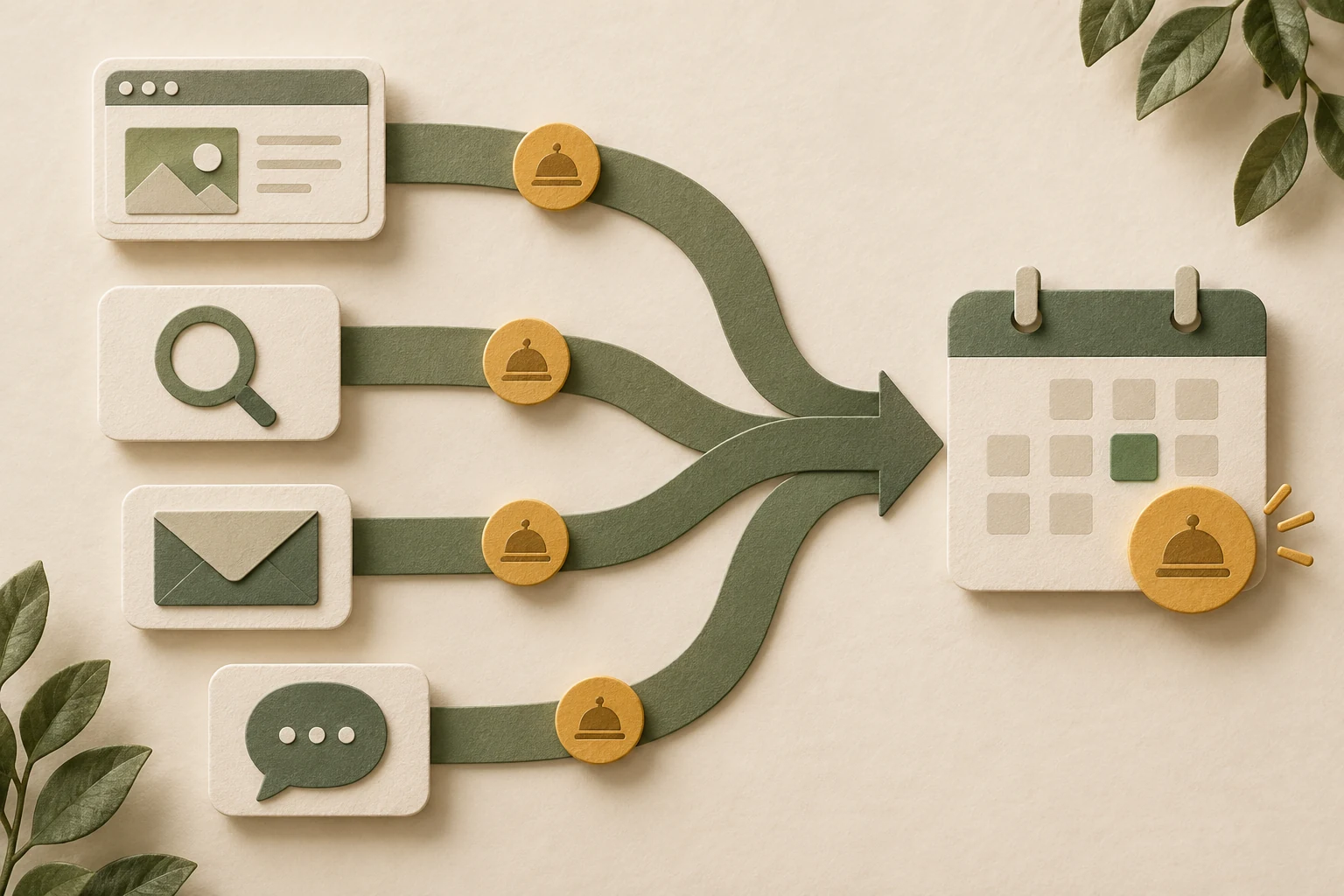
Find out which channels bring the most bookings by connecting a known source to a successfully saved reservation, then comparing confirmed appointments over the same period. Count bookings rather than link clicks or conversations. Keep booking volume separate from conversion rate, attendance and the cost of acquiring that appointment.
Niwa helps customers understand your services and book an appointment on the website or directly through social conversations. Its booking workflow connects service selection and availability to the saved reservation. Record the source that brought the customer and the channel where the booking completed as separate facts. A WhatsApp booking can complete in the conversation, while an optional website-link journey has a website destination.
Define the source and the booking outcome
Decide whether you are comparing the source of the booking session, the source that first introduced the customer, or a documented assisted journey. These answers can differ for the same appointment.
A customer may first find a service through search, ask a question on WhatsApp and return through a reminder link to book. Do not give all three channels full credit for one reservation and then add their totals as though they were separate appointments.
Choose one consistent attribution definition for the main comparison. You can keep assisted-channel information separately when it is genuinely recorded. Do not reconstruct a missing journey from assumptions about what the customer probably did.
For the outcome, identify a valid confirmed appointment in the scheduler. Treat booking requests awaiting approval, cancellations and attended appointments as separate states.
Tag the external links you control consistently
Use a documented naming convention for source, medium and campaign. Keep spelling and capitalization consistent so one source does not become several different report rows.
Google's campaign URL guide explains the UTM fields. For a controlled WhatsApp-to-website link, an illustrative convention might use utm_source=whatsapp, utm_medium=messaging and utm_campaign=autumn_consultations. Those values are examples to agree with your reporting setup, not a prescribed Niwa configuration.
Test the completed URL before using it. It should load the intended service or booking page without changing the appointment the customer wants. Inspect how the chosen source and medium actually appear in your analytics report.
Do not add new campaign tags to every internal website link. Use the tagging convention for the external entry points whose contribution you are trying to measure, and avoid disrupting the recorded acquisition journey.
Organic search and platform integrations may supply source information differently. Keep those methods in the same reporting plan rather than trying to add campaign tags where you do not control the link.
Verify that the source reaches the confirmed booking
Follow a tagged test link into the scheduler and make a designated reservation. Check the saved appointment and the completion event, using your supported measurement integration.
If the scheduler is on another domain, establish whether it supports the required source continuity. Google's cross-domain guidance describes a configured measurement route; forwarding a URL alone does not prove completion is attributed correctly.
When you cannot link the visit to the saved record, report the observable stage honestly. You may know that a channel sent 20 people to an external scheduler without knowing how many reserved a time.
Keep telephone and staff-entered appointments in a separate source category unless you have a reliable documented association. A voluntary answer to how someone heard about you can add context, but it is not identical to a measured session source.
Use the report scope that matches your question
GA4's Traffic acquisition report uses session-scoped source dimensions. The User acquisition report answers a different first-user question. Avoid comparing one source's session result with another source's first-user result.
Select the relevant verified booking event rather than a total that includes unrelated key events. If you calculate a booking-page conversion rate, use qualifying booking-page sessions as the denominator and converting sessions from that same group as the numerator.
Inspect unknown or direct traffic rather than reallocating it to your favorite channel. Missing information can result from untagged links, unsupported transitions or measurement gaps. Preserve that uncertainty in the report.
Compare volume with efficiency and attendance
In an illustrative comparison, source A brings 100 booking-page sessions and 10 converting sessions. Source B brings 200 and 12. B supplies more converting sessions, while A has the higher session completion rate: 10% versus 6%. These are hypothetical numbers, not a Niwa result or suggested target.
Now check the actual appointment records. Some sessions may create more than one reservation. Some reservations may be cancelled or missed. Report confirmed appointment count and attendance separately from the proportion of sessions that converted.
For paid channels, choose a consistent spending and appointment cohort before calculating cost per confirmed or attended appointment. If you want customer acquisition cost, count genuinely new customers rather than every appointment made by an existing customer.
Consider the service mix and available capacity. A channel that sends many enquiries for a fully booked service may appear weak at completion even when its audience is relevant. Compare the appointments your team can deliver, not only the largest traffic number.
Count direct messaging and assisted website bookings correctly
The WhatsApp AI Agent can answer a service question, offer available times and save the appointment through the connected conversation. Give it accurate business information and booking configuration, then verify the source and channel information your reporting integration records.
Count a successful direct messaging reservation in your confirmed-booking comparison, using its actual saved record. Count website reservations assisted by a conversation according to your chosen attribution definition. Keep answered questions and optional link visits as separate stages. Direct messaging bookings without a qualifying website session belong outside a website-session conversion-rate calculation.
Use the comparison to choose a specific next action: repair a broken source link, clarify an advertised service, or investigate why a channel's customers cannot find a suitable time. Recheck the same metric after the change and allow for differences in demand and capacity.
Connect your channel report to a real booking journey
Niwa can work on an existing WordPress website through the standalone plugin. Share the channels you use, the scheduler and the booking event you can currently verify. The first task is to establish a reliable source-to-reservation record, then decide what the results mean.

