

Why Is My WordPress AI Chatbot Giving Wrong Answers?
Diagnose wrong Niwa answers by checking source facts, indexing, product variations, business rules and conversation context before changing the model.
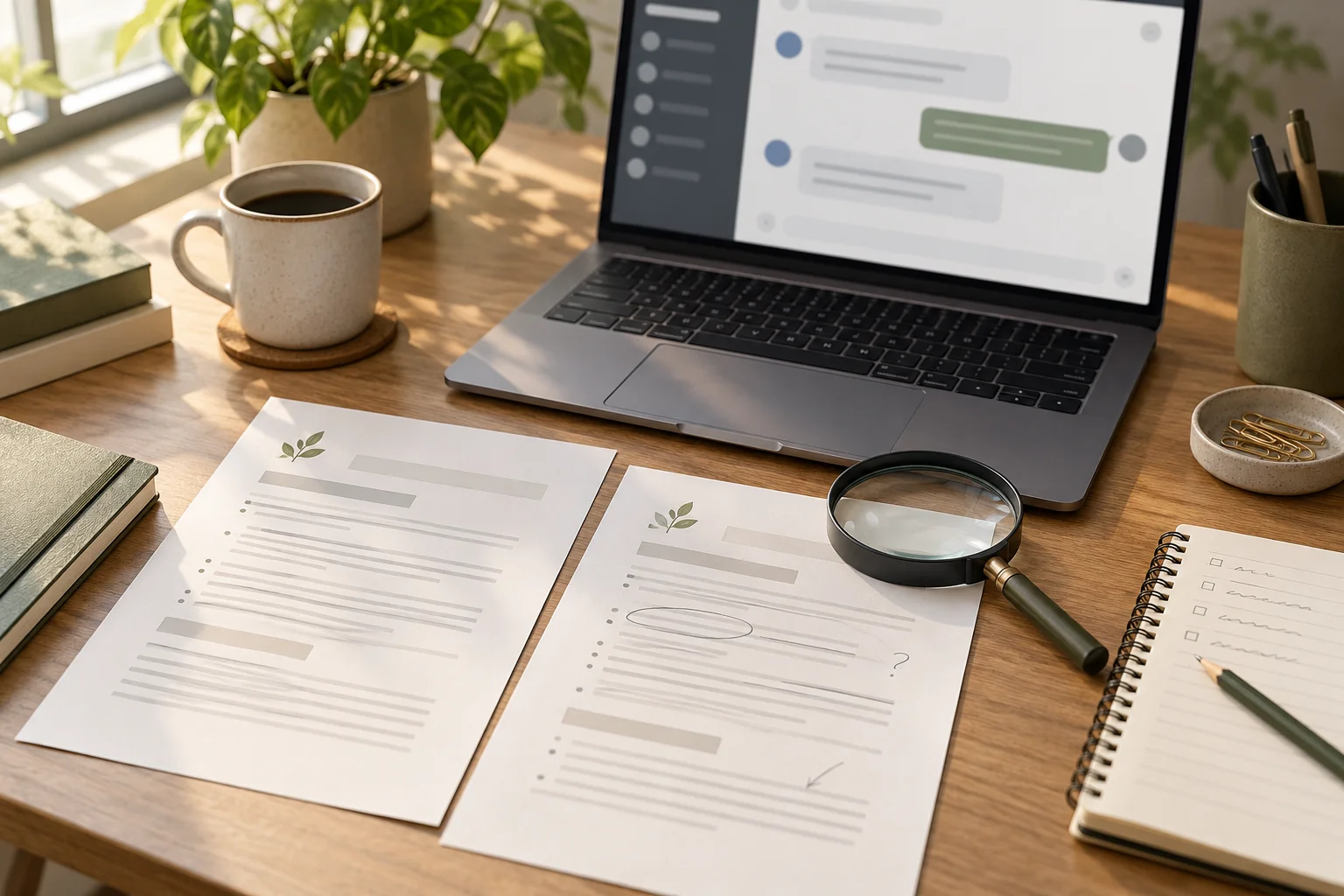
Your WordPress AI chatbot may be giving wrong answers because its source information is missing, outdated or contradictory, retrieval has not found the right material, or instructions and conversation context are pulling the reply away from the facts. In Niwa, trace one incorrect reply through the source page or product record, index, Frontend Agent Rules and public conversation before changing the model.
A fluent answer can still be wrong. Start by writing down the exact question, the observed reply and the correct answer with its supporting record. That turns a vague impression of "the chatbot is unreliable" into a problem you can reproduce and repair.
Confirm the fact the answer should use
Open the relevant live page, product variation or service record. Verify that the correct information actually exists and that customers are looking at the same site you are editing.
If the assistant says a service lasts an hour, check the service description and booking configuration. If the page itself gives that duration incorrectly, correcting the source is the first repair. Asking the model to answer differently while leaving the record wrong creates another conflict.
Look for duplicate statements. A current policy may disagree with an old FAQ or homepage paragraph. Decide which is authoritative and make the public information consistent. A model cannot reliably infer an unpublished decision about which promise you intended to keep.
The Niwa setup handbook identifies where the business profile, indexing and customer controls are maintained.
Check whether Niwa can retrieve the relevant information
In Main Settings, inspect Indexed, Embedded and Pending progress and any service errors. Use Test Query → Run Demo with the question to inspect retrieval.
If the correct source is not available in the retrieved material, verify its content and complete the relevant knowledge rebuild with Run Full Index + Embeddings. Investigate an error rather than repeatedly treating a started rebuild as a completed one.
If the relevant source appears but the final reply changes its meaning, the problem is further along the answer path. Retain the retrieval result and inspect the customer rules and conversation. This distinction prevents you from rewriting good source material to compensate for a different failure.
Use the specific question you are investigating in the retrieval test.
Trace product answers to the exact variation
For a wrong price or stock answer, identify the actual product and requested option. A parent shirt may be available while the blue medium variation is not.
Check the product's current fields and the public product card or selected cart item. An indexed description is not sufficient evidence of current price or stock. WooCommerce's variation documentation explains the separate records and inventory choices.
Use a distinguishing name, public URL or SKU in your diagnostic notes so the team can inspect the intended record. Do not change every product description because one similar item was selected incorrectly.
Niwa's storefront assistant connects conversation with product choices. Verify the specific card and variation as part of diagnosing the reply; a correct paragraph about material does not establish that the right item was chosen.
Remove contradictory business instructions
Open Frontend Agent Rules and review the FAQ, policies, tone, mandatory rules and human handoff. Look for an expired offer or an instruction that asks the assistant to promise something your sources cannot support.
For example, a rule saying every order qualifies for free delivery can contradict a policy that sets conditions. Correct the rule and source together. Do not add another overriding paragraph that leaves both contradictory instructions in place.
Give the assistant a clear response when information is missing. It should state what it cannot confirm and use your contact route. A rule to "always provide an answer" can encourage an unsupported promise when the business has not supplied the fact.
Keep public instructions in the customer profile and private administration guidance in the appropriate owner settings. Visitors should not receive internal notes or website-management permissions as part of a repair.
Reproduce the conversation and language
Test the exact question in a new private-browser conversation, then repeat the original sequence with its follow-ups. Compare the two results.
If only the longer conversation fails, inspect the earlier product choice or assumption it may be carrying forward. The assistant may be discussing the previous item while the customer has moved to another one. Make that distinction clear in your reproduction notes instead of deleting all conversation records.
For a wrong-language or mixed-language reply, check the UI labels, customer instructions and the language of the actual conversation separately. A source page written in English should not make a Portuguese conversation's answer unexpectedly change language. Test a substantive question and a short follow-up, and ask a fluent speaker to check the result.
Market conditions still need their own facts. A reply in the right language can remain wrong about where an order ships or which policy applies.
Review the model after checking the information path
Confirm the active provider mode and customer Chat Model in Main Settings. The Founder Model belongs to a separate admin interface, so changing it may not affect the customer's answer.
If you compare models, keep the source, question and business rules fixed for the comparison. Judge factual accuracy and the offered action, not confidence or writing style alone. A different model may change the reply; it cannot repair a price stored in the wrong variation.
If no reply arrives at all, investigate connection, provider allowance and request errors. That is a different symptom from an answer that arrives with the wrong fact.
Verify the repair and keep useful evidence
Repeat the failed question, a paraphrase and the related follow-up after the repair. Compare them with the saved authoritative source. For an affected cart or booking workflow, verify the resulting record as well as the explanatory reply.
Keep the exact question, expected fact, source URL and observed answer with private details removed. Review Niwa's safety information before sharing diagnostic material.
If the wrong answer persists, contact Niwa with that small reproducible case. It gives the team a specific source and failure to investigate without requiring your full customer history or secret credentials.

