

How to Build a Business Website with AI
A business website needs accurate services and a working enquiry route. Use AI to prepare the pages while WordPress keeps the content editable.
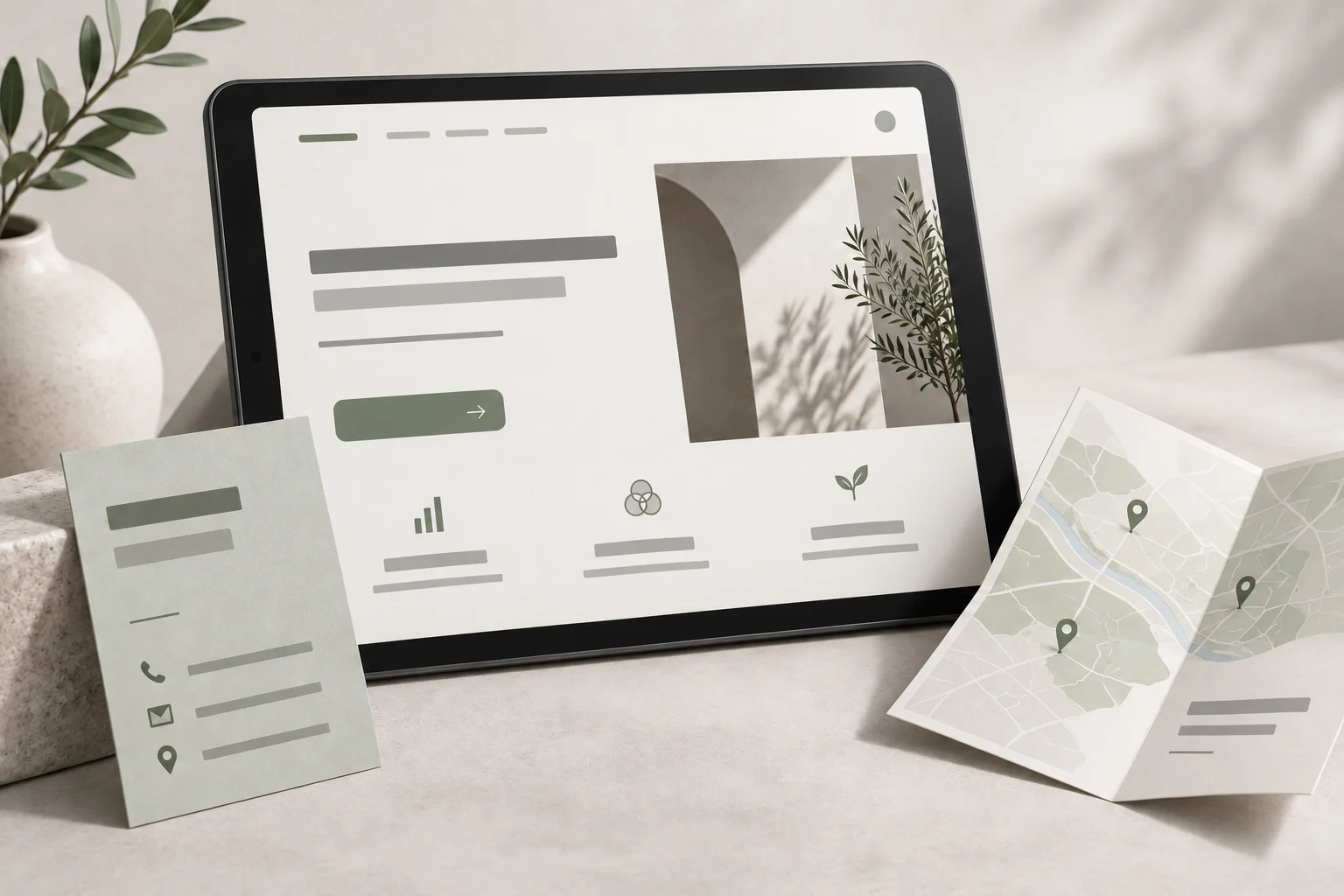
Build a business website with AI by giving it verified information about your services, choosing a maintainable website platform and testing the complete enquiry process. A polished homepage is one part of the job. Customers also need to know whether you serve their area, what happens after they contact you and who will respond.
We prefer WordPress on Hostinger because the business can keep its pages and operating tools in an established backend while AI helps with content and frontend work. Niwa can then provide customer assistance on the site. If you want the implementation handled for you, Niwa Business includes a custom WordPress website or migration, hosting, maintenance and AI adaptation.
The useful starting point is your business information, rather than a request to generate a beautiful website.
Turn your actual services into a page brief
Collect the information a customer needs before making an enquiry. For a garden maintenance company, for example, that might be the areas covered, types of garden accepted, whether equipment is supplied, seasonal availability and the details needed for a quote.
Separate confirmed facts from decisions you have not made. An AI draft should leave an unconfirmed price for review, rather than fill the gap with a plausible number. Give it your existing service descriptions, real photographs and approved contact details. Add permission notes for any customer work you plan to show.
Ask AI to prepare a page outline and list the questions it cannot answer from those materials. Review that list with the person who delivers the service. The exercise often exposes missing business decisions before they become incorrect website copy.
A usable brief names the audience, primary service, customer problem, service limits and next step. It also identifies who approves the page and who handles the enquiry.
Map pages to customer decisions
Start with the smallest set of pages that explains the business properly. A service company often needs a homepage, detailed service pages, information about the team and a contact route. Add a location page when it contains useful local information. A long list of near-identical location pages is not a substitute for knowing where you actually operate.
For each page, write the decision it should help someone make:
| Page | Question to answer | Useful next step |
|---|---|---|
| Homepage | Does this business do what I need? | Open the relevant service |
| Service page | Is this service appropriate for my situation? | Send the required quote details |
| About page | Who will do the work? | Review real experience or contact the team |
| Contact page | How can I reach someone? | Submit a working form or call |
Use AI to check whether that sequence is understandable. Keep the business facts under human control. The first service page should explain the process, what is included and any limits before asking for a commitment.
Build one complete page before expanding
Use the WordPress and AI setup guide for domain, hosting and development choices. Hostinger’s WordPress setup documentation explains its onboarding route. Review the current plan features and renewal terms before buying.
With a block theme, the WordPress Site Editor lets you manage shared layouts and styles. Create one service page with your real text and images. Check the heading order, image size, readable type and mobile layout before repeating the design for other services.
An AI coding agent can help implement a custom frontend, but important business text should remain editable in WordPress. Ask for reusable layouts that display stored page content. Avoid a design that requires the agent to rewrite a source file every time your service hours change.
Build navigation from the pages people need. WordPress’s Navigation block supports that task. Check every menu destination after the pages are saved.
Make the enquiry route operational
Decide what the visitor submits and where the information goes. A quote request might need a service choice, postcode, short description and a preferred contact method. Explain why you need those details and what the visitor can expect next.
Configure a maintained form tool, its delivery destination and the responsible person. The confirmation message must reflect what happened. Receiving a request is different from confirming a price or accepting a booking.
Send a test submission from a phone. Check the customer message, the saved record and the actual recipient inbox. An attractive form that loses messages cannot support the business. Test invalid and missing inputs as well as a complete request.
If the site includes appointments or payments, test those journeys separately. The business must supply its real availability and payment account. AI cannot make those operational decisions on its behalf.
Add customer assistance from approved information
Connect Niwa to the site’s approved business information and booking tools. Its intelligent agent uses context across your service pages and business rules to help a customer choose the right service. For the garden business, someone asking in WhatsApp about a maintenance visit can discuss the work required, choose an available appointment and book directly in the conversation.
Test that enquiry-to-booking journey against your actual service area and schedule. Check the saved reservation and its customer details. If the work needs a quote before a visit can be confirmed, give Niwa that rule so it follows the business’s process.
Existing WordPress owners can use the standalone Niwa plugin. Niwa Business is USD 150 and includes the website or migration, hosting, maintenance and business-specific AI adaptation. Send Niwa your service list and current website to confirm scope and payment terms.
Review the site as the person who will maintain it
Before launch, change a service description, replace a photograph and edit a contact detail yourself. Then check those changes on the public pages. This reveals whether everyday maintenance depends on a developer unnecessarily.
Review the site from a customer’s phone without being logged in. Follow the service-to-enquiry journey, check contact links and remove placeholder claims. Keep a backup and an update process; WordPress’s hardening guidance explains why maintained software and appropriate access remain necessary.
After launch, use actual enquiries to improve the pages. When several customers ask the same practical question, answer it near the relevant service. That gives the next visitor useful information and gives the assistant a clearer source to work from.

