

How to Build a WordPress Website with AI
Plan the WordPress content structure before asking AI to design it. A practical guide to pages, templates, plugins and a maintainable frontend.
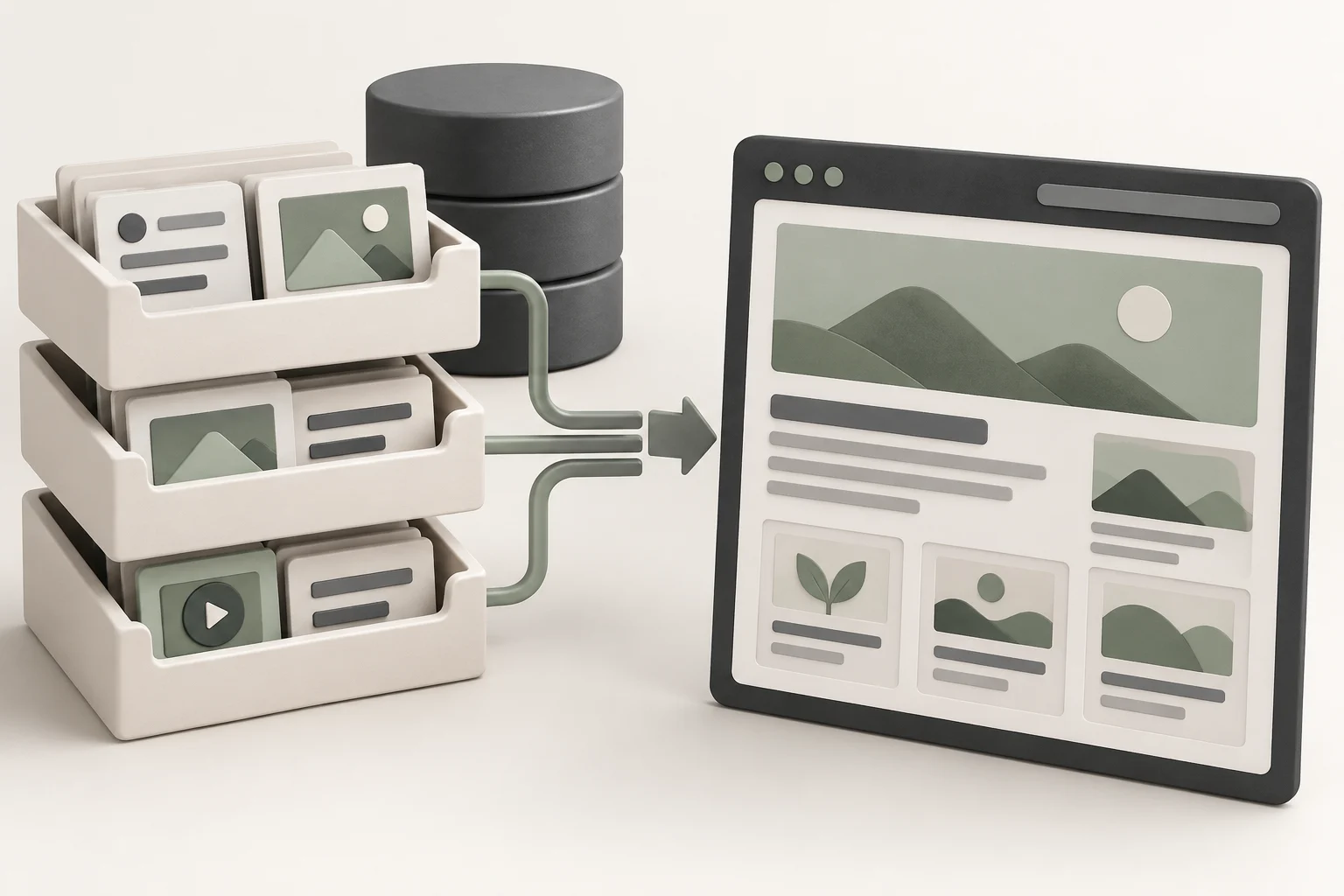
Build a WordPress website with AI by keeping content and business functions in WordPress, then using AI to help prepare pages, reusable layouts and frontend code. The important implementation choice is where the information lives. If your services and menus are only text inside generated code, ordinary editing becomes harder than it needs to be.
Our preferred route uses Hostinger for WordPress hosting and lets AI work on the presentation. Niwa can add customer assistance and support owner work on an existing WordPress site. Niwa Business can also handle a custom website or migration, hosting, maintenance and business-specific AI adaptation.
This guide focuses on the WordPress structure. The broader website setup guide covers domains, hosting and agent connection choices in more detail.
Install WordPress before designing around it
Start with a WordPress hosting plan that meets your actual requirements. Hostinger offers guided WordPress website setup and an Auto Installer route. Installation still involves account, website and administrator details. A convenient installer does not decide your content model or configure every business tool.
We use Hostinger ourselves and would not recommend a service we do not use. Our Hostinger referral link may earn us a referral reward. Compare the current introductory price, renewal cost and included features before committing to a plan.
Choose whether the first build will use a block theme and visual editing or a custom theme developed with an AI coding agent. A block theme is a practical choice when the owner wants to manage layouts through the Site Editor. A custom theme should still display editable WordPress content.
Decide which information belongs in which record
Write down the information you expect to change. A small service business might have pages for services, posts for articles, media attachments for photographs and a native menu for navigation. A store adds product and order records through WooCommerce. Booking requires a scheduling system with its own availability and reservation records.
Give the agent those distinctions before requesting designs. Tell it which content comes from saved WordPress records and which elements belong to a shared template. This reduces the risk of a visually finished page with a separate, uneditable copy of your information.
| Website element | Place to manage it |
|---|---|
| Service description | Editable page content |
| Article | WordPress post |
| Header and page framing | Theme template or template part |
| Repeated page section | Appropriate reusable block or pattern |
| Customer transaction | The configured business plugin |
These are implementation choices for this workflow. They do not mean every business needs a custom content type or a new plugin. Begin with the records already provided by the platform.
Build templates that display saved content
Use a real page as the first design sample. Include a long service name, a realistic paragraph, a photograph and a working call to action. Those materials reveal layout problems that short placeholder text hides.
The WordPress Site Editor supports shared styles and templates with a block theme. Keep a distinction between changes to one page and changes to a template used by many pages. Review the affected pages after a shared change.
When working with a coding agent, specify the same boundary: the template displays saved content instead of embedding the complete page text in its source. Ask it to use the existing theme’s conventions and explain any additional dependency before introducing it. An ordinary brochure site rarely needs an entirely new publishing system.
Build menus through native navigation. The Navigation block provides a maintainable route in compatible themes. Check that adding or renaming a page does not leave an old label or broken destination in the menu.
Let maintained plugins handle business functions
Choose the plugin for a business function before styling its screens. Configure a form, booking system or checkout with the real destinations and rules it needs. Then ask AI to help present that function consistently with the rest of the site.
A generated button that displays a success message is not enough. A form needs a delivered enquiry or saved record. A booking needs a reservation in the correct system. A purchase needs a valid payment and order workflow. Review those results through the platform that owns the records.
Reusing WordPress’s existing content and plugin functions reduces the backend work you need to develop and maintain. The agent can focus on the site’s presentation and the business-specific changes that remain.
Keep the plugin list focused. For each addition, identify what it does, who maintains it and whether an existing tool already covers the requirement.
Add Niwa to the working WordPress site
With Niwa installed, an intelligent agent can work with the site’s content and connected business tools. It uses information across the website for customer conversations, while an authorized owner can ask it to edit a saved page or product record. Try a precise task such as changing the consultation price on a named service page, then inspect the saved content and public page. Visitor chat does not grant permission to make that owner edit.
An AI-assisted build and an AI-powered visitor experience are separate decisions. You can create the website with an agent and still have no live assistant. You can also add Niwa to an existing site without rebuilding it.
The standalone Niwa plugin is the route for existing WordPress owners. Niwa Business is USD 150 and includes a custom WordPress website or migration, hosting, maintenance and AI adaptation. Send Niwa your current site and required functions to confirm scope and payment terms.
Check both the owner and visitor workflows
Before launch, edit a page, replace an image and change a menu item through WordPress. Verify each change on the public site. Then test the visitor’s enquiry, booking or purchase from a phone while logged out.
Use a staging environment for development and preserve a recovery copy before major changes. Review access and updates using the official WordPress hardening guidance. Hosting and established plugins provide useful infrastructure, but no platform makes security automatic.
Finish the handover with the location of editable content, the configured business tools and the person responsible for updates. A site that the owner can operate is a more useful result than a collection of generated pages that only its original builder understands.

