

How to Use AI to Find Missing Topics on My Website
Find useful content gaps with AI by comparing your pages, real customer questions and search data. Decide what to add, improve or leave out.
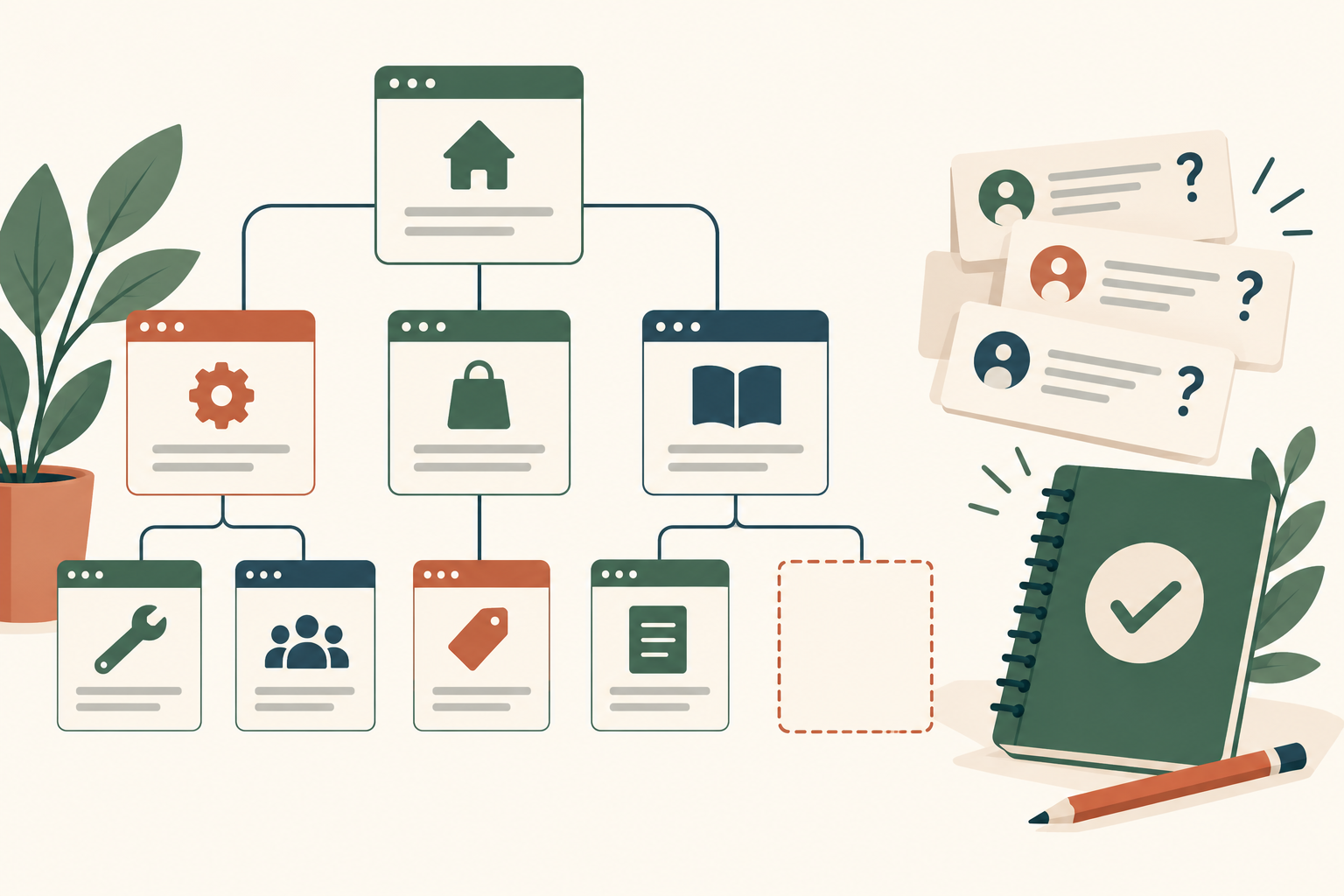
Give AI an inventory of your pages, accurate business information and real customer questions, then ask which important questions remain unanswered. Check each suggested gap against the website and evidence of demand. A topic missing from your site is worth adding only when it helps your audience and belongs to your business.
Niwa connects this exercise with ongoing WordPress content work. Customer questions can reveal where an explanation is unclear; the owner can use Niwa to update the relevant page or prepare a distinct article. A gap list should lead to useful answers, not a queue of loosely related titles.
Start with what your website already covers
Create a simple inventory containing each important URL, title, audience, purpose and main answer. Include service and product pages as well as articles. Titles alone can hide what a page actually explains, so review the content or supply a reliable summary.
Ask AI to identify the page it is using when it says a topic is already covered. If it cannot access the website, provide the content. Do not accept a missing-topic report built from an inaccessible URL and a guess.
An existing article may answer a question well while being difficult to find. That is a navigation or internal-linking problem, not necessarily a reason to publish another article.
Collect questions with a real origin
Use enquiries, recurring support questions and sales conversations the business is authorized to review. Remove personal details. Add Search Console queries and note the period, country and page filters used.
The Search Console Performance report describes queries where your site appeared. It will not reveal every topic you could cover, especially for a new website. A lack of query rows is not proof that nobody needs the answer.
Review relevant competing pages to understand the decision they help a reader make. Do not copy their structure or treat every topic they publish as a requirement for your own site.
Ask AI to explain each gap
Use a brief like this:
"Compare this website inventory with the supplied customer questions and query data. Identify important unanswered questions. For each, explain the customer need, cite its evidence, identify the closest existing page and recommend an update or a separate page. Flag speculative topics and ideas outside our actual services. Do not invent demand or search volume."
The useful output is a reasoned proposal. "Write about maintenance" is too vague. "Customers ask whether this surface can be used outdoors, and the product page does not explain the manufacturer's stated limits" gives you something to verify and act on.
Check whether the proposed answer can be supported. If the business has no evidence for a comparison or recommendation, research it properly or set the topic aside.
Decide between an addition and a new page
Add a short answer to an existing page when it belongs to the same decision. Create a separate article when the reader has a distinct task that deserves its own complete explanation.
A studio's service page may need clearer information about preparation for a first visit. A detailed guide to choosing between two service types may deserve a separate article, provided the distinction is real and the studio can explain it responsibly. These are illustrative editorial decisions, not validated search-volume findings.
Niwa's content cannibalization review describes checking page purpose before publication. Use the actual answers and visitor decisions to assess overlap, rather than relying on title similarity alone.
Prioritize what helps the business and reader
For each gap, record the evidence, business relevance, reader benefit, available expertise and destination page. Give priority to questions that repeatedly block a useful decision or leave your existing information incomplete.
The guide to turning visitor questions into a content backlog explains that connection between enquiries and page improvements. A question is a starting point for review, not proof that publishing its answer will generate sales.
Google's people-first content guidance also asks whether the site has a clear focus and whether readers leave satisfied. A broad list of unrelated subjects can work against that purpose even when an AI tool labels them opportunities.
Publish the chosen answer and check it
Supply the approved facts and destination page to Niwa's owner assistant. Review the draft, headings and relevant links. After the change, confirm the saved content and inspect the public page. Keep a change log so later performance reviews have context.
An AI-powered website can help with customer questions and owner work after launch. That ongoing role is different from using AI once to build the website. The content decisions still depend on the business's knowledge and the evidence you collect.
Existing WordPress owners can install the standalone Niwa plugin. Contact Niwa with your page inventory and the questions your customers keep asking. Start by fixing a real information gap before expanding the publishing plan.

