

How to Track Leads from Facebook Ads
Separate Facebook instant-form leads from website enquiries. Track accepted submissions, retain campaign sources and check which leads become customers.
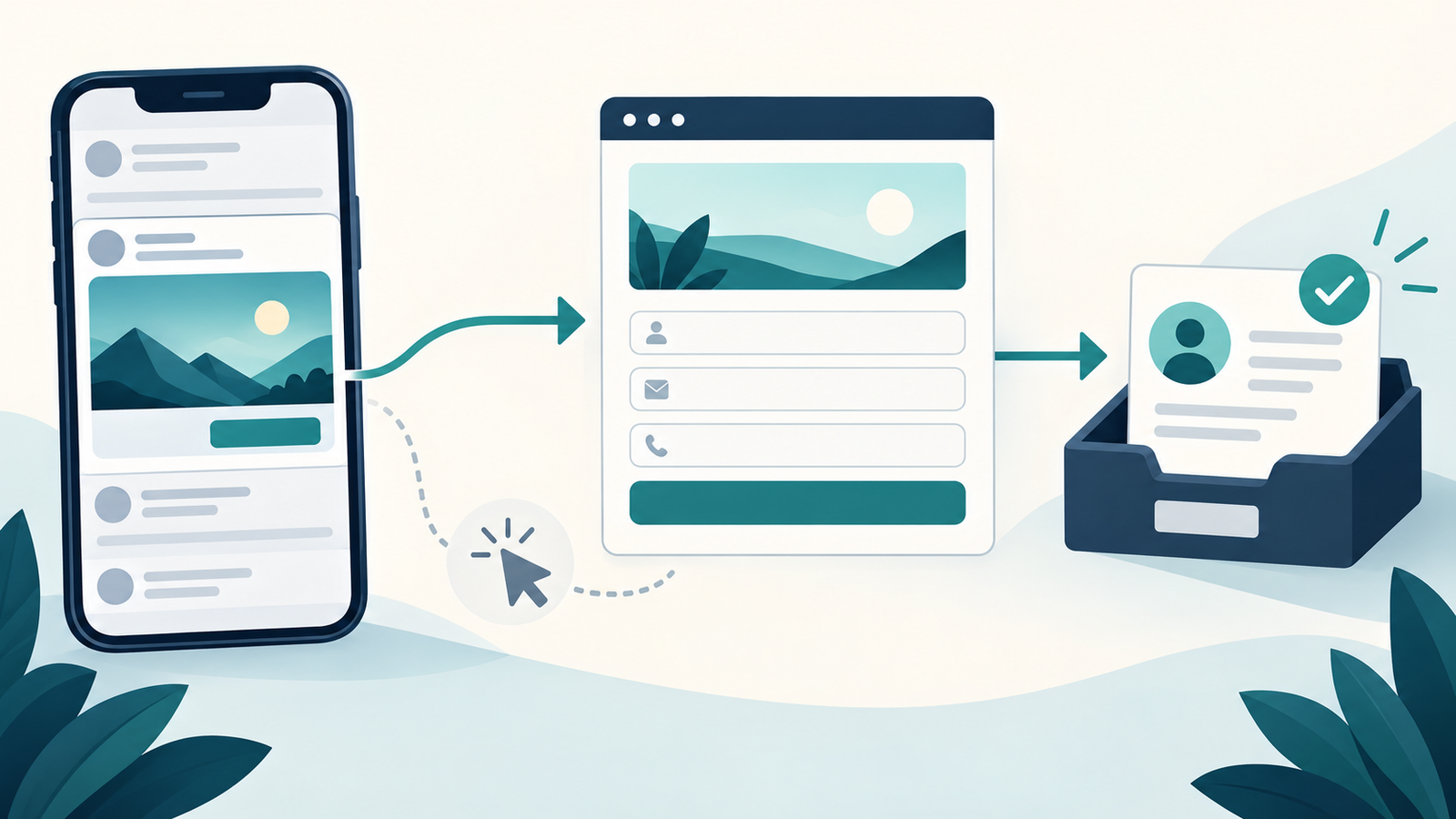
Track leads from Facebook ads by measuring accepted enquiries where they are submitted. For a website form, send a Lead event after the submission is saved. For a Facebook instant form, use Meta's native lead record and connect it to your customer follow-up process. Preserve campaign source information so you can compare lead counts with qualified enquiries and paying customers.
Start by checking where the ad sends people. The measurement route for an instant form inside Facebook differs from the route for a contact form on your WordPress site.
Niwa's website assistant can help a visitor understand your services before making an enquiry. Give that customer a clear next step and measure the accepted enquiry that follows. A conversation starting is useful context, but it is not automatically a lead.
Choose a definition your sales team can use
Decide what information makes an enquiry actionable. For a cleaning business, that might be a contact method, location and requested service. A software company might need the prospect's work email and the problem they want to discuss.
Keep submitted, qualified and sold leads separate. A valid submission can still be outside your service area or unsuitable for your offer. A qualified lead can still decide not to buy.
Meta's standard event reference includes Lead and Contact. Use your event consistently rather than labelling every chat opening, email-link click and completed form as the same result.
Follow the website-form route
For an ad linking to your website, connect the correct Meta data source through your existing tracking integration. Trigger the lead event from the form's successful submission result, after validation and storage.
A thank-you page can work when it is reached only after a successful enquiry. It becomes unreliable if people can open it directly, reload it repeatedly or reach it after a failed submission. An asynchronous form may never change the page URL, so a URL rule alone may miss its successful submissions.
Ask your form integration what its success signal means. An email notification alone may not establish that the lead is safely stored for later follow-up.
For a supported server connection, send the same saved lead through Conversions API. Reuse one event identifier between browser and server, following Meta's deduplication requirements.
Keep instant-form leads on their own route
If the ad opens a Facebook instant form, the form is hosted by Meta. A Pixel installed on your website cannot observe that submission simply because your business owns both destinations.
Use the lead records associated with that form and ad. Meta documents retrieving lead-ad submissions through supported tools and integrations. Ensure the people or connected system responsible for follow-up have the appropriate access.
Retain the native lead identifier and campaign context when importing a submission into your customer records. Importing it again should update or match the same record rather than create a second prospect. Do not also manufacture a website lead event for an instant-form submission unless you have deliberately implemented an appropriate separate measurement route.
Preserve the source without collecting unnecessary data
Add campaign parameters to website ad links, then save the relevant source labels with accepted submissions where your form supports it. A useful record can contain a lead ID, submission date, campaign identifier and follow-up status.
Keep customer names, emails and phone numbers out of URL parameters. Do not send the full enquiry text or conversation to Meta as an advertising event.
Check consent and privacy requirements for the visitors you serve. The ICO's cookie guidance explains the UK rules for device storage and access. Your tracking choice does not replace a clear explanation of how the business uses enquiry data.
Test one successful enquiry and one rejected form
Open Test Events in the correct Meta data source. Submit a controlled website enquiry using details that your team can identify as a test. Verify the saved lead, the Meta event and the source label.
Next, submit an invalid form. It should show the relevant validation error without sending another successful Lead event. Reload the confirmation screen and check that it does not create a fresh business enquiry or new lead event.
For instant forms, use the form or integration's testing tools and confirm that the test reaches the intended follow-up destination. Keep test records identifiable so the sales team does not mistake them for customers.
Compare acquisition with lead quality
Create a simple weekly comparison: submitted leads, contactable leads, qualified leads and paying customers. Keep one row per saved enquiry, using its stable ID.
For example, a campaign might produce 20 submissions, of which 12 fit your service area and three become customers. Those are illustrative numbers, not a Niwa result. The distinction matters because a cheap submission can be expensive when most enquiries cannot buy.
Ads Manager's attributed lead count may differ from your submission count because of attribution settings, consent, reporting delay or an incorrect event trigger. First confirm that the form creates one real record per success. Then investigate the advertising report.
Help the enquiry reach a useful next step
Niwa can answer service questions using your website information and guide visitors toward the relevant enquiry or website booking flow. Keep prices, service areas and booking options accurate so the conversation helps customers make an informed request.
An AI-built website uses AI in development. An AI-powered website continues helping customers after launch. Measure the submitted enquiry and its commercial outcome to understand that ongoing work.
Niwa Business is USD 150 for a custom WordPress website or migration, hosting, maintenance and business-specific AI adaptation. Existing WordPress owners can install the standalone Niwa plugin. Contact Niwa with your current form, ad destination and lead definition to discuss the customer workflow you need.

