

How to Redesign an Existing Website with AI
Use AI to improve your current site's layout and content. Preserve the pages and business processes that already work, then test the redesigned site.
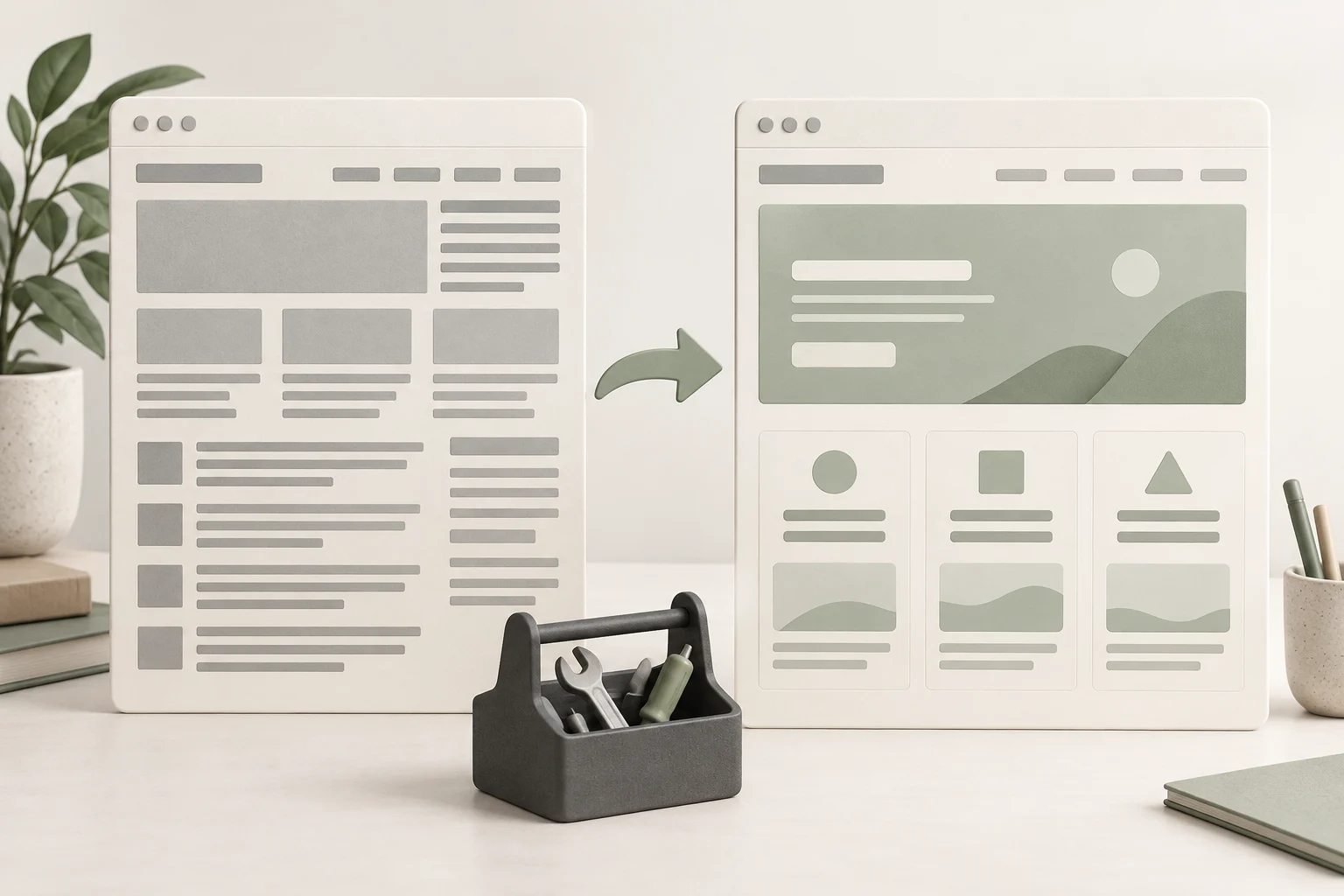
Redesign an existing website with AI by auditing the current pages and customer workflows, building the proposed changes on staging and checking them before release. Keep the information and functions that already serve the business. Decide explicitly which layouts, content and URLs need to change.
For a WordPress site, AI can help revise the presentation while the existing backend continues to manage content and business records. Niwa can add customer assistance to that existing site through its standalone plugin. A redesign is not a requirement for using it.
Start with a concrete problem, such as a confusing service page or an enquiry form that is hard to use on a phone. That gives the redesign a purpose and a way to evaluate the result.
Record what the current site does
List the important pages, their addresses and the actions customers complete. Include contact forms, appointments, purchases, account access and any other process the business uses. Record where the resulting data is stored and who receives it.
Use the site’s own analytics, customer questions and staff experience to identify problems. A page that looks dated may still answer a useful question or receive valuable enquiries. Preserve that evidence when deciding what to rewrite.
For a service business, follow one real journey from a service page to the contact form. Note confusing wording, hidden buttons or missing information. Keep the observations specific. An instruction to make the site modern gives an agent far less useful direction than a description of where visitors get stuck.
Inventory the theme, plugins and editable content. On WordPress, distinguish information in page records from content embedded in the theme. The WordPress and AI setup guide explains why keeping business content editable is useful for ongoing work.
Give AI a bounded redesign brief
Provide the agent with the current page, approved business facts, brand materials and the problem you want to solve. Ask for a proposed layout and an explanation of how it addresses that problem.
Specify what the change must preserve: service information, page address, working form destination and existing customer records. Identify the parts it may change, such as spacing, hierarchy, image placement or wording that you have approved for revision.
Review one representative page first. A long service description or a product with multiple options exposes more layout issues than a minimal homepage mockup. Check the design with your actual content before adopting it across the site.
Ask the owner to approve changes to service scope and promises separately from visual changes. An AI rewrite can sound more persuasive while quietly changing what the business offers. Correctness belongs in the brief, not only in a final proofreading pass.
Implement the design on staging
Make a recovery copy and work in a staging environment. Decide how the finished design will be deployed without overwriting new orders, reservations or enquiries received on production during development.
With a block theme, the WordPress Site Editor supports shared templates and styles. Changes to shared elements should be checked on all relevant page types. A header that fits the homepage may fail on a long article title or a translated menu.
If an AI coding agent modifies the theme, keep the scope focused on the approved redesign. Require it to use the existing content and business integrations. Review proposed plugin replacements or backend changes as separate decisions because they may affect more than presentation.
Update navigation through the appropriate native controls. WordPress’s Navigation block provides that route in compatible themes. Test saved menu destinations and labels after the new layout is applied.
Preserve addresses and handle deliberate URL changes
Keep useful page addresses when the redesign does not require changing them. Record any planned URL changes and map each old page to the appropriate new destination. A visually similar replacement should still answer the reason people visited the old page.
For changes involving URLs, Google’s site-move guidance recommends a mapping, appropriate permanent redirects, updated internal links and updated search annotations. Redirect visitors directly to the relevant final page rather than collecting unrelated old pages at the homepage.
Review the resulting canonical addresses and sitemap. Remove staging-only indexing restrictions from pages intended to be public at release, while keeping staging itself protected appropriately. Check that menus and body links point to the live addresses.
Those checks reduce avoidable errors, but a redesign or URL change does not carry a ranking guarantee. Monitor the actual published site after release instead of treating a generated SEO checklist as evidence that search visibility is preserved.
Retest customer functions in the redesigned pages
Run the existing enquiry, booking or purchase workflow with the new presentation. Check the final saved result as well as the screen the visitor sees. Review validation messages, notifications and any links in customer messages.
Try the public layout on a phone while logged out. Check text readability, menus, touch targets and whether floating elements obscure the action the customer needs. Test the actual longest headings and real images.
Then perform ordinary owner edits. Change a page paragraph, a photograph and a menu label through the intended controls. The redesign should leave a clear way to maintain those elements.
Use WordPress’s hardening guidance when reviewing software updates and access. AI-assisted frontend changes still require an ordinary maintenance and recovery process.
Update the information used by customer assistance
Use Niwa on the existing WordPress site to connect the redesign with everyday operations. Its intelligent agent uses business context across your pages and connected records. An authorized owner can ask it to replace the description of a named service with approved copy, then verify the saved page. After the redesign, ask Niwa about that service as a customer and continue to an appointment through the connected booking workflow. This checks both the revised information and the action it supports.
Existing WordPress owners can add the standalone Niwa plugin to their current site. Niwa Business is USD 150 and includes a custom WordPress website or migration, hosting, maintenance and AI adaptation. Send Niwa your existing website and the problems you want to resolve to confirm the appropriate scope and payment terms.
Keep a short release record with the changes, checked customer workflows and recovery procedure. Review the public pages after deployment. That final check establishes whether the redesigned site works where customers actually use it.

