

Can I Keep My Website Design When Moving to WordPress?
Keep your site's recognizable design when moving to WordPress. Learn what transfers, what must be recreated and how to review layouts and customer features.
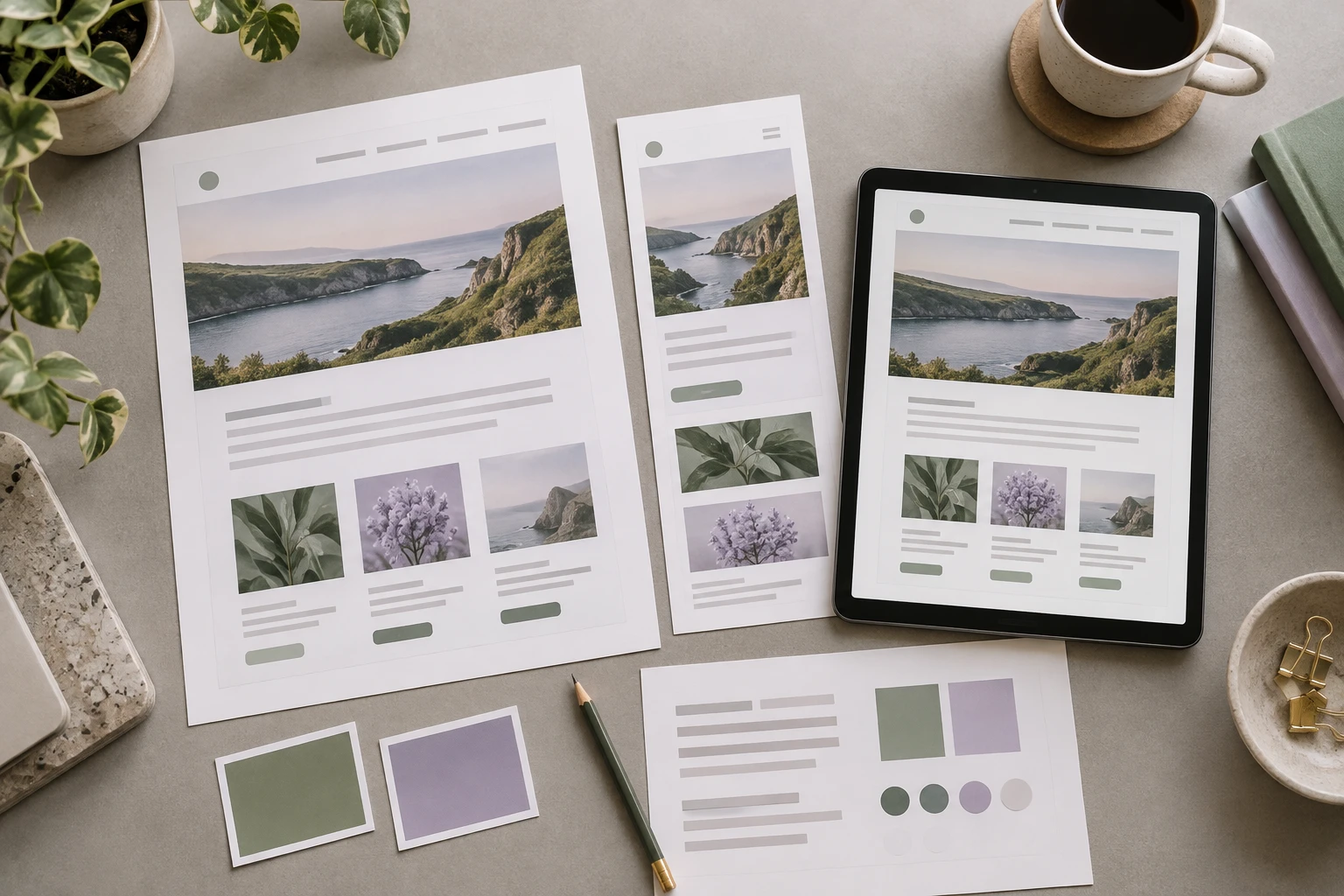
You can often keep the recognizable look of your website when moving to WordPress, but the method depends on its current platform. An existing WordPress site's theme may transfer with the installation. Another builder's design usually needs to be recreated in a WordPress theme or page layout rather than imported as a finished design.
Tell Niwa which parts of the current design matter before the migration begins. A few representative pages and mobile examples are more useful than an instruction to make everything look similar. Share your design and migration requirements so the scope can distinguish transferred content from recreated layouts.
Separate the appearance from the files behind it
A design has visible parts, such as typography, spacing, colors and images. It also has a technical implementation: templates, styles, scripts and platform components.
Two sites can look similar while using different implementations. The aim of a cross-platform rebuild is to reproduce the relevant experience with maintainable WordPress components, not to make another platform's proprietary project file run inside WordPress.
WordPress.com's import documentation says that content imported from other platforms does not bring the old design with it. That limitation describes the import process; it does not prevent a designer or developer from recreating the approved appearance.
Ask what the migration method actually transfers. A content export and a complete WordPress installation are different starting points.
Define what must remain recognizable
Choose reference pages that represent the site's different layouts. Include the homepage, a service or product page, a content page and any important booking, cart or account screen.
For each reference, identify what should stay: the header arrangement, logo use, typography, image treatment, section order or a particular customer interaction. Identify unwanted behavior too. A mobile menu that already frustrates customers should not be preserved simply because it is part of the old site.
Save desktop and mobile references at known viewport sizes. A full-page desktop image does not explain how the navigation collapses or how product options work on a phone.
Keep approved assets together and confirm you can reuse them. Obtain the actual logo, images and licensed font files where appropriate. Recreating a layout from low-resolution screenshots can introduce avoidable quality problems.
Choose the WordPress approach around the design
For an existing WordPress site, investigate the theme and plugin dependencies before copying. Custom templates, child-theme changes and builder settings may all contribute to the visible result. The WordPress migration guide covers transferring an installation, rather than just its visible text.
For another platform, a suitable WordPress theme may cover much of the layout, with specific customization for the differences. A custom theme or more extensive page work may be appropriate when the current design has unusual behavior or strict brand requirements.
Do not select the implementation only from the homepage. It needs to handle all recurring page types and let the owner maintain them. A visually close page that is difficult to edit can create another rebuild problem later.
An AI-assisted website build can help produce layouts or code, but its output still needs design review and functional testing.
Review behavior as well as appearance
Compare the rebuilt pages at the same viewport sizes as the references. Inspect content width, heading scale, image crop, spacing and button placement. Check whether long titles, translations and real product descriptions fit without breaking the layout.
Try the actions customers complete. Does the mobile menu open and close properly? Can a visitor reach the enquiry form? Are required product options understandable? Does a booking action lead to the intended reservation flow?
Use keyboard navigation and check that important controls have understandable names. Review text contrast and readability rather than assuming a familiar color palette is sufficient.
Keep each difference in a review list with an agreed decision. Some differences are defects; others may be deliberate improvements required by the new platform or the owner's current goals. Labeling the decision prevents later rounds from undoing useful work.
Preserve the business details around the design
Design approval does not replace URL, content or service checks. If a familiar-looking page has moved to a different path, existing links still need attention. You can retain the domain while separately reviewing page addresses and redirects.
Make sure the actual service information, contact details, catalogue and form destinations are current. A convincing visual copy with outdated information is not a finished migration.
Prepare and review on a separate environment before switching the public domain. The WordPress.com staging guide explains the separate-copy approach; your host may provide a different mechanism.
For an active store, a design copy created earlier also needs a plan for current orders and customer records at launch. Do not overwrite newer business activity just to apply a reviewed layout.
Decide where to keep the design and where to improve it
Niwa Business includes a custom WordPress website or migration, hosting, maintenance and AI adaptation for USD 150. Describe the design requirements in the proposal so a content move is not mistaken for an agreed recreation of every screen.
After launch, useful AI customer workflows are a separate choice from how the site was built. You can add the standalone Niwa plugin to an existing WordPress site; a new design is not required just to use it.
Send the current website, representative pages and the details you want retained. With those references, the migration can preserve the familiar parts while making deliberate improvements where the business needs them.

