

Why Are People Adding Products to the Cart but Not Buying?
A cart can be a shopping list, a price check or a buying attempt. Diagnose what happens next before treating every unfinished cart as a lost sale.
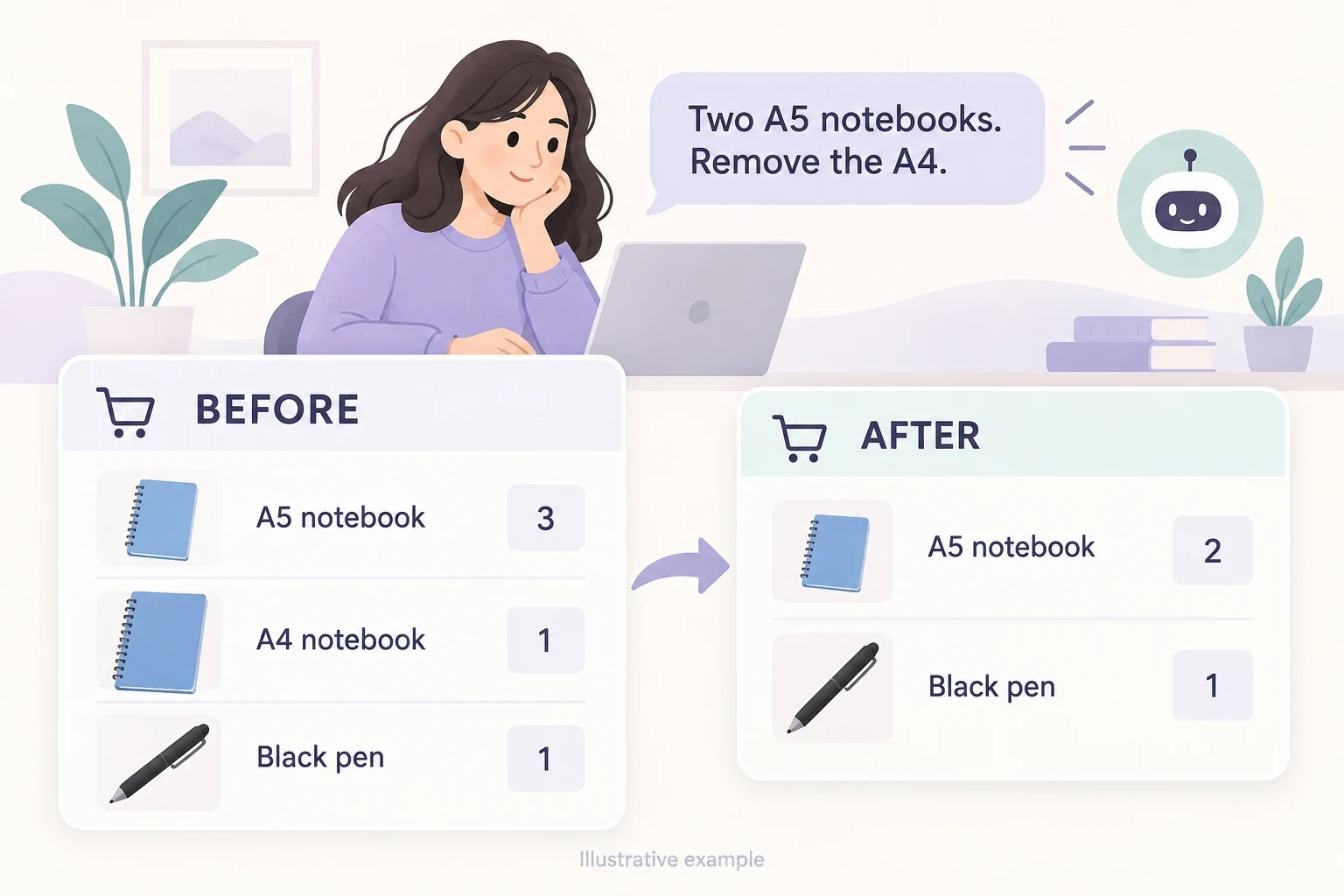
People add products to the cart without buying because they are saving options, checking the full cost, waiting to decide or encountering a problem before payment. The cart addition shows interest in an item. It does not tell you which of those reasons applies.
First check whether these shoppers proceed to checkout at all. A cart-to-checkout problem calls for different evidence from a failed payment after checkout has started.
Niwa's storefront assistant helps shoppers resolve product questions before checkout. It uses your catalog and business information to compare options, choose an available variant and change cart items or quantities through the conversation.
A cart is often part of the decision
Shoppers can use a cart to gather possibilities or find out what delivery costs. They may be comparing another retailer, planning a gift or waiting for someone else to approve the choice. Baymard's abandonment research includes browsing without readiness to buy as a reported reason.
This matters because a store can make the cart easier to use while still having unfinished carts. The practical goal is to remove avoidable obstacles for interested buyers, rather than assume every cart is a promised order.
Check how the figures are counted. Several add-to-cart events can belong to one person adjusting a selection. Do not call them several abandoned customers without a matching definition and reliable records.
Find what the shopper sees after adding the item
Open the cart as a new customer. Inspect the exact variant, quantity, price and route to checkout. Change a quantity and remove an item. Refresh the page and confirm that the visible result still matches the choice.
Look for a delayed confirmation, a cart icon that never updates, a button hidden behind a mobile overlay or a variant added differently from what the customer selected. These are observable failures and deserve repair before a new promotion.
The WooCommerce cart guidance describes supported conversational cart changes. The same principle applies to ordinary cart controls: the customer needs to see which item changed and what remains.
Reveal the total while the decision is still open
Compare the product-page price with the amount the cart and checkout show. Investigate delivery fees, taxes where applicable, minimum orders and any discount conditions. Explain what is included before the final payment step.
If the shopper must enter an address to calculate a specific delivery charge, make that requirement clear. Use an accurate estimate or policy where appropriate, rather than showing a misleading low total.
Suppose a customer adds an inexpensive replacement part and discovers that delivery is a large share of the final cost. That delivery charge can change the buying decision. A prettier checkout button does not change the calculation.
An assistant can explain your published delivery policy, but it should not promise a delivery price or date that the store cannot confirm. The displayed checkout calculation remains the source for the payable total.
Investigate the product doubt that survived the page
An item in the cart may still be the wrong size, an uncertain fit or an incomplete solution. Check whether the page and the cart make the selected option obvious. Review genuine enquiries about compatibility, materials, dimensions and returns.
Use Niwa with current product descriptions, variant stock and business policies. A shopper might ask whether two models differ in an important feature. The assistant can explain documented differences and direct the person to the relevant choice. When a specification is missing, the appropriate next step is clarification from the business.
If the same question recurs, add the answer to the product page after verifying it. Customers should not have to open a chat merely to discover a basic product fact.
Separate cart exits from checkout failures
Where reliable events exist, compare carts that reach checkout with those that do not. GA4 funnel exploration supports defined journey steps. Keep your counting method consistent and reconcile purchases with store records.
If checkout starts are scarce, inspect the cart route, total and readiness to buy. If checkout starts are healthy but paid orders disappear, inspect address validation, shipping availability and payment handling in checkout.
A merchant in a Shopify Community discussion describes cart activity without purchases. That anecdote explains the symptom; it does not establish that your store has the same cause.
For low-volume stores, review individual reproducible paths rather than treating a few unfinished carts as a stable market pattern.
Avoid discounts as the first explanation
A discount can change the delivered value, but it cannot repair a broken cart or make an incompatible product suitable. Check the actual obstacle before giving away margin.
If you decide to use an offer, make the conditions and expiry real. Customers should be able to decline it and continue normally. For follow-up messages, use an appropriate channel and permission, rather than assume that entering a number authorizes marketing.
Existing WordPress owners can install the standalone plugin, while Niwa Business is USD 150 for a custom WordPress site or migration, hosting, maintenance and AI adaptation. Describe your cart-to-checkout problem to Niwa with the product, device and step you can reproduce.

