

Can AI Help Patients Choose an Appointment Type?
Niwa explains clinic-defined appointment options and books available visits on your website or WhatsApp. Keep medical assessment with the clinical team.
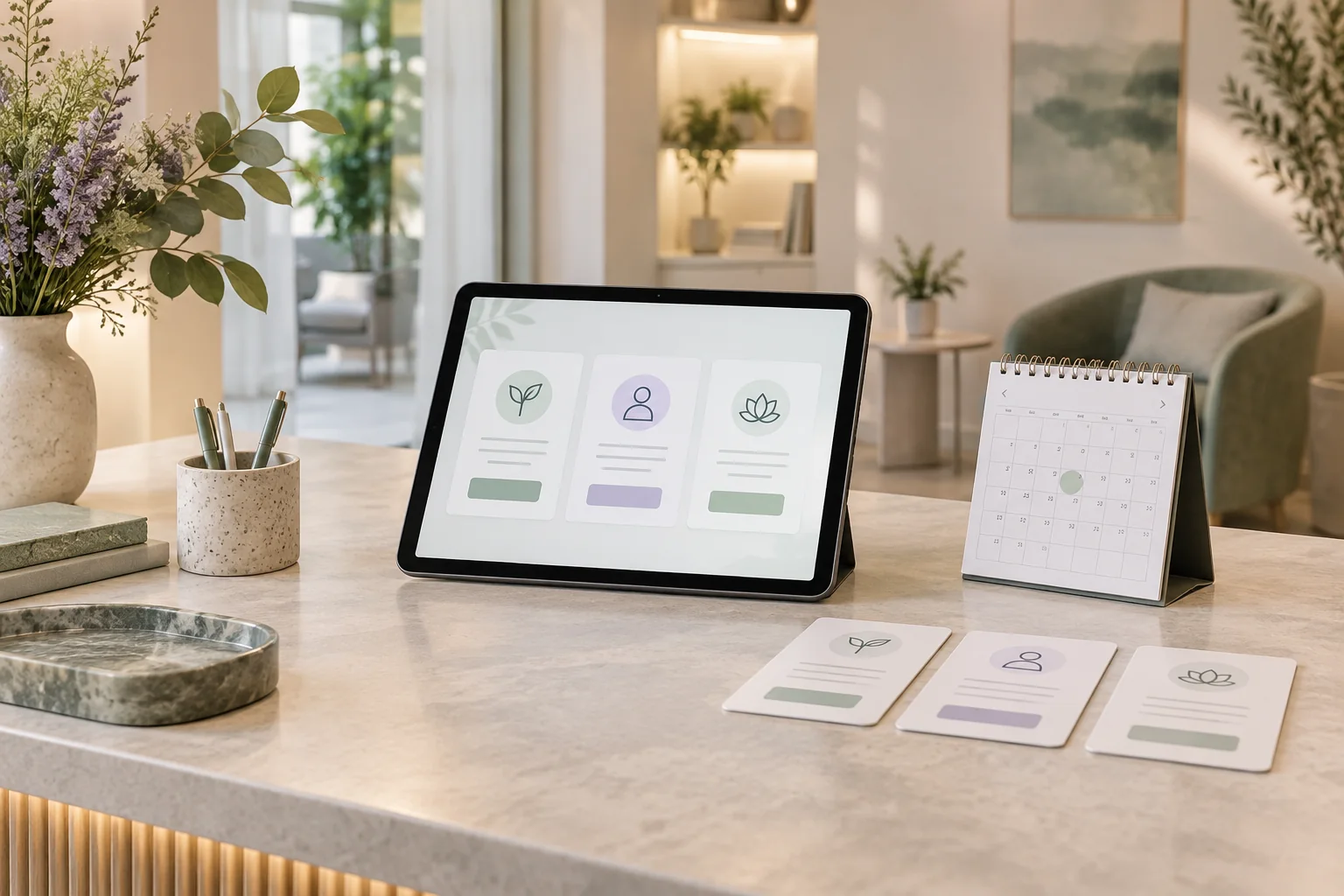
AI can help patients understand the appointment types your clinic has defined. It can explain the difference between a first visit and a follow-up, describe the published format and duration, and show the next booking step. Deciding which treatment someone needs or how urgently they need care requires the practice's clinical process.
Niwa's booking assistant uses the service information you provide to explain options before a patient selects a time. The clinic should decide which choices patients may make themselves and which need staff review.
Separate an administrative choice from a medical decision
Some questions are about a visit the patient already understands: whether an existing follow-up is online or in person, whether a named provider offers it, or which location hosts it. Accurate published information can answer those questions.
Other questions ask the clinic to assess a condition, recommend a treatment or determine urgency. Rephrasing them as a choice of appointment does not make them administrative. The assistant should offer the approved human contact route rather than selecting a clinical service on the patient's behalf.
A clear boundary helps the patient make progress. They receive the explanation they need when the choice is straightforward, and know who can help when it is not.
Describe each bookable option in patient language
For every service the clinic allows people to book online, write a short description covering its purpose, expected format, location, duration and who may select it. Use eligibility statements approved by the practice.
A first-visit description might explain that it is for people new to the practice. A follow-up could be limited to people instructed by their clinician to arrange another visit. These are examples of administrative wording; your clinical team must decide the actual definitions.
Avoid a menu filled with unexplained abbreviations. Internal billing codes may be necessary in the practice system but do not tell a patient what to book. Maintain one public description for each option and keep it consistent with the booking screen.
Give Niwa the reviewed descriptions and staff route
On an existing WordPress website, install the standalone plugin using the Niwa setup guide. Supply the approved service information and visitor-facing instructions. Include the route for patients who do not fit a self-booking option.
Configure eligible team members and their availability separately from the explanation. A service offered by one clinician should not appear as available with everyone at the practice. The scheduler's service model needs to agree with what the assistant describes.
Do not give the assistant permission to create new clinical categories whenever a patient asks a different question. New service definitions should come from the clinic's owner or clinical lead through its normal review process.
Use clarification only when it helps the booking task
An assistant can ask whether the patient is booking the first visit described on the page or arranging a follow-up already requested by the practice. That clarification relates to an existing service definition.
It should not request a symptom history to infer which treatment is appropriate. If the answer depends on clinical assessment, provide the practice's reviewed contact route. For example, a patient unsure whether a recent change needs a routine follow-up can speak to staff through that route.
Ask one useful administrative question at a time. Avoid making the patient complete a long intake conversation just to find the service menu.
Walk through a routine example
Consider a fictional clinic with an Initial consultation and a Follow-up appointment. Its published policy says new patients book the initial consultation; follow-ups are arranged after the clinician asks the patient to return.
A patient says they are new to the clinic and asks what the initial visit involves. Niwa explains the clinic's description, published fee and location, then offers eligible appointment times. The patient chooses a time and supplies the required contact details; Niwa records the reservation in the connected schedule.
The patient can complete that booking on the website or directly in a WhatsApp conversation. Niwa uses the same approved service information to explain the choice and perform the booking action. If the patient asks which treatment would improve their condition, the appropriate next step is the clinic's staff process.
Keep patients who cannot choose out of a guessing loop
Make the human route visible next to the service choices. State when that team responds and what contact method to use. A patient should not be forced to pick an unsuitable service simply to reach reception.
If you already use an external scheduler, use its current appointment definitions. Cliniko's online-booking guidance illustrates the need to align appointment types with the practitioners allocated to them. Linking to that scheduler does not connect its records to Niwa automatically.
For requests requiring approval, label the action as a request. Keep clinical assessment and scheduling status clear enough that the patient knows what happens next.
Check the explanations before launch
Test a new patient, a returning patient with an existing instruction, a patient who does not understand a label and someone asking for a clinical recommendation. Include a service unavailable online and a location without the requested provider.
Compare the answers with the approved descriptions. Verify that the assistant asks only necessary administrative clarification, provides a staff route for assessment and does not invent fees, eligibility or attendance instructions.
Repeat the test after a service changes. A correct explanation last month is not evidence that the present menu is still accurate.
Start with the choices your clinic already supports
Bring your service list and the wording reception uses to explain it. An existing WordPress website can use the standalone Niwa plugin. Niwa Business provides a custom site or migration, hosting, maintenance and clinic-specific AI adaptation for USD 150; the proposal defines the scope and billing terms.
Discuss your clinic's appointment options before adding more choices to the public booking menu.

