

How to Automate Patient Enquiries at a Clinic
Let Niwa answer routine clinic enquiries using your website's information and book appointments on the site or WhatsApp. Configure services and staff routes.
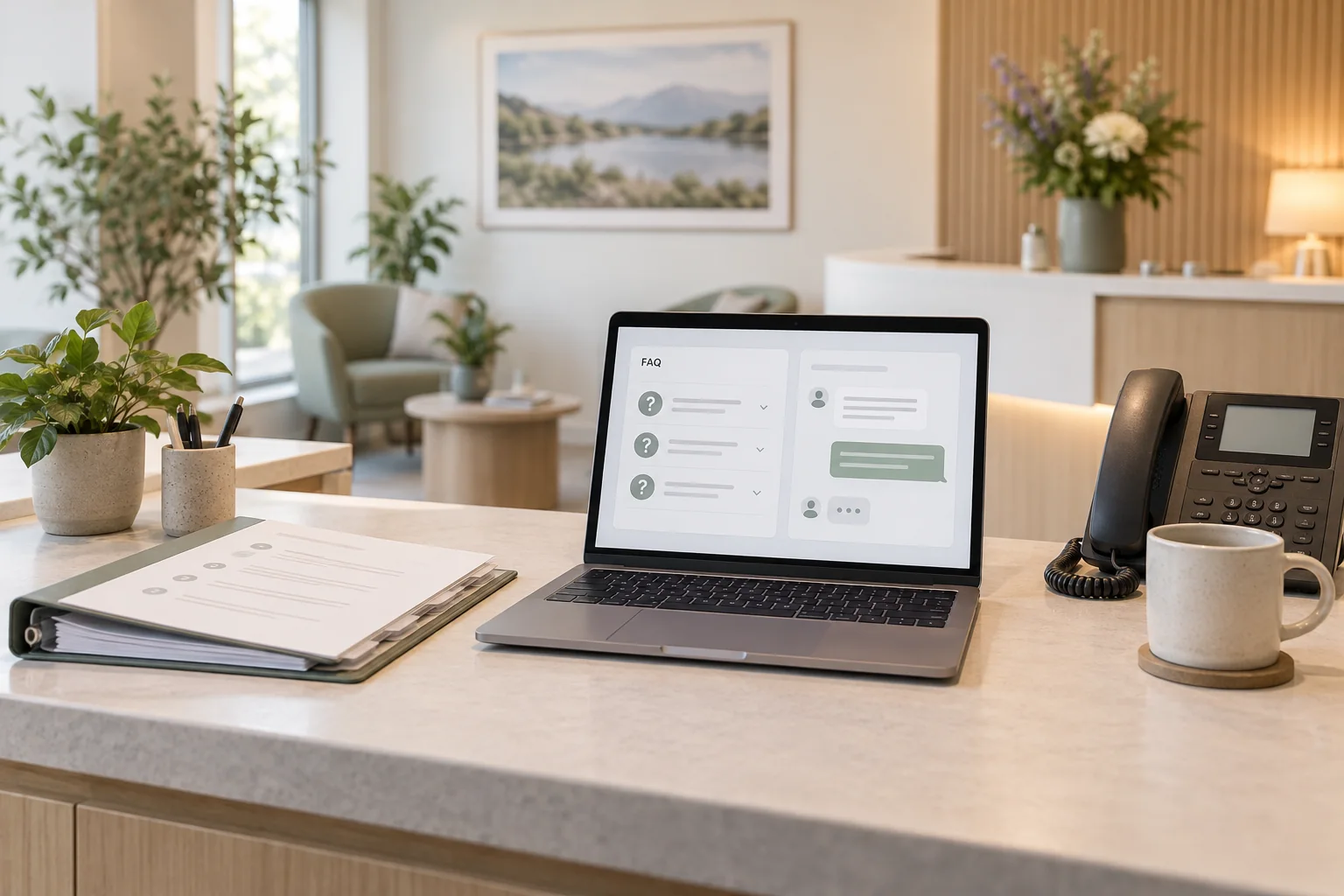
Automate patient enquiries by giving Niwa accurate clinic information and the actions needed to resolve routine administrative questions. It can explain hours, directions and published fees, then book an available appointment on your website or WhatsApp. Keep questions needing an individual medical assessment with the clinical team.
Niwa's website assistant uses your website's business context to answer those questions. The same agent can complete the booking in a patient conversation, so reception receives an appointment record rather than another message asking how to arrange one.
Select the enquiries worth automating
Review the recurring administrative tasks reception handles. Use de-identified notes or staff recollection rather than uploading a patient message archive into a new tool. Look for questions with an answer the clinic can publish and maintain.
For example, a location question can lead to the correct address and entrance directions. A query about a published first-visit fee can lead to the service page. A patient who already knows which approved service they need can reach the booking flow.
Start with one location and a manageable set of services. This makes missing information easier to find. Do not begin by promising that every patient message will be resolved automatically.
Create an approved information set
Gather the relevant pages and instructions: current opening hours, location details, service descriptions, published fees, booking rules and cancellation policy. Record who owns each source and when it was reviewed.
Resolve conflicting information before configuring the assistant. If the contact page says Friday reception ends at 5 p.m. and an old PDF says 6 p.m., the model should not have to choose between them. Remove obsolete public instructions or update the source that patients still use.
Keep clinical records and patient lists separate. An information set for public enquiries should contain the facts the clinic intends patients to see.
Configure the patient-facing assistant
Follow Niwa's WordPress installation guide to install the standalone plugin, activate it and connect a supported AI account. Configure the public widget separately from private owner administration.
In the visitor-facing rules, describe the clinic, approved services, FAQ, contact hours and staff handoff route. State that the assistant should explain public administrative information and direct individual clinical questions to the practice's approved contact process.
Check indexing after changing the source pages. Then open the website as a visitor and ask about a real published service. A successful administrator conversation does not establish how the patient-facing assistant behaves.
Connect answers to the right action
Connect each answer to the action the patient needs. For directions, provide the correct location page. For routine appointments, configure Niwa booking with the clinic's services and schedule so the agent can offer times and save the chosen visit. If the practice uses a separate scheduler, provide its booking route. For a question reception must check, show the monitored contact and response hours.
Consider a fictional patient asking whether a new-patient visit is available at the north location. Niwa can explain the published service, check eligible appointment times and record the patient's chosen visit with the required contact details. Staff can then find the appointment in the configured schedule.
That conversation can happen on the website or directly on WhatsApp, using the same clinic information and connected booking workflow. If the clinic uses a staff-approved request process, describe the submission as a request until staff confirm it.
Make staff handling usable
Choose who owns enquiries that cannot be answered from public information. A general reception email may be suitable for a scheduling query; a practice's approved clinical-contact system may be needed for a medical question. Publish the route patients can actually use.
Do not imply that showing a contact link creates a staff ticket or guarantees an automatic transfer. Test any configured delivery mechanism separately. Explain what the patient should do if the expected reply does not arrive.
For urgent concerns, use the clinic's approved local urgent-care directions. Staff availability and the availability of the website are different facts.
Keep collection proportionate to the task
Someone asking about parking does not need to supply a name, phone number and medical history before receiving directions. Request contact information only when it is needed for the next action.
A person may disclose health information even when the assistant does not ask for it. Review retained conversations, summaries, staff access and the connected provider as part of setup. Use the clinic's approved intake route for clinical details.
Keep patient instructions short and specific to the detail being requested and the next action.
Test answers, exceptions and follow-through
Build a small acceptance set from the clinic's real administrative tasks. Include a normal service question, a holiday exception, a fee not yet published, an unclear appointment type and a question requiring clinical staff.
For each test, record the source used, the answer given and the next step offered. Check that an unknown price is not invented and that the assistant does not turn a description of symptoms into a treatment recommendation.
Complete an authorised booking test on the website and through the connected patient messaging account. Inspect the saved appointment and any enabled confirmation. Check external booking links and staff-contact destinations where those routes are used.
Review the work reception still has to do
After a controlled launch, examine unresolved administrative questions and avoid collecting unnecessary patient detail in the review log. Repeated confusion about a fee or entrance may indicate a page that needs correcting.
Compare completion of the intended tasks, not just chat volume. Count a recorded appointment as a booking, a message awaiting staff as an open enquiry and an answered FAQ as information provided. None of those automatically proves a completed visit or a reduction in staff time.
Plan a bounded implementation
The standalone Niwa plugin can work on your existing WordPress website. If the site itself needs replacing, Niwa Business includes a custom WordPress site or migration, hosting, maintenance and adapted AI tools for USD 150, with scope and billing terms set in the proposal.
Discuss automating your clinic's routine enquiries. Bring a short list of recurring administrative questions and the staff route you already use for exceptions.

