

How to Book Property Viewings Through Your Website
Set up Niwa website booking for property viewings with agent availability, clear property references and an access check before a viewing is confirmed.
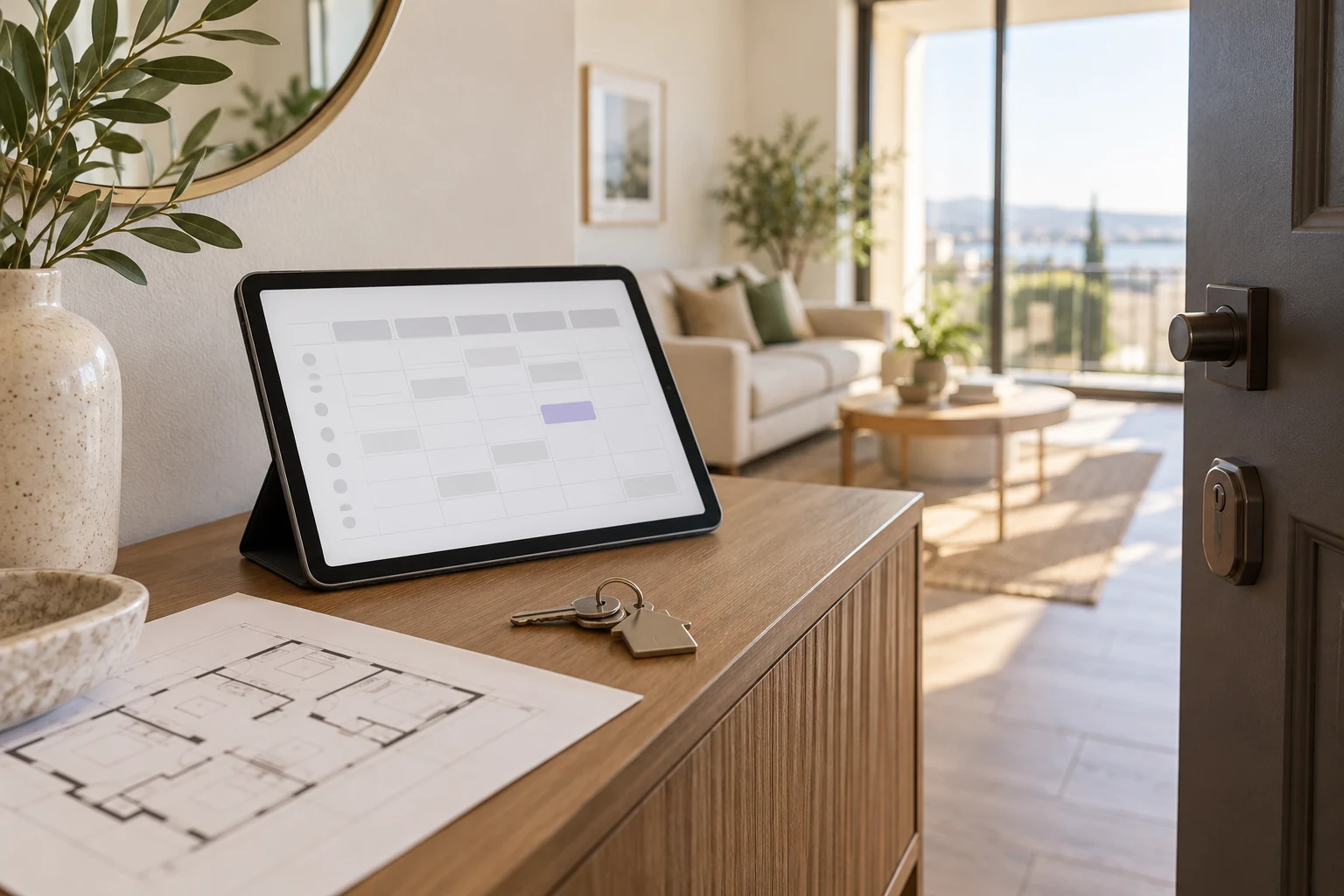
To book property viewings through your website, create a viewing service, assign the agents who can deliver it and set their availability. Connect the booking page to the property enquiry so the team knows which home the buyer wants to see. Niwa can answer initial questions and guide the buyer to the website, where they choose an available time and complete the booking. Confirm that property access is arranged before presenting the appointment as a confirmed viewing.
This setup solves a scheduling task. It still needs your agency's decisions about seller permission, keys, travel and the person responsible for each appointment.
Choose which viewings can be booked immediately
Begin with properties where you can reliably offer access during the published times. A vacant apartment with agency-held keys may be straightforward. An occupied home requiring the seller's agreement needs a request and an agent confirmation unless access has already been arranged.
Make that distinction visible to the buyer. "Request a viewing" and "Book a confirmed viewing" describe different outcomes. Use the request route for properties you cannot yet promise, rather than accepting a reservation that your team may have to undo.
The Niwa booking agent provides the website scheduling route. Property access belongs in your operational setup, not in a guess by the assistant.
Configure the service and staff availability
Define a viewing service with an appropriate appointment length. Add the agents who handle it, their working hours and the timezone. Include enough room in their schedules for travel and preparation. If the configured scheduling rules do not account for travel between properties, reserve that time in the staff availability you expose.
Review absences and exceptions before opening slots. Confirm whether an external calendar is part of this installation and test its connection if you use one. Niwa's setup handbook distinguishes local booking from optional Google Calendar sync. Do not assume a calendar connection merely because bookings work locally.
Keep the property reference attached to the appointment
A service named "Property viewing" does not tell the agent which home is involved. Require a stable listing reference or public property link in the intake associated with the viewing. Check how that information reaches the appointment and team notification in your actual setup.
When sending someone from a listing page to booking, make the property context visible. If the link does not carry it automatically, ask the buyer to provide the reference explicitly. Do not let the assistant promise that context has been transferred until you have tested it end to end.
The agent should be able to open the appointment and identify the property without searching through several conversations.
Explain what the buyer will do on the website
The buyer opens the booking page, sees available appointments and selects a suitable time. They provide the required contact details and complete the reservation. Show the selected date, time, timezone and viewing instructions in the resulting confirmation.
For a WhatsApp enquiry, Niwa answers the buyer's questions, offers available viewing times and saves the chosen appointment directly in the conversation. The website booking page remains another way to select a time. In either route, confirm that the appointment is saved before telling the buyer their viewing is booked.
Keep directions and key-access notes practical. Never include private access codes in a public listing or general assistant answer.
Test both a successful booking and a blocked one
Use an agency-controlled contact for testing. Choose a permitted property and book an available slot. Read back the saved appointment and check the agent, date, property reference and contact details. Confirm the assigned team receives the notification through the configured route.
Then try an unavailable time. In two separate browser sessions, attempt to select the same appointment and verify that the system does not accept conflicting reservations. Review what happens when required contact details are omitted and when the buyer leaves before completing the final step.
If two agents can visit the same property at the same time, staff scheduling alone may not protect a shared property resource. Arrange those constraints with your team or a verified resource mechanism before offering unrestricted slots.
Give changes and exceptions a clear owner
Tell buyers how to change or cancel a viewing. Use the rescheduling route actually configured on your site, or provide the agency contact method when staff handle changes. Check that cancelled appointments stop occupying availability and that the responsible agent receives the update.
Test a withdrawn listing with a future viewing. Your team must decide whether to cancel it, offer another property or contact the buyer. Removing the listing from search does not by itself establish that its appointments have been resolved.
Start with one service and a manageable group of properties, then expand after these tests pass. Existing WordPress sites can add the standalone Niwa plugin. Niwa Business is USD 150 if you also need a custom WordPress website or migration, hosting, maintenance and AI adaptation. Discuss your viewing arrangements with the site and listing system you use today.

