

How to Automate Replies to Property Enquiries
Configure Niwa to answer property enquiries from maintained listing facts, identify missing information and guide buyers to an agent or website booking.
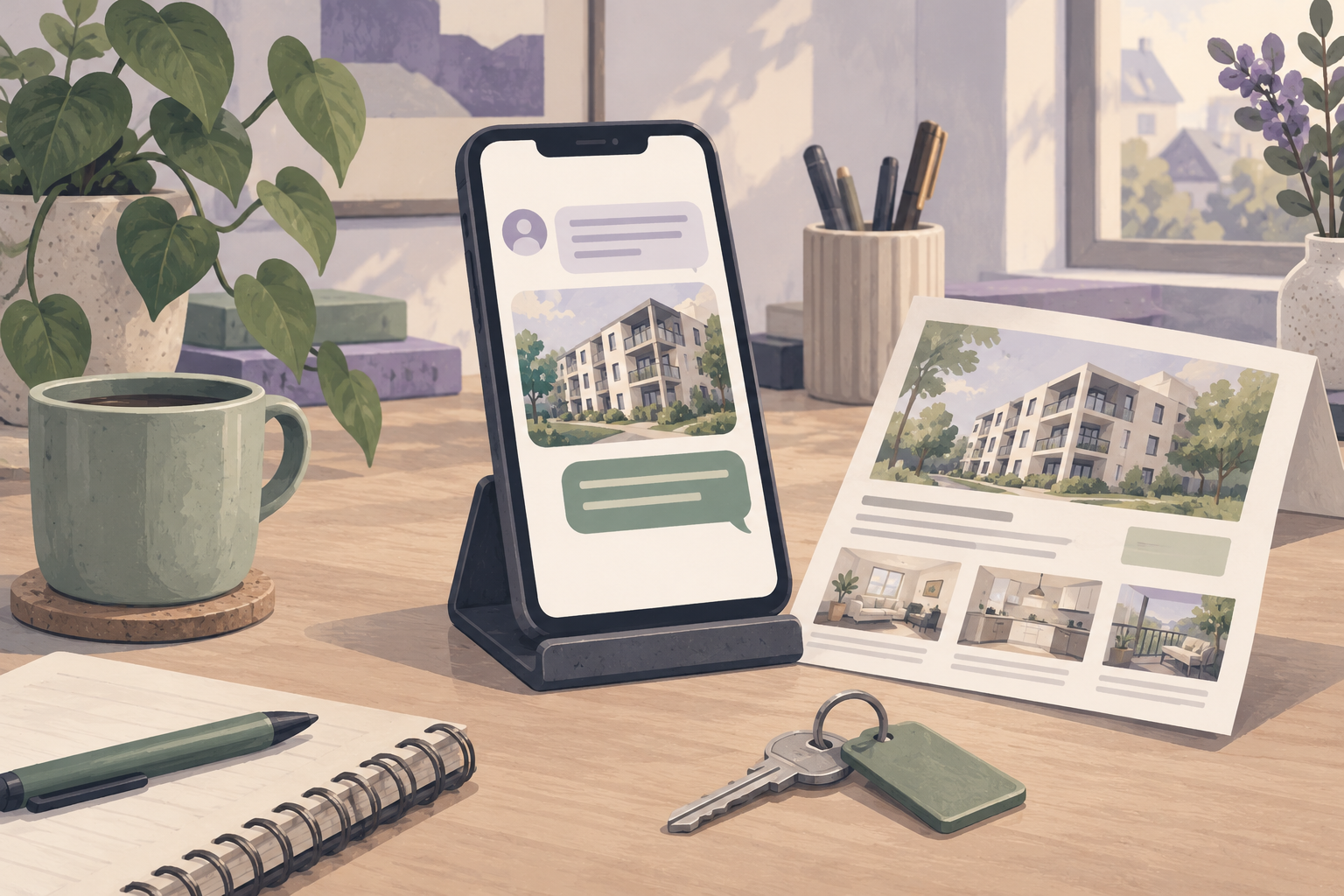
Automate replies to property enquiries by connecting a maintained source of listing facts to Niwa and defining what happens when an answer needs an agent. Start with recurring questions about price, features, listing status and viewing arrangements. Niwa can answer on your website and WhatsApp, collect relevant requirements and give the buyer a practical next step. Your agency should retain responsibility for uncertain details, property advice and negotiations.
The setup needs more than a friendly greeting. Each answer must refer to the right property and use information your team is willing to stand behind.
Begin with the enquiries you can answer reliably
Review a small sample of your recent property questions. Separate factual answers from decisions that require someone at the agency. Bedrooms, asking price and a published floor plan are facts if the listing contains them. Whether the seller will accept an offer or permit a particular viewing time requires a person.
Use this review to prepare your Niwa real estate assistant. Choose a manageable set of properties and recurring questions for the first rollout. Leave your existing team contact method available while you check the automated answers.
Identify the listing before giving a property answer
A message such as "Is there parking?" needs property context. It may arrive from a listing page, include a link or refer to a previous conversation. Check what context your installed website chat or connected channel actually receives. If the property is unclear, ask for the reference or link.
Give each maintained listing a stable reference. A descriptive phrase such as "the flat near the station" may identify several homes. Once the property is established, the assistant can use its published details rather than blend facts from different listings.
When the buyer changes to a different property, make that change explicit in the reply and the enquiry summary.
Prepare answers from approved information
Check the price and currency, current status, important features, viewing arrangements and public links. Keep conditional facts conditional. A listing that mentions a garage does not necessarily establish that the garage is included in the asking price.
For missing information, configure a direct response: explain that the published details do not confirm it and offer a team check. Do not turn an unanswered question into a guess. If a floor plan exists, provide its public link; if it does not, ask the agent rather than invent dimensions.
Niwa's installation handbook describes Frontend Agent Rules and indexing. Use those controls for agency information and human contact details, and separately verify how your property fields become readable.
Make WhatsApp replies useful without losing the next step
Connect the agency's customer-facing WhatsApp account and test from a customer role. A working owner or administrator conversation is not proof that buyers receive the intended assistance. Check the enquiry, answer and team handoff in the setup you will use.
Keep replies proportionate to the question. A person asking for the price does not need the entire property description. Once they ask to view, Niwa offers available appointments in the conversation. The buyer chooses a time and provides the required details; Niwa records the viewing directly in WhatsApp. A listing link or website booking page is also available when the buyer wants to use it.
The WhatsApp agent page explains the customer assistance role. Keep account administration separate from the permissions available to someone enquiring about a home.
Set a clear handoff for questions the agency must resolve
Name the person or team responsible for unresolved enquiries. Configure the contact or notification destination and test it with an address or number you control. The handoff needs the property reference, the customer's question and a suitable contact method.
For example, a buyer asks whether a loft conversion has the required approvals. The assistant can provide documented listing information, but your agent needs to handle a gap or explain which documents can be checked. A generic answer about conversions would not resolve this specific enquiry.
Tell the buyer what will happen next using the response expectations your agency can actually meet. Do not promise a callback time merely because the assistant is available outside office hours.
Test the answers after property changes
Change a test price and compare the assistant's reply with the maintained record. Withdraw a listing and ask whether it is still available. Ask the same property question through the website and WhatsApp. Check that neither channel uses an outdated description or suggests the withdrawn home for a viewing.
Also ask a question the source cannot answer. A successful test includes the correct handoff, not just the correct known facts. Record failures by cause: wrong property, missing field, stale source, unsuitable reply or undelivered team notification.
Review those causes as the listing inventory changes. You can add Niwa to an existing WordPress website as a standalone plugin. Niwa Business is USD 150 when the service also includes a custom WordPress website or migration, hosting, maintenance and AI adaptation. Bring a few real enquiries so the answer and handoff rules can be built around your agency's work.

