

How to Build a Website with AI Without Coding
Use AI to prepare your website, then assemble editable pages in WordPress. A practical route for owners who want to manage the site without writing code.
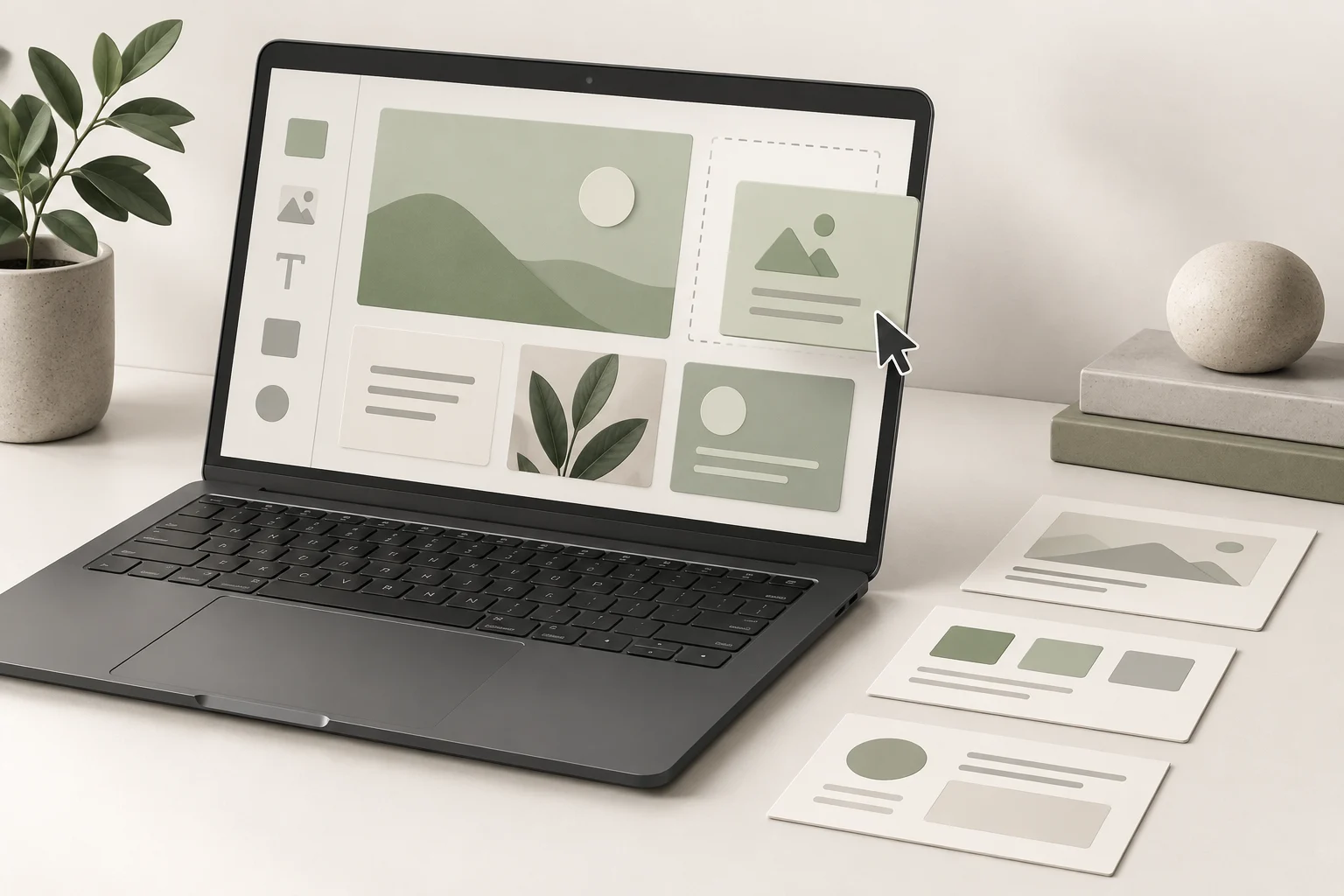
You can build a website with AI without writing code by using AI to prepare the content and page plan, then assembling the site in WordPress with a block theme. The visual editor handles the layout. WordPress stores your pages, images and menus, so ordinary changes do not require another AI generation session.
Our preferred foundation is self-hosted WordPress on Hostinger. You can start with visual editing and later commission a custom theme if the business needs it. Niwa can add customer assistance to that existing WordPress site, or Niwa Business can handle the website setup and AI adaptation for you.
This route does not require you to open a terminal. Connecting a coding agent through SSH is an optional development workflow, covered in our complete WordPress and AI setup guide. A beginner who wants visual control can keep the first build inside the editor.
Choose what you will need to edit yourself
Before choosing a theme, list the changes you expect to make after launch. A small service business might update prices, replace project photos, add a service and change holiday hours. Those items should live in editable WordPress content, not inside a screenshot or an opaque block of generated HTML.
Give AI a concrete brief: explain the business, audience, services, locations and main action. Ask it to propose pages and the information each page needs. Supply your real facts before asking for copy. Review its draft for invented qualifications, unsupported promises and details you have not supplied.
For a garden maintenance company, a useful first structure might include a homepage, service pages, project examples, an about page and an enquiry page. The main action is requesting a quote. A complicated account dashboard would not help that first customer journey.
Install WordPress and activate a block theme
A domain is your website address. Hosting runs the website and stores its files and database. Keep both under an account the business controls, including the recovery email and billing access.
In Hostinger, create a website and select WordPress. Follow the guided setup to create the administrator login and choose your domain or a temporary address. The official installation guide shows the current onboarding steps.
Next, choose a maintained block theme from Appearance, Themes. With a block theme active, Appearance, Editor opens the Site Editor. This availability depends on the theme: a classic theme can use a different editing interface. WordPress documents the distinction here.
Referral disclosure: We use Hostinger ourselves and would never recommend a service we do not use. Our Hostinger referral link may earn us a commission. Check the full hosting term, renewal price and included features before buying.
Build one service page before the whole site
Create a page in WordPress and assemble its content from headings, paragraphs, images, columns and buttons. Use a theme pattern when it supplies a sensible starting layout. Replace every sample photograph and sentence that does not represent your business.
Ask AI for a focused draft rather than an entire generic website. For example: write a garden clearance service page using the supplied service area, work included, exclusions and enquiry process. The owner should check the facts, then paste the approved copy into the relevant blocks.
Arrange the page around the customer’s decision. Explain the service, show relevant work, state what happens after an enquiry and provide a clear contact route. Preview the page on a phone. If the main information becomes difficult to read, simplify the layout before adding effects.
After that page works, reuse its structure for other services. Keep the shared layout consistent while writing distinct service details. A repeated layout is useful; repeating the same vague sales paragraph across every service is not.
Put shared design changes in the right place
Use the Site Editor’s styles for shared typography and colors, and templates for shared page structure. Edit an individual page when changing that page’s content. This distinction prevents a small text change from unexpectedly affecting every page using the same template.
Build a short navigation menu with destinations a customer can understand. With a block theme, the Navigation block manages its menu items and submenus. The WordPress navigation guide explains how existing pages become menu links.
Keep button wording tied to its destination. A button labelled Request a quote should open the actual enquiry route, not the homepage or an empty form. Check the footer’s contact information and any hours shown in more than one place.
Add functionality through a maintained tool
A form, shop or booking system needs working software behind its appearance. Choose a maintained plugin or service for the required job and configure it through its supported interface. AI can help explain the settings, but the business supplies the destination email, availability, payment account and other operational facts.
For customer questions, Niwa’s storefront assistant can use configured website and catalog information to guide visitors. This is an AI-powered feature added after construction. Using AI to draft your homepage alone does not make the finished website an AI assistant.
If you already have WordPress, you can use the standalone Niwa plugin rather than rebuilding. For a handled setup, Niwa Business is USD 150 and includes a custom WordPress website or migration, hosting, maintenance and business-specific AI adaptation. Send Niwa your existing site or page brief to confirm the implementation scope and payment terms.
Prove that the site works without the agent
Submit a test enquiry and check its arrival, confirmation and stored record where applicable. Open every menu destination. Check mobile spacing, readable text, image descriptions and the domain’s HTTPS connection. Verify that published pages can be crawled when the site is ready for search engines.
Then make an ordinary change yourself: edit a service description, replace a photograph and change a menu item. If these tasks require the original builder to regenerate the site, the handover is not meeting your visual-editing requirement.
Keep WordPress, themes and plugins maintained and retain a backup of the files and database. A no-code workflow still needs ownership and maintenance; WordPress’s security guidance explains the ongoing work.
When the design needs something the editor cannot reasonably supply, keep the established content system and ask for that specific improvement. You can add custom development later without discarding the pages your team already knows how to manage.

