WooCommerce cart chatbot: change quantities and remove items
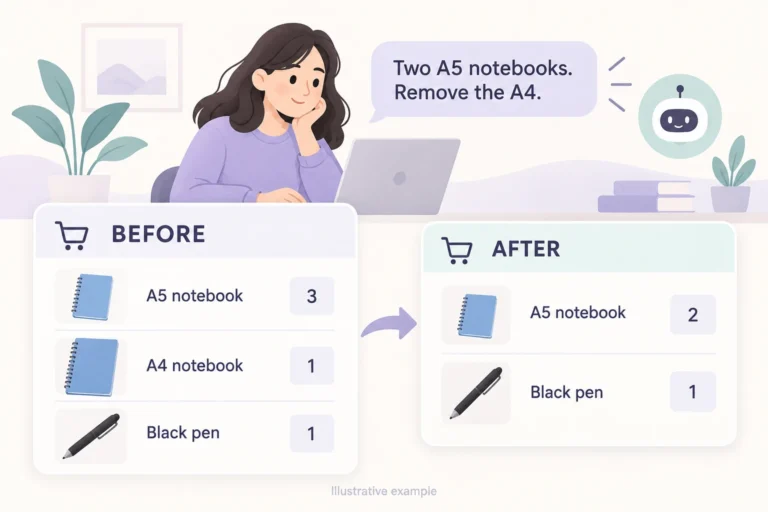
Follow a fictional shopper from a mistaken notebook selection to the cart she wants: identify the right item, change its quantity, remove a line and review before paying.


Follow a fictional shopper from a mistaken notebook selection to the cart she wants: identify the right item, change its quantity, remove a line and review before paying.
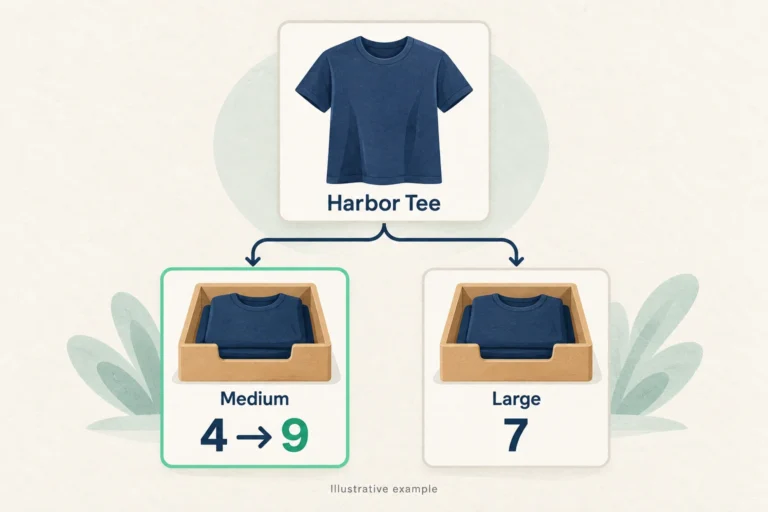
Follow a medium-shirt stock correction from a physical count to the exact WooCommerce variation. Choose the inventory level, review the Niwa update and check the shopper’s selected option.
Follow one WooCommerce item from its saved price to the public product page and a fresh cart. A practical checklist for variations, sales, caching, and mobile verification.
Use Niwa to draft discontinued out-of-stock WooCommerce products, apply noindex controls, and keep the active catalog focused on sellable items.