10 Mistakes to Avoid When Publishing AI Content
Before publishing AI content, check whether it answers the intended question, uses verified facts and matches the version you approved.


Before publishing AI content, check whether it answers the intended question, uses verified facts and matches the version you approved.
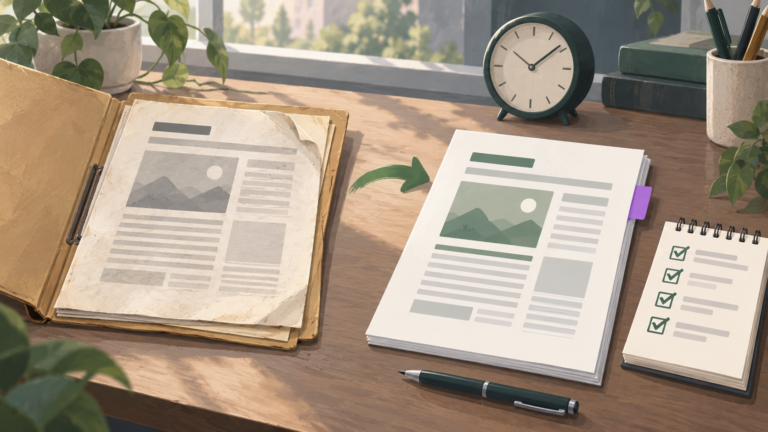
Update an old blog post with AI by saving its current version, checking which facts or instructions have changed and giving the assistant a precise revision brief.
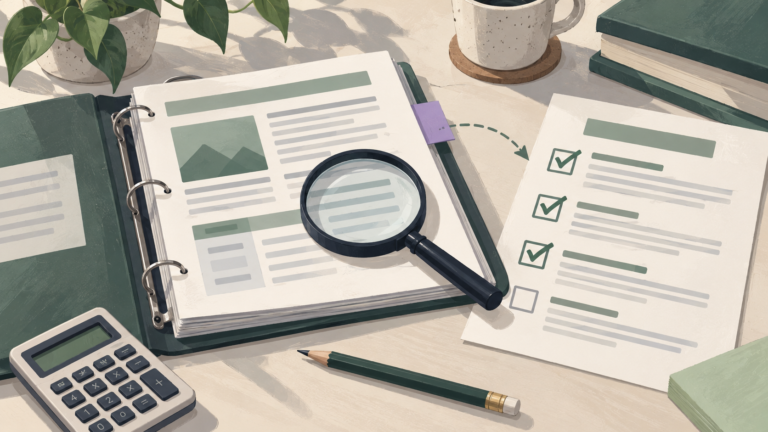
Check facts in AI-generated content by extracting the claims that a reader could rely on, finding the source responsible for each one and comparing the exact statement with that evidence.
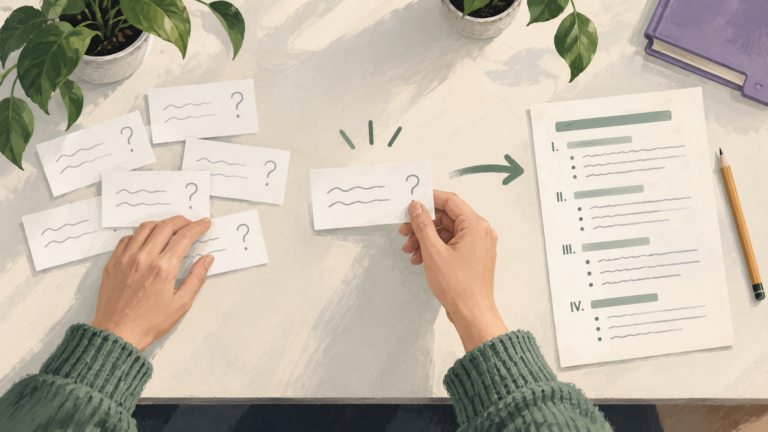
Turn a customer question into a blog post by identifying the decision behind it, checking whether your website already answers it and collecting the facts needed for a useful explanation.
Write a service page with AI by defining the actual service, who it suits, what is included and how someone can request it.
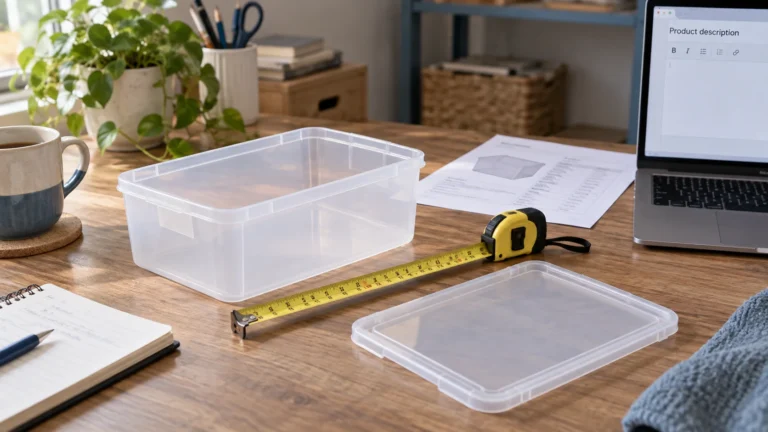
Write product descriptions with AI by supplying verified product facts, explaining who the item is for and asking for copy that answers a buyer’s actual questions.
Make AI writing sound natural by giving it something specific to say, showing how your business speaks and editing the result for meaning and rhythm.
To publish AI content on WordPress, save the finished text as a post draft, set its title, URL, image and metadata, inspect the preview, then publish the approved post.
Prepare a brief, save a WordPress draft with Niwa, check the facts and publish the version you approve.