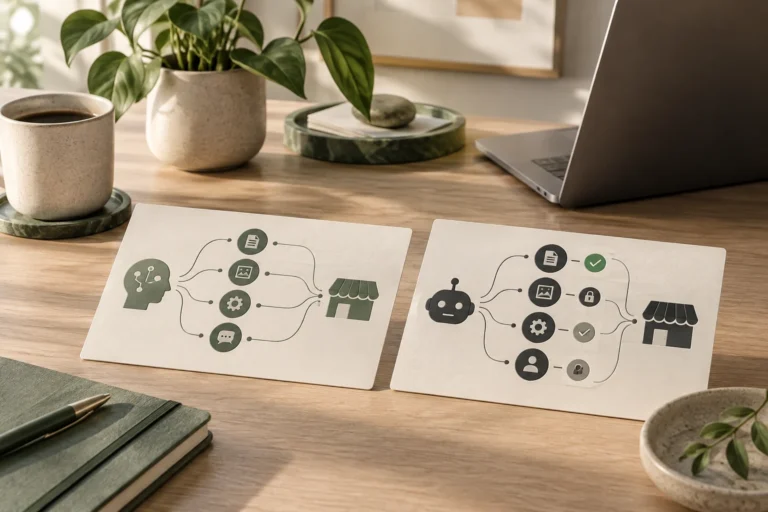
How to Revoke an AI Agent’s Access to WordPress
Revoke an AI client’s credential at the issuing server and verify denial, then remove saved configuration without confusing it with model sign-in.


Revoke an AI client’s credential at the issuing server and verify denial, then remove saved configuration without confusing it with model sign-in.
Give an AI assistant only the server-enforced reading permissions it needs, then verify that a staging write is denied.
Set up a supported WordPress MCP connection using the site’s endpoint, private credentials and a verified first reading task.
Understand MCP tool discovery, WordPress REST endpoints and how permissions apply when both interfaces serve one task.
Use AI inside WordPress without an external MCP server, then add a connector only when an outside assistant needs site tools.
Compare WordPress MCP routes using a shared staging task, permission boundary, saved-result check and operating cost.
Map old website URLs to relevant WordPress pages, choose permanent redirects, test status codes and prevent loops or unnecessary redirect chains after migration.
Plan a WordPress migration around access, content transfer, rebuilding, testing and the domain switch. Learn which dependencies affect your launch date.
Choose between migrating and rebuilding your website by assessing useful content, technical limitations, customer journeys, design needs and maintenance.
Avoid ten practical WordPress migration mistakes, from missing access and email dependencies to lost URLs, stale store data and incomplete launch testing.