

10 Things to Check Before Launching an AI Website
Before launching an AI website, verify the public address, content, customer journeys, mobile layout, accessibility, speed, security, search settings and recovery.
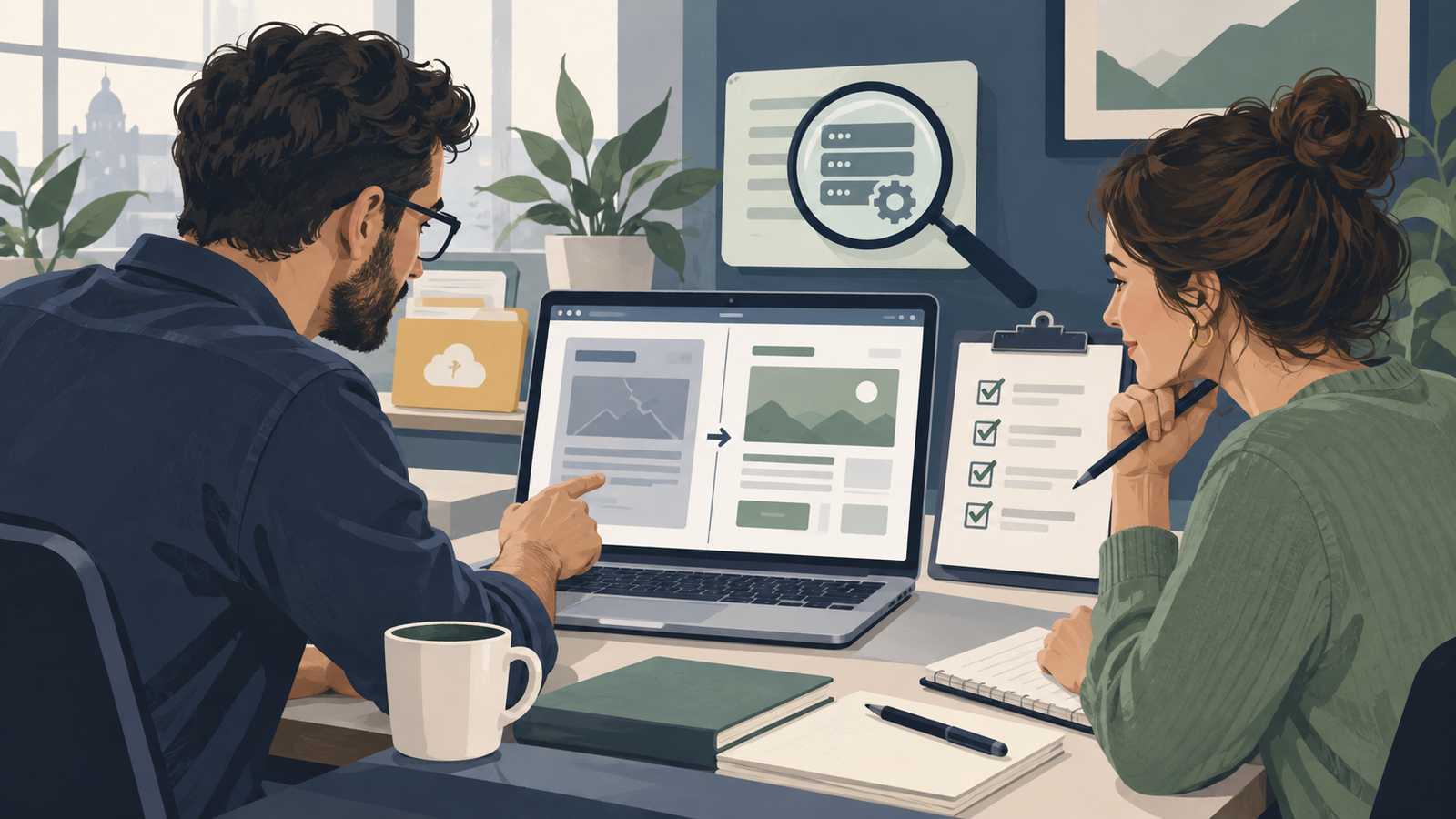
Before launching an AI website, check the real public address and complete the tasks customers will use. Review the content, forms or payments, mobile layout, accessibility, speed, search settings, access controls, AI answers and recovery process. A finished-looking preview does not prove that an enquiry arrives or a reservation is saved.
If your website uses WordPress, Niwa's maintenance agent can help inspect and correct specific pages before launch. Give it the page address, expected behavior and evidence of the problem. Use the following checks to decide what passes, what needs fixing and who signs off.
1. The public address opens correctly
Open the domain while logged out. Follow the address from a fresh browser window, then open a service page directly and refresh it. Check that HTTPS works without a certificate warning and that images and styles load on the final domain.
A preview may use a temporary address, different settings or an authenticated session. Confirm that the production domain points to the intended website, rather than an old installation or holding page. Record the final URLs you checked. Test the contact and booking pages separately; a working homepage does not establish that every route works.
2. Business details are accurate
Compare the published pages with approved records for services, prices, opening hours, service areas and contact details. Read the footer and customer policies as well as the main headings. Remove placeholder products, invented testimonials and images that imply work your business did not do.
Ask someone who knows the business to read the pages without explaining what you intended. Can they identify what you offer and the next step? With Niwa, request a specific content correction using the approved wording, then inspect the saved page. The website owner remains responsible for the accuracy of the information supplied.
3. The main customer task reaches its destination
Choose the journey that matters most: an enquiry, purchase, reservation or account request. Complete it from the public page, using an identifiable test record and the payment provider's test process where appropriate.
For an enquiry, confirm receipt in the intended inbox and any submission store. A form's success message alone is insufficient. Contact Form 7 documents that it does not store messages by itself; storage needs a separate arrangement. For a reservation, inspect the service, time and customer details in the schedule. A booking-button click is not a completed appointment. Contact Form 7 FAQ
4. A phone can complete the same task
Use a real phone, then inspect smaller and larger browser widths. Open the menu, read a service page, fill the form and reach the confirmation. Repeat with the on-screen keyboard visible. A sticky footer or chat launcher may cover a button only during input.
Check long titles, product names and translated text. Confirm that content stays within the viewport and that an important photo retains its useful subject when cropped. Device emulation helps find problems, but it does not replace testing the phone browser and connection your customers use.
5. Basic accessibility works
Navigate with a keyboard. Check that links, menu controls and fields receive visible focus and that you can leave an open dialog. Every input needs an understandable label; an error should explain which field needs attention.
Increase text size and inspect contrast, headings and meaningful image descriptions. W3C's preliminary accessibility checks provide a useful starting point. They are an initial review, rather than a complete accessibility audit. Fix blockers in the main journey before launch, particularly controls that cannot be reached or instructions that disappear when text grows.
6. Speed is acceptable on important pages
Run PageSpeed Insights on the homepage and the page where customers act. Review mobile results, including large images, delayed content and scripts that block interaction. Try the actual page on a slower connection as well.
Keep the report URL and test conditions so later changes can be compared fairly. Google's Web Vitals guidance separates loading, interaction and layout stability. A newly launched site may not yet have enough visitor data for field results. Use lab findings to investigate, then review real-user experience when data becomes available. Do not treat one overall score as proof that checkout works.
7. Links and search settings match the launch plan
Click navigation, footer links and the principal calls to action. Remove temporary preview URLs from the published content. Check page titles, descriptions and canonical URLs, and verify that a public launch is not still blocked by staging access controls or a noindex setting.
Confirm the sitemap contains the pages you intend to expose. Search engines may take time to discover and index a new website; these checks do not promise rankings. If a page was moved, decide its appropriate replacement. Redirecting every missing page to the homepage can leave visitors without the information they followed a link to find.
8. Access and sensitive data have been reviewed
Confirm who owns the hosting, domain, WordPress administrator accounts and connected services. Remove access that was only needed during development, and keep credentials out of public files and chat examples. Review account permissions and any public upload or login functions.
For a customer assistant, check the visitor role separately from owner administration. A visitor should not be able to edit prices or site settings because the owner can do so in a private conversation. A launch checklist catches obvious mistakes; applications handling payments, private records or custom authentication also need appropriate technical security review.
9. AI answers use your real business information
An AI-built site and an AI-powered site are different. The former uses AI during creation; the latter uses AI after launch to assist visitors or business operations. If you add Niwa, follow its WordPress setup guide and test several real customer questions against current site information.
Check a question the website cannot answer too, including the route to a person. For a booking through Niwa, ask a service question, choose an available time and complete the reservation in the conversation. Test website chat and each connected messaging channel separately, then confirm the saved appointment using the Niwa booking workflow.
10. Recovery and the launch decision are documented
Create a fresh backup and establish how to restore it. For WordPress, both files and database matter. Test recovery on a separate installation and protect new orders, enquiries and appointments when planning any production restore. WordPress backup guidance
Keep a short acceptance record: URL, test, result, date, unresolved issue and responsible person. Launch only when critical customer paths pass. A cosmetic issue can have an agreed follow-up; a form losing enquiries needs correction first. Share the record with the person who will maintain the site so launch knowledge does not disappear with the builder session.
Bring the remaining launch issues to Niwa
Send the page address, failed check and expected result through Niwa's contact page. Existing WordPress owners can install the standalone plugin and use Niwa for concrete content and maintenance work.
Niwa Business costs USD 150 and includes a custom WordPress website or migration, hosting, maintenance and AI tools adapted to the business. Confirm the billing period and the work you need before ordering. If you are still deciding what to change, the broader guide to mistakes when building a website with AI explains the decisions behind these launch checks.

