

How to Add Class Booking to a Yoga Studio Website
Add yoga class booking with clear schedules, place limits and confirmation. See how Niwa answers class questions before clients choose a place.
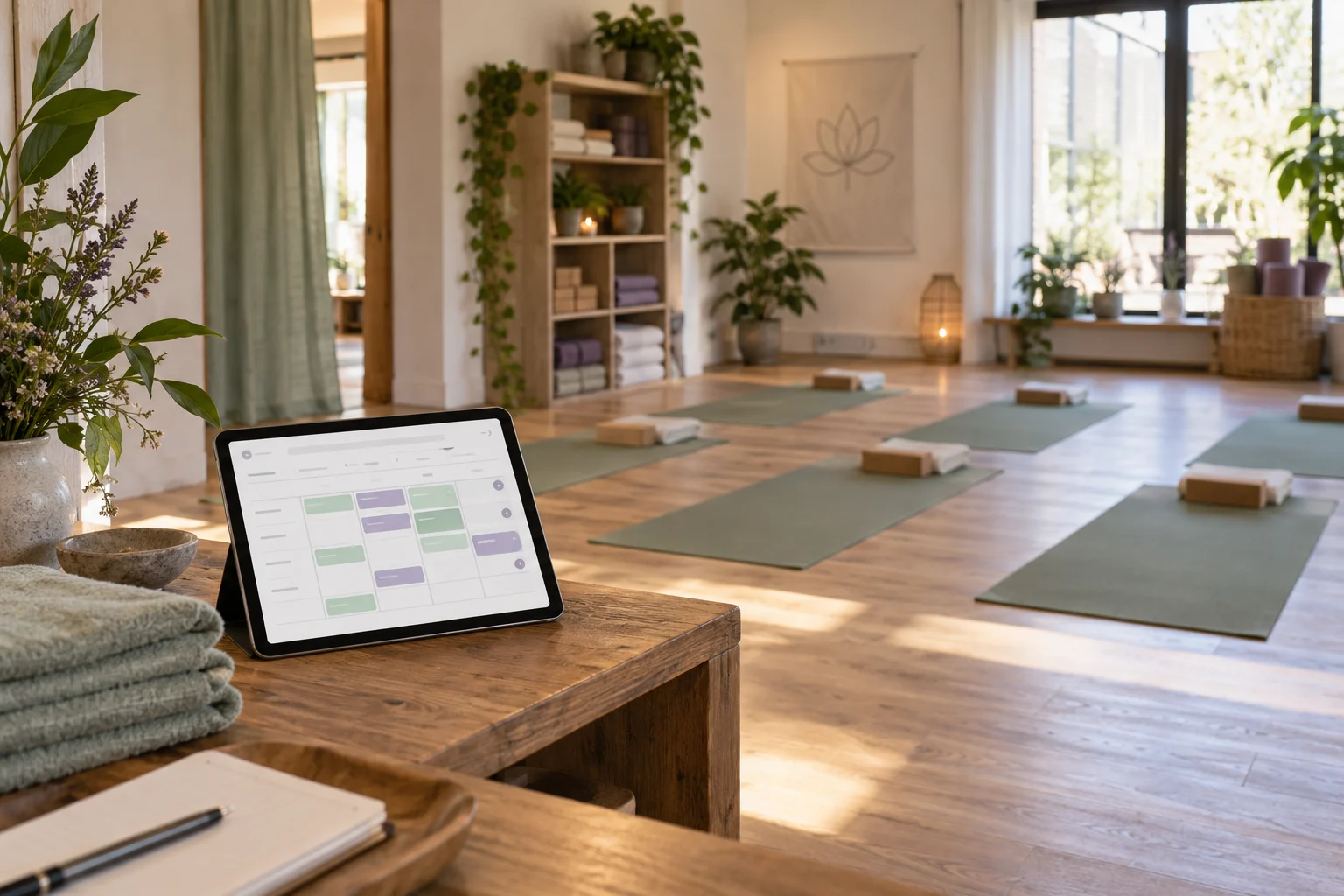
To add class booking to a yoga studio website, use a booking system that reserves places in scheduled classes, then connect its booking page or embed to your website. Set each class's time, teacher and place limit before accepting registrations. Niwa can answer questions about your classes and guide visitors to the correct booking route, while the class system controls the available places.
This matters because a timetable alone does not reserve anything. Someone reading that your evening class starts at six still needs to know whether a place is available and whether their registration succeeded.
Define the class a visitor is actually booking
For each class, write the name, level, location, teacher, duration and date or recurrence. Explain practical details such as equipment, arrival time and whether the class is suitable for someone taking their first lesson. Keep the guidance within what your teacher has approved.
Consider a small studio offering a weekly beginner class with ten places and an occasional workshop with eight. Create separate class records. A workshop's date, price and capacity should not depend on the settings for the weekly class.
Publish the price and explain how a class pass is used, if you accept passes. The booking system must enforce those rules. A sentence saying that members can attend does not establish that the software checks their eligibility.
Choose a system that manages class places
Look for scheduled sessions, maximum participants and a record of each booked place. Check cancellation handling and what happens when the last place is taken. If you use passes, memberships or online payments, verify those features on the plan and configuration you will use.
Acuity documents group classes separately from private appointments. That distinction is useful even if you choose another platform: a class offers several places at one start time, while a private lesson reserves an instructor's time.
Niwa can explain your studio's services and carry out bookings through the connected business workflow. For group classes, connect that workflow to the system that controls class places, passes and cancellations. Keep one authoritative class inventory so website and social enquiries use the same remaining places.
Add the booking route to WordPress
A normal button linking to the provider's booking page is a practical starting point. Place it near the class description and give it a clear label, such as "Book this class." Where the provider offers a class-specific link, use it to avoid sending visitors back through unrelated services.
An embedded scheduler can keep the booking interface within your page. Acuity's website guide explains how to obtain its supplied embed. In the WordPress block editor, add a Custom HTML block and insert the provider's code. Preview the page, then check the saved version. WordPress may remove restricted markup when the editing account lacks the relevant permission, as its Custom HTML documentation explains.
Keep a direct booking link available if the embed is difficult to use on a phone. The important result is a completed class reservation, rather than a particular page layout.
Give Niwa the information clients ask for
Add accurate class descriptions, preparation instructions and the correct booking destinations to the information Niwa uses. A visitor asking which class is intended for beginners should receive a relevant explanation and the route to that class.
On WhatsApp, Niwa can answer the studio's service questions and carry the conversation into a connected booking workflow. A group registration must use the class system's current places and return a successful reservation before it is described as confirmed. A website booking link remains useful for clients who prefer choosing directly from the timetable.
Niwa's booking features can also support your individual appointments. Keep a private lesson clearly separated from a group-class signup.
Check the last place, cancellations and waiting lists
Test a class with a small capacity before opening the full timetable. Reserve the available places and verify that another visitor cannot book an extra place. Check the teacher, room and date in the saved records.
Cancel one test reservation and inspect whether a place becomes available again under your cancellation rules. If you use a waiting list, check what the person receives when a place opens. Bookwhen's waiting-list guide shows why joining a waiting list and completing a booking are separate events.
Also test the path on a phone, including any payment or pass selection. A confirmation should identify the class the attendee actually reserved. A submission message that only acknowledges a request should say so.
Set up your studio website with Niwa
You can add the standalone Niwa AI plugin to an existing WordPress site. Niwa Business is USD 150 for a custom WordPress website or migration, hosting, maintenance and AI adaptation for your business. Ask for the billing terms and the scope of any class-platform connection.
Tell us about your yoga studio's booking setup. Include your class platform, a sample timetable and the questions clients ask before registering. That gives us a concrete starting point for arranging the website, assistant and booking routes.

