

How to Collect Appointment Details Without Asking for Unnecessary Medical Information
Keep clinic booking fields tied to arranging the visit. Separate clinical intake and review contact data, conversations, providers, access and retention.
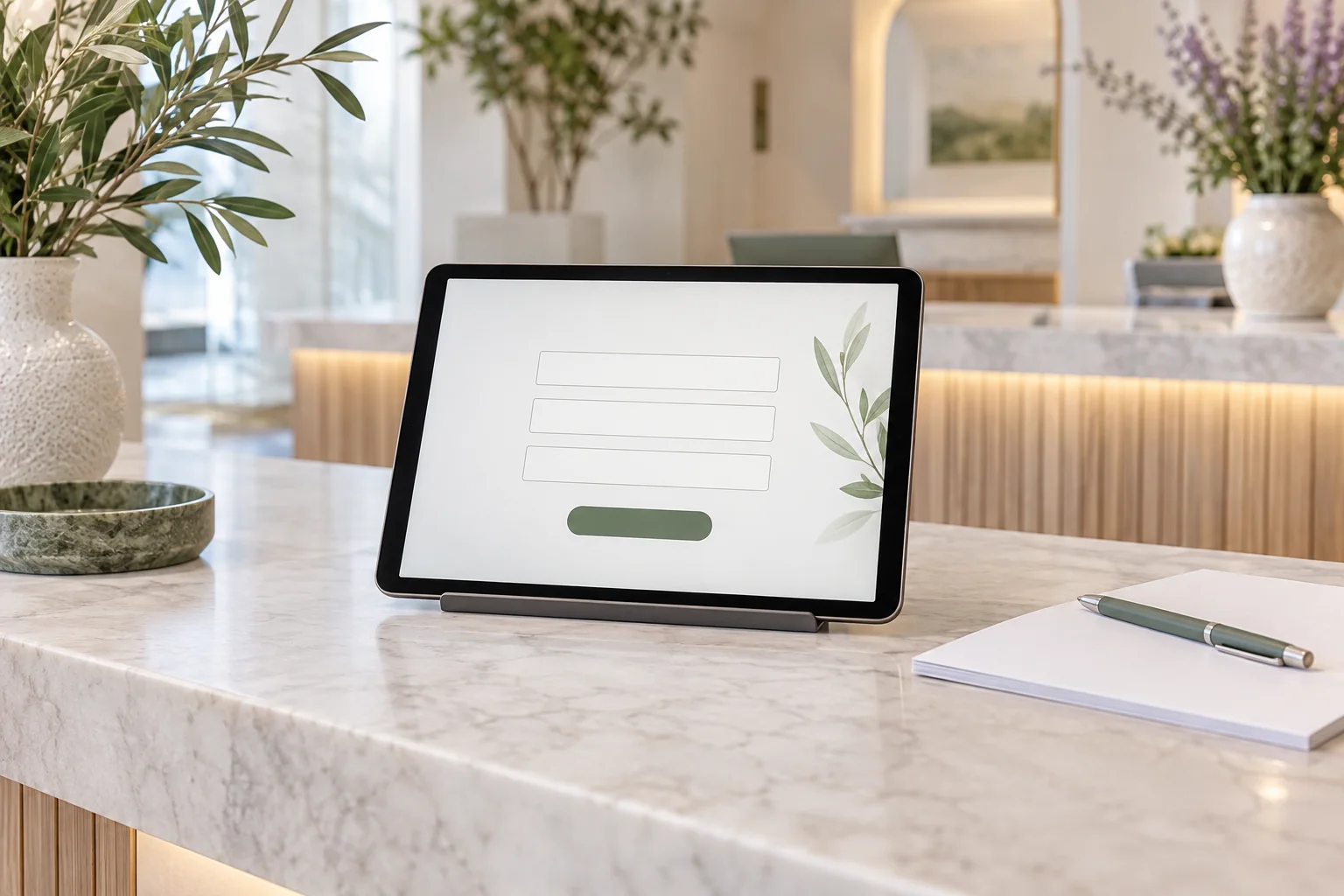
Collect appointment details by defining what the clinic needs to reserve the visit, then asking only for fields that serve that purpose. The chosen service, time and necessary contact details belong in routine booking. Medical history, test results and photographs should use the practice's approved clinical-intake process when they are needed.
Niwa's booking setup allows the clinic to configure contact fields for name, telephone number and email. Review those choices deliberately. A short form is useful, but privacy also depends on where its data goes, who can access it and how long it is retained.
Write down the purpose of each field
Begin with a simple question: what will staff do with this detail? A service and time reserve the appointment. A name may help staff identify the attendee. A phone number or email may support the contact process the clinic has selected.
Do not require both contact channels merely because the software offers them. Equally, do not remove information that the clinic genuinely needs to arrange or communicate the visit. Decide with reception and the person responsible for the practice's data handling.
Record the reason for each required field. This creates a practical basis for reviewing a form when a new field is proposed.
Use a booking form and clinical intake for different jobs
A booking form establishes the administrative visit. A clinical-intake process may collect information needed for care, through the systems and access rules the practice has approved.
Avoid a general message box asking patients to describe their condition in detail just to reserve a routine appointment. If the visit cannot be selected without assessment, provide the clinical-contact route instead of turning the assistant into an intake assessor.
Explain the next step positively. The patient can reserve the approved visit now and use the clinic's separate intake process when instructed. Do not ask them to send clinical documents through a public chat for convenience.
Configure Niwa's contact fields around the chosen process
Follow the Niwa setup handbook and review Scheduler's booking contact-field settings. Select the name, telephone and email collection your practice needs. Save the settings and inspect the actual public form on a phone.
Then check an authorised test record in the booking workspace. Confirm which details were stored and which contact channel receives any enabled notification. Defaults are not proof that the final collection is appropriate.
If you use an external scheduler, inspect its form and records separately. Reducing fields in Niwa does not change the data an external destination collects.
Remember that an appointment choice may reveal health context
A form can avoid a medical-history field and still contain sensitive information. The clinic name, selected service or free-form message may reveal something about a person's health.
For a UK practice, the ICO's data-minimisation guidance says collection should be sufficient for the purpose and limited to what is necessary. Its special-category guidance explains the additional condition needed alongside a lawful basis when processing special-category data.
Those are UK requirements, not a worldwide legal checklist. Apply the obligations relevant to the practice's location and data flow.
Review the whole conversation, not only the form
Patients may volunteer health information even if the assistant never asks for it. Inspect what happens to chat content, retained history and any summaries associated with enquiries or appointments.
Map the relevant systems: the website hosting, messaging account, chosen AI connection, booking records and any external scheduler. Identify what each receives and who can access it. Turning off model training is not the same as deleting history or guaranteeing zero retention.
Niwa can complete a booking directly in a WhatsApp conversation. Apply the same field purpose there: collect the service, time and contact details needed to save the appointment, without asking for a medical history. Where an external booking link is used, keep personal information out of its URL. Medical records should use the clinic's approved intake route.
Check provider arrangements for the jurisdiction
For a US HIPAA-covered practice, review whether vendors receiving or maintaining protected health information act as business associates and which agreements are required. HHS business-associate guidance specifically includes third-party AI patient-portal services involving PHI and explains the required contractual arrangements.
Evaluate the hosting, AI provider and other relevant services in the actual setup before sending PHI through them. The website package price is not evidence of a HIPAA certification or a completed business associate agreement. The clinic should verify its required arrangements as part of implementation.
Set access and retention for the records you keep
Give staff access according to their work. An appointment list and a clinical record may have different purposes and authorised users. Keep public patient assistance separate from WordPress administration.
Define retention for booking records, messages and summaries according to the practice's purpose and applicable obligations. Do not invent one deletion period for every clinic or automatically apply a clinical-record retention period to all chat logs.
Document who can correct a contact detail, deal with a privacy request and review whether an unnecessary field or copy of data should be removed.
Test collection with fictional details
Use an authorised test contact controlled by the practice. Complete the booking on a phone and inspect the form, saved record and configured notifications.
Check that required fields match the agreed purpose and that a patient can find the privacy explanation and staff route. Inspect retained conversation material too, if the booking journey includes an assistant. Verify the external scheduler separately if one is used.
Do not paste real patient histories into test chats. A test should show where information goes without creating a new clinical dataset.
Maintain the form when the process changes
Review collection when the practice introduces a service, changes its confirmation channel or connects a provider. Ask whether the new detail is needed for booking or belongs in clinical intake.
For the wider website, the standalone Niwa plugin can use an existing WordPress site. Niwa Business is USD 150 for a custom site or migration, hosting, maintenance and adapted AI tools; scope and billing terms belong in the proposal.
Discuss a focused clinic booking setup with the field list and data-handling process your practice has approved.

