

How to Get More Salon Bookings from Your Website
Help salon visitors choose the right service and complete a booking. Improve service pages, mobile booking, stylist choice and measurement with Niwa.
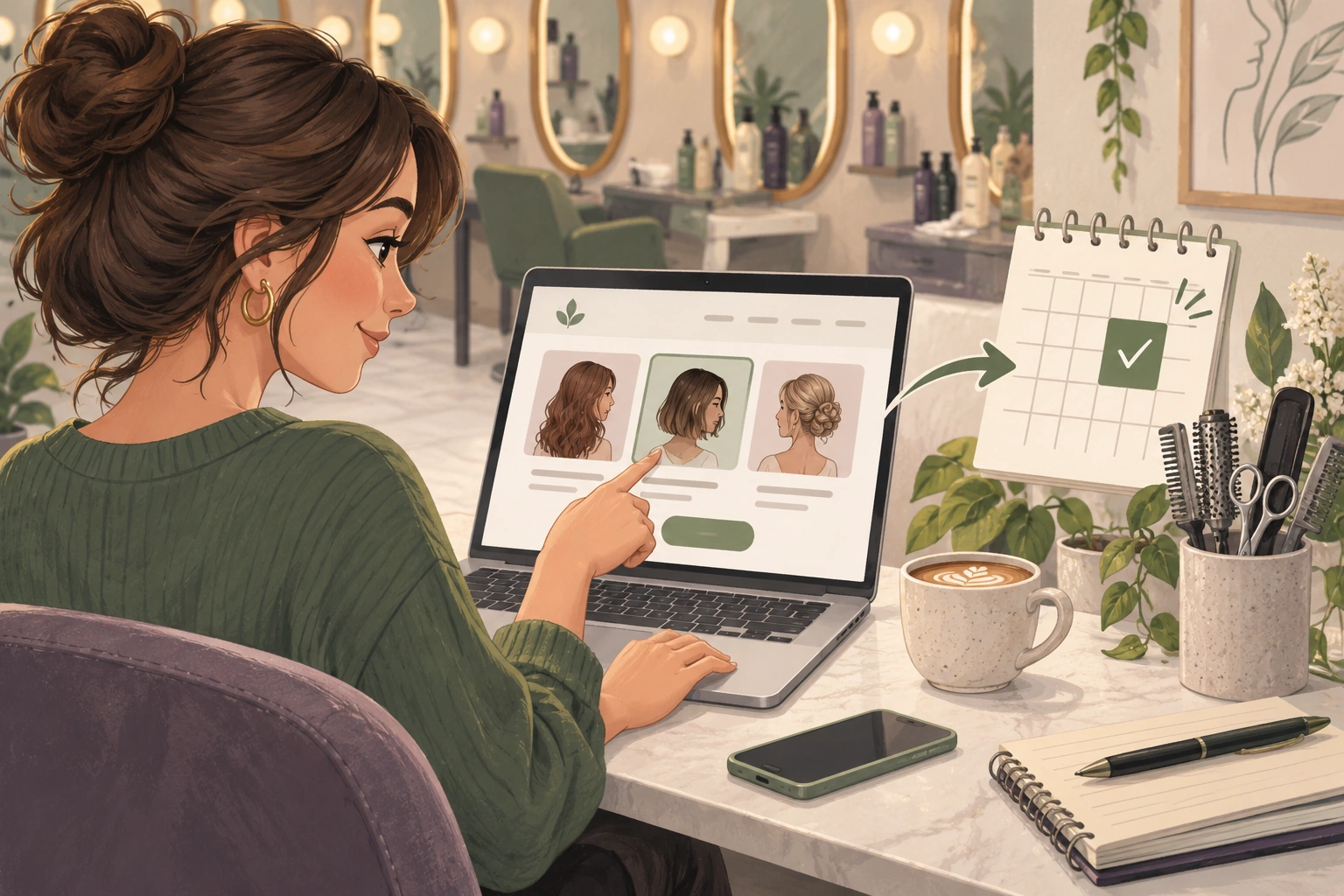
To get more salon bookings from your website, help visitors understand which service they need, show a clear route to available appointments and make that route work on a phone. Start with the people already visiting your site. More traffic cannot fix a service menu that leaves them unsure what to book.
Niwa uses your salon's website information to answer questions, help visitors choose a service and stylist, check availability and record the appointment. On your website, clients can complete that choice through the booking conversation or booking interface. The useful outcome is a saved appointment, rather than another unanswered inquiry.
Find the point where clients stop
Try booking from your homepage as a new client. Use your phone, without an administrator login. Pick a service you do not already know well and follow the process through confirmation.
Notice what you have to work out for yourself. Perhaps the booking button leads to a long list of abbreviations. A colour service may have no explanation of whether a cut is included. A preferred stylist may appear on the team page but not in the booking options.
Then review actual inquiries. If people repeatedly ask whether a blow-dry is included, add the answer to that service page. If they ask where to park, put that information near the appointment details. These changes address an observed decision, instead of guessing which headline might persuade them.
Explain the service before asking for a time
Each bookable service needs a recognizable name, what is included, its expected duration and useful price information. State when a consultation is the appropriate first step. Avoid asking an unfamiliar client to diagnose a technical colour treatment from a menu alone.
A page for a restyle could explain how it differs from a maintenance trim and whether washing and finishing are included. Where the final treatment depends on assessment, explain how to arrange that assessment.
Give Niwa the same maintained information. A client who asks about the difference between two services should receive an explanation consistent with the page and booking menu. An AI booking assistant for hair salons becomes useful when the underlying choices are clear.
Put booking beside the decision
Place a booking link on individual service pages, the stylist page and the main navigation. A reader examining a particular service should not have to return to the homepage and search for the next step.
Link to the relevant part of your booking process where supported. Test the destination yourself. If a link opens a separate provider, explain that transition briefly and make sure its service names match your website.
Availability must reflect the salon's actual working hours, eligible staff and appointment duration. Offering a short opening for a longer service creates an operational problem, even when the website looks inviting.
Check the whole mobile journey
Test the booking page on a narrow phone screen. Text should be readable, controls should be usable and an error should explain how to fix the affected field. Ask only for details needed to make and manage the appointment.
Your developer can use browser autofill for common contact fields, following Google's form guidance. That reduces repeated typing without changing the booking rules. Check that returning from an error preserves the client's valid entries.
Page speed also deserves attention. Large portfolio images can delay the service information or booking control. Use an appropriate image size and inspect the actual mobile page, rather than assuming a desktop preview represents it. Speed alone does not establish a conversion increase.
Count completed appointments consistently
Separate visits, booking starts and saved bookings. A click on Book is an expression of interest. It is not a reservation.
For a practical baseline, record the number of visits to your service pages and the completed website bookings over a defined period. Compare similar periods and account for changes in advertising, service availability and promotions. If bookings increase while you open more appointments, that extra capacity is part of the explanation.
Review unsuitable bookings too. A higher count is less helpful if clients choose the wrong colour service and staff must rearrange them. Clear descriptions should improve the fit of appointments as well as completion.
Improve one observed obstacle first
Suppose clients reach the colour page but contact you because they cannot tell which service includes a finish. Clarify the inclusions, align the booking menu and teach Niwa that distinction. Then inspect whether those questions and booking errors change. This is a testable improvement, not a promised uplift.
Existing WordPress owners can use the standalone Niwa plugin. If you need a new site or migration, Niwa Business costs USD 150 and includes a custom WordPress website or migration, hosting, maintenance and AI tools adapted to the business.
Ask Niwa about your salon website with the service page, current booking route and the point where clients need help. That gives the discussion a concrete place to start.

