

What Is the Difference Between Indexing and Ranking?
Indexing means a page is in a search engine's index. Ranking concerns its visibility for a query. Learn what Search Console can and cannot prove.
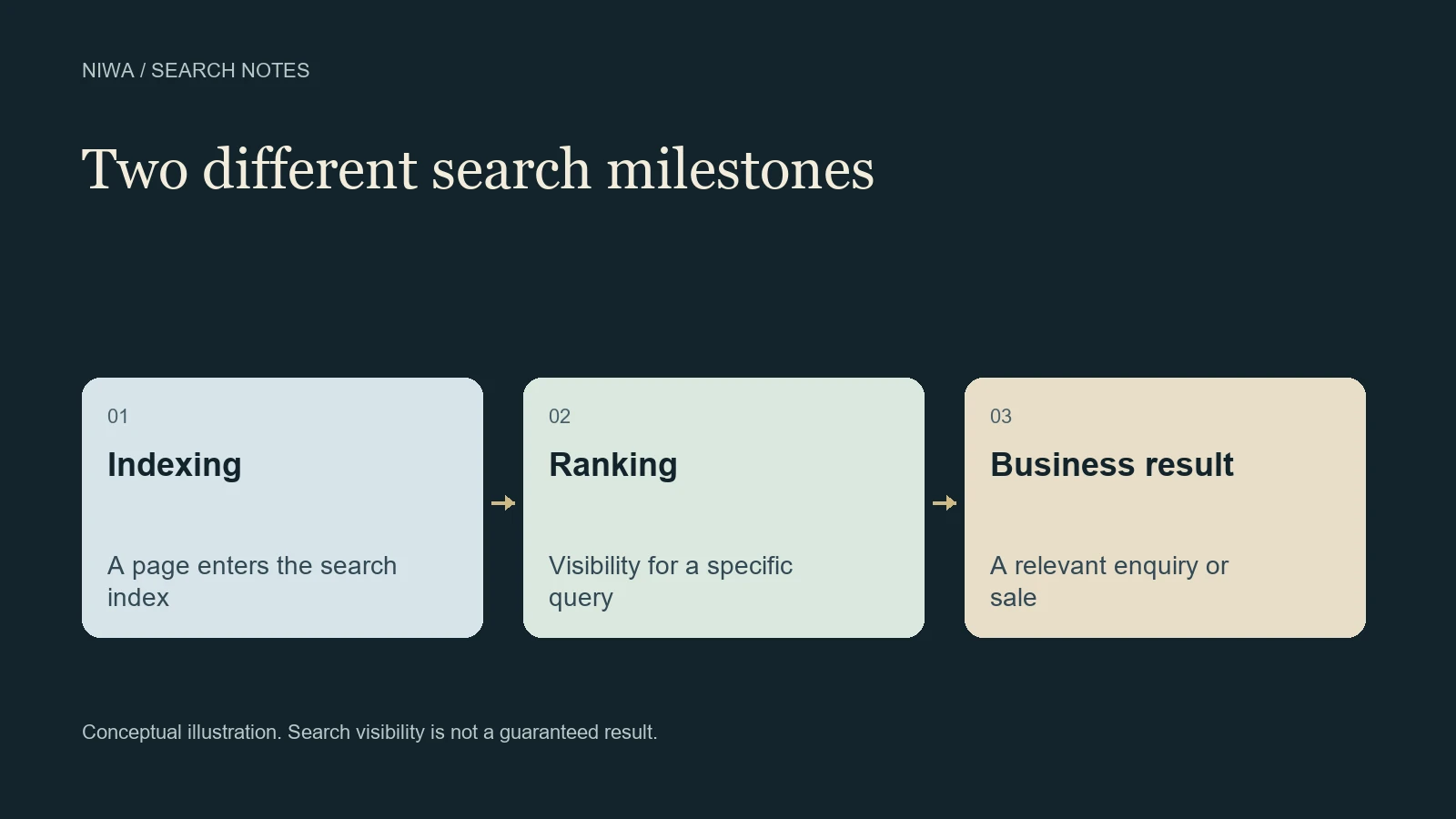
Indexing means a search engine has processed a page and included it in its searchable index. Ranking concerns where and whether that page appears among results for a particular search. A page can be indexed without appearing prominently for the query you care about.
The distinction tells you what to investigate. If the page is not indexed, look at its index status and eligibility. If it is indexed but receives little relevant visibility, examine the query, the page's usefulness and competing results. Repeated indexing requests do not purchase a ranking improvement.
Niwa's WordPress maintenance assistant can help make supported changes to the page once you have identified the problem. Search Console provides separate evidence about Google's view of the URL and its search performance.
A published page has not necessarily been indexed
Publishing makes a page available on your website. A search engine must discover and retrieve it, process its content and decide whether to index it. These are separate events.
A sitemap can identify a URL, and a crawl can retrieve its content. Neither event by itself proves inclusion in the index. Google may exclude a duplicate, follow a noindex instruction or leave a crawled page unindexed for other reasons.
Google's explanation of how Search works describes the stages. It also makes clear that Google does not guarantee crawling, indexing or serving a page even when it follows the guidelines.
For a fictional accountancy firm, saving a new tax preparation service page is a website event. Finding that URL in Google's index is a search event. Receiving an enquiry from an appropriate customer is a business event. Keep the evidence for each one separate.
Indexed does not mean first for a query
Once a page is in the index, it may be considered for relevant searches. Its position depends on the particular query and the other information the ranking systems evaluate. Different locations, settings and searches can produce different results.
The accountancy page might appear for the company's name while receiving little visibility for a broader service query. That does not necessarily mean Google has failed to index it. It may mean the page is not being selected prominently for that different need.
An SEO plugin's content score also answers a separate question. In a public WordPress support discussion about indexing, an owner reported completed plugin checks alongside indexing problems. That is an individual account, but it illustrates why a score should not be confused with a search engine's decision.
Check one exact URL in Search Console
Use the URL Inspection tool for the public address you intend customers to find. Read whether the URL is in Google's index and inspect any reason supplied for an exclusion.
The URL Inspection documentation distinguishes stored index information from a live test. The live test checks the current page's accessibility and possible indexability. A successful live test does not prove the URL is already indexed, and neither test guarantees that it will appear for every search.
Pay attention to the canonical. Google may select another URL for equivalent content. Its canonicalization guidance explains the relationship between declared preferences and Google's selection. Looking at the wrong version can make a healthy situation appear to be a failure.
Avoid changing every exclusion you see. Some URLs are intentionally private, duplicated or unnecessary in search. Concentrate on the useful public pages your business expects customers to find.
Use performance data for visibility questions
Search Console's Performance report can show impressions, clicks and average position for reported pages and queries. Those measurements answer a different question from URL Inspection.
Filter to the relevant page and query where the report supports it. Compare suitable dates and retain country or device context where relevant. An average across many searches is not an exact fixed position for one phrase.
If little or no query data is available, do not invent a rank or assume a particular cause. Reporting has limitations, and a newly published page may not have enough observed search activity for the question you are asking.
The WordPress discussion about an indexed but hard-to-find site shows the confusion an owner can encounter when combining index status, visible results and sparse reporting. Use it as a real example of the question, not as evidence of a universal diagnosis or solution.
What should you change next?
For a useful public page excluded by an unintended instruction, investigate the setting or implementation responsible. For a duplicate URL, confirm whether another version correctly represents the content. For an indexed page with poor visibility for a service query, review whether the page answers that customer's need.
That review should consider actual service details, relevance and usefulness. Do not add a phrase repeatedly just because the page is not prominent. Do not assume a backlink package will resolve an indexing exclusion.
When the issue is a supported WordPress page change, configure the plugin and owner access using the Niwa help guide. Give Niwa the exact URL, your evidence and approved business facts. Review the changed page and record the date, then check the appropriate search report later.
Keep the business result in view
An indexed page can still be confusing. A well-positioned page can still bring visitors who cannot use your service. Measure relevant enquiries, purchases or completed bookings separately from search status.
If you need help understanding which website task follows an inspection result, contact Niwa with the exact URL and report finding. Identify whether the problem is availability, index inclusion, query visibility or the customer journey. That distinction prevents work on the wrong part of the process.

