

How to Find Broken Links Automatically
Use a crawler or supported link checker to find suspect destinations and their source pages, then separate real failures from blocked or temporary responses.
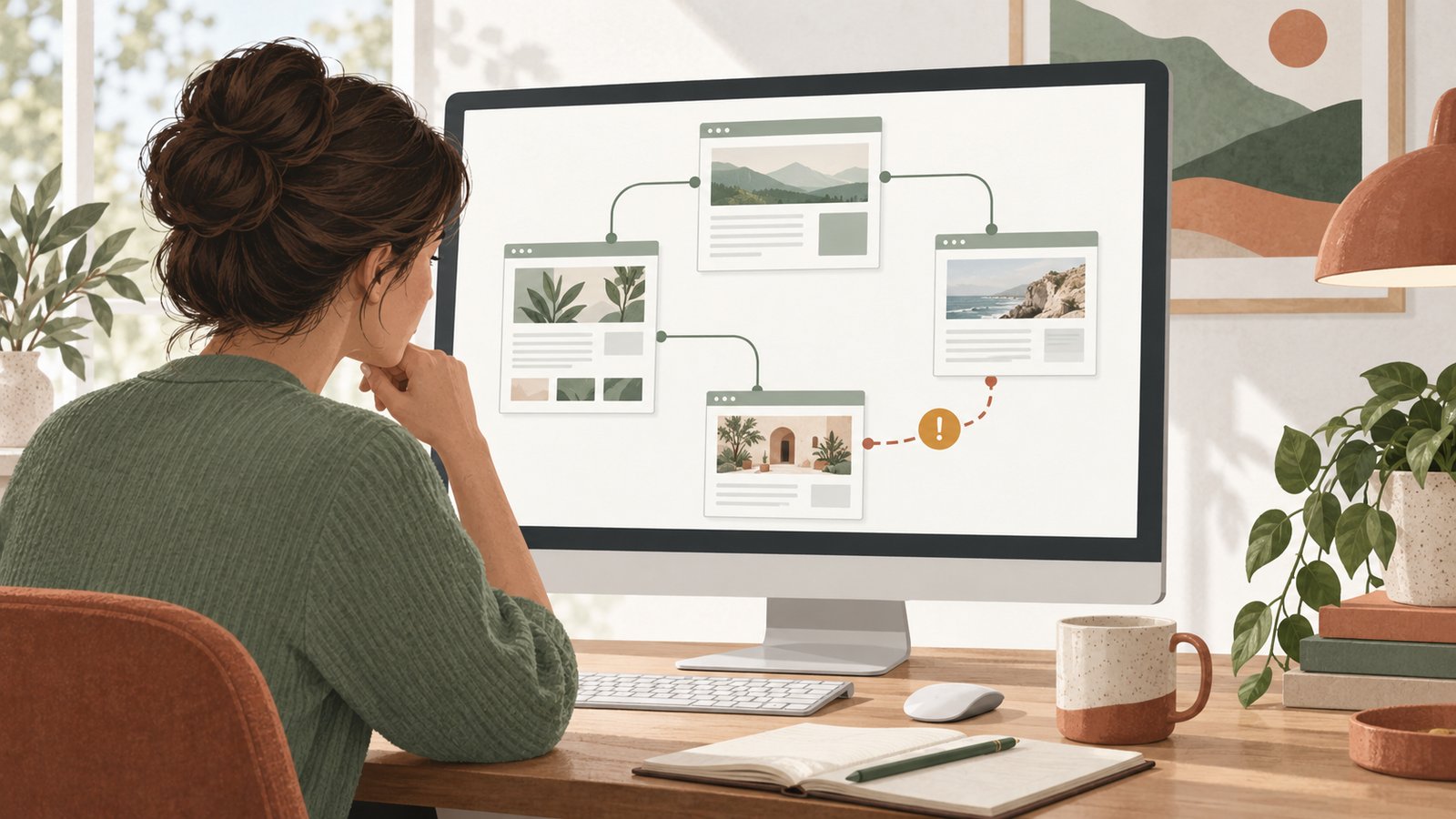
To find broken links automatically, run a website crawler or a supported WordPress link checker and collect the destination response together with the page containing the link. Repeat the check on a schedule your tool supports. Review the reported failures before changing anything, because a blocked request is not the same as a missing page.
For WordPress owners, Niwa can help inspect an affected page and prepare a supported content correction after you confirm the problem. Use a dedicated checking tool for repeatable collection, then give Niwa the source URL, destination and approved change.
Define what the checker needs to cover
Start with your public site address and a list of important paths: service pages, articles, product pages and navigation. Include links to documents if visitors depend on them, such as preparation guides or downloadable instructions.
Choose whether the scan should check internal destinations only or also follow outbound links. A broken external citation and a missing booking page can both matter, but their repair paths differ.
Coverage is part of the result. A crawler following links from the homepage may miss an unlinked page. A checker reading stored post content may miss links generated by a page builder, template or script. Compare the scan with the parts of the website you intended to examine.
Run a crawl with source-page reporting
The Screaming Frog broken-link tutorial documents a practical desktop route:
- Enter your website address in the SEO Spider and start the crawl.
- Open the Response Codes tab and examine client-error responses.
- Select an affected destination and use the Inlinks view to find the pages linking to it.
- Export the findings so each destination remains associated with its source page.
The free version crawls up to 500 URLs. That ceiling can include resources and destinations beyond the pages you intended to count, so check the completed crawl rather than assuming a 500-page site fits.
To make collection unattended, the licensed version supports recurring jobs under File > Scheduling. Its scheduling guide explains the input, interval and export settings. Confirm that the scheduled run completed and wrote its output. A manual free scan is useful but does not become automatic merely because you repeat it weekly.
Consider a WordPress checker for ongoing content scans
The Broken Link Checker plugin documents cloud and local checking options. Inspect the current setup and access requirements before choosing an option for your website.
Run the first check without enabling automatic content changes. Compare a few reported destinations with the website in a browser. Check whether the plugin sees links inside your actual page layout, including any builder-generated content.
Avoid overlapping scans from several tools until you understand the output. Multiple warning streams can create more work without improving coverage.
Sort the findings by what happened
Keep separate groups for confirmed missing destinations, redirects, access restrictions, server errors and timeouts. Google's HTTP and network-error documentation explains why these responses have different meanings.
A 404 can indicate a removed destination or a typo. A redirect may intentionally lead to the replacement page. A 403 may mean the remote site rejected the checking request. A server error may be temporary or may require hosting investigation.
Also check the content behind successful responses. A destination can return success while showing an error message, the wrong service or an unrelated page. Status is one observation, not the full answer.
Confirm false positives before editing
Open the exact destination from the report. Follow it from the source page as well. Note whether redirects lead to the correct final content and whether the failure happens repeatedly.
If a link works in the browser but the checker flags it, examine scanner access, request limits and the tool's explanation. Do not delete the link merely to clear a warning.
A WordPress support discussion records one user's recurring false positives; staff identify blocking as a possible cause and ask for example URLs. That is an individual troubleshooting report, not proof that every checker behaves the same way. It does show why source evidence and verification belong in the routine.
Turn confirmed findings into small WordPress tasks
Prepare a change record with the source page, the existing destination, the confirmed problem and the intended replacement. If no relevant replacement exists, explain what the paragraph should do without that link.
Ask Niwa: "Inspect this paragraph and the confirmed missing destination. Prepare a replacement link to this published guide. Show the exact change before saving." The Website Maintenance Agent can work through supported editing routes when the tools and permissions are available.
Keep unrelated redirects and server settings outside a simple content-link correction. Use the Niwa safety guidance to define the allowed scope.
Check that the warning stays resolved
After an approved edit, open the source page and follow the link. Repeat the relevant scan and preserve the new finding beside the original. Check recurring reports for the same source URL so a template or automated import does not reintroduce the old destination.
An AI-powered website uses connected tools after launch to help with this ongoing work. AI-assisted construction alone does not maintain link destinations as products, services and external sources change.
Send Niwa a confirmed broken-link example with its source page and scan evidence. You can then define a repeatable checking and review process that produces corrections someone can verify.

