

Why Are My Meta Conversion Events Duplicated?
Find the cause of duplicate Meta conversions. Check overlapping senders, event names and IDs, confirmation-page reloads and server retries before removing tracking.
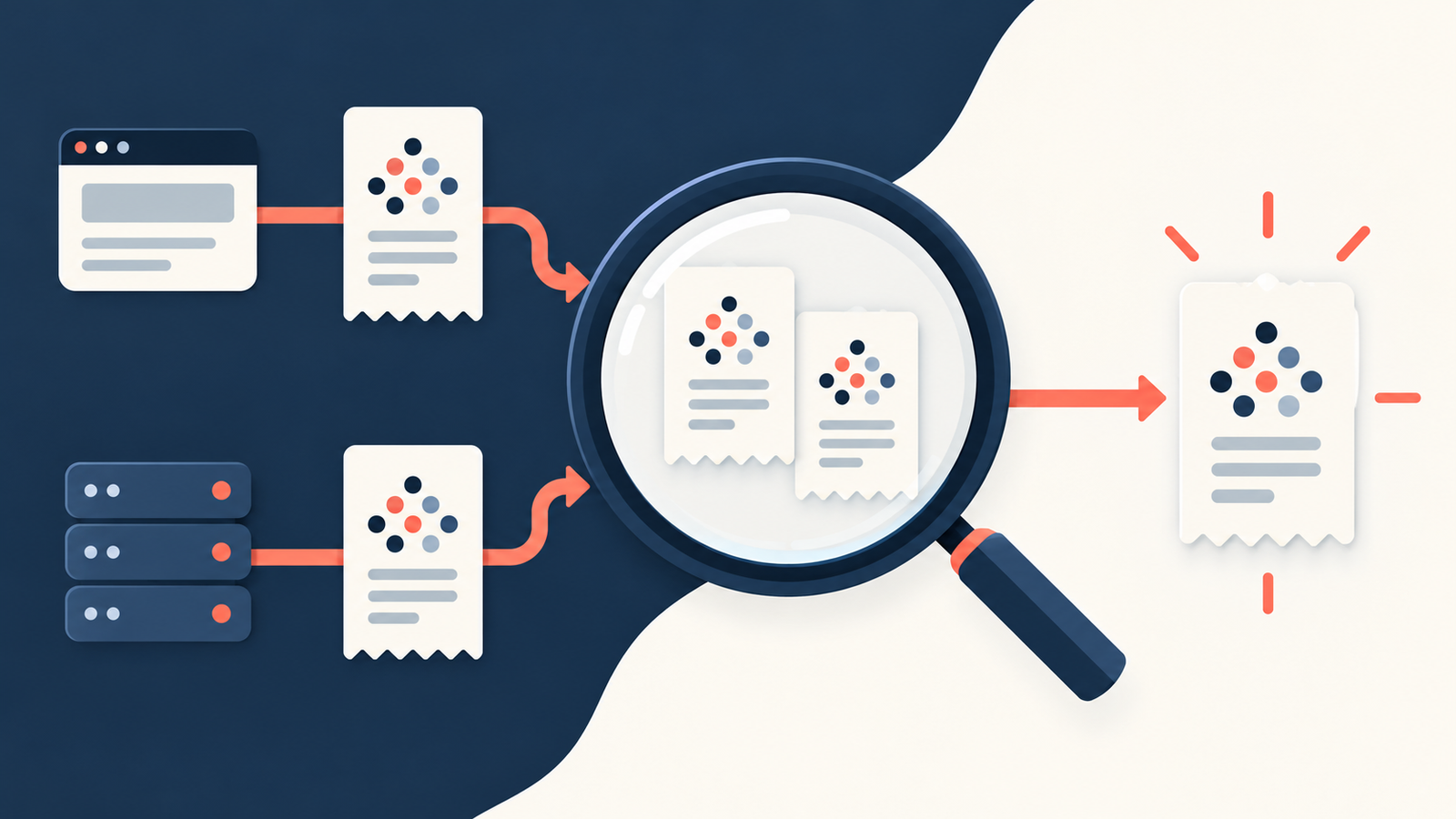
Meta conversion events are often duplicated because more than one integration reports the same action, browser and server reports do not share the correct event identity, or a success trigger runs again on refresh or retry. First confirm whether you are seeing two received messages for one correctly deduplicated conversion or two separately counted conversions. Those are different situations.
Do not switch off server tracking just because Test Events shows a browser entry and a server entry. A combined setup is designed to report the same outcome through both routes.
For a WordPress site using Niwa, follow the actual customer result. One saved WooCommerce order or website reservation should remain one business outcome, regardless of how many tracking messages describe it.
Trace one real conversion
Choose a controlled order, accepted enquiry or appointment. Write down its saved business ID and the time it completed. Then inspect the browser and server messages associated with that action.
Record each event's name, ID, data-source ID and sender. Compare value and currency if it is a purchase. This small trail is more useful than guessing from a daily total.
If the business system itself saved two orders or reservations, investigate the business flow as well as tracking. Deduplicating advertising events cannot undo a duplicate customer transaction.
Check whether the browser and server pair matches
Meta's recommended deduplication method requires the Pixel's eventID to match CAPI's event_id, with matching event names.
The pair must reach the same Pixel ID. The official guide also describes a 48-hour receipt window for this deduplication method. Sending the matching server report much later can prevent the pair being handled as expected.
An illustrative purchase might use order-6158-purchase on both paths. If the browser sends that ID but the server generates a fresh random ID, the two messages no longer share the intended identity.
Likewise, Lead and Schedule are distinct event names. Do not expect them to collapse into one event merely because their IDs match.
Find overlapping event senders
Check your tracking plugin, tag-manager container, theme settings, manually added snippets and any automatic event configuration. The same purchase may be sent by a plugin and a separate tag before CAPI is even considered.
Identify which integration owns each trigger. Remove or reconfigure the overlapping sender through its supported settings, then test again. Avoid deleting a whole integration when only one event overlaps, particularly if it also handles your product feed or other required functions.
Two browser senders or two independent server senders need their own investigation. Configuring the browser/server pair correctly does not prove every other repeated trigger is fixed.
Look for refreshes and retries that create fresh IDs
A confirmation page may be revisited without a second purchase. If each visit generates a new Purchase ID, the advertising system receives messages that look like distinct events.
Server delivery retries should preserve the identity of the original event. Meta's API usage guidance describes using event IDs to make repeated submissions safe. A queue worker should not invent a new business event every time it resends a request.
For bookings, rescheduling or reopening a saved appointment should not automatically become another acquisition event. For forms, a rejected submission should not become a lead. Review what the integration's trigger actually represents.
Do not confuse matching information with event identity
Customer matching and deduplication solve different problems. Matching information can help Meta associate an event with a person. The event ID distinguishes one conversion from another.
A matching email address or identical order value does not establish the recommended event-name and event-ID pair. One person can place several genuine orders at the same value, and each still needs a distinct conversion identity.
Use Meta's server-event parameters to review what your integration sends. Do not put personal customer details into event IDs merely to make them look unique.
Read the evidence before applying a plugin workaround
WordPress support threads contain reports of duplicated purchases, including a 2026 report describing an extra event with a different payload. These are user reports, not proof that your current installation has the same defect.
Check your exact integration version, checkout and payment route. If the problem appears to come from the integration, retain a sanitised event sample and the reproduction steps for its support team. A historical rollback recommendation may be unsuitable for your current site.
Repeat the test after the correction
Complete one valid conversion and inspect the browser/server relationship in Events Manager. Refresh the confirmation screen, trigger the permitted retry path and attempt a failed conversion. Confirm that no new business outcome is recorded for those repeats or failures.
Then check that a second genuine order or booking receives its own ID. Reusing one ID for every customer could hide real conversions while appearing to remove duplicates.
Niwa's WooCommerce tools and website booking flow support business journeys with concrete outcomes. The tracking integration must report those outcomes accurately; Niwa's presence alone does not establish correct Meta deduplication.
Niwa Business is USD 150 for a custom WordPress site or migration, hosting, maintenance and AI adaptation. Existing WordPress owners can use the standalone plugin. Contact Niwa with your customer journey and the tasks you want the AI-powered site to support after launch.

