

How to Use AI to Improve an Existing Article
Improve an existing article with AI using a clear brief, approved facts and a focused revision. Review the changes in WordPress and measure their effect.
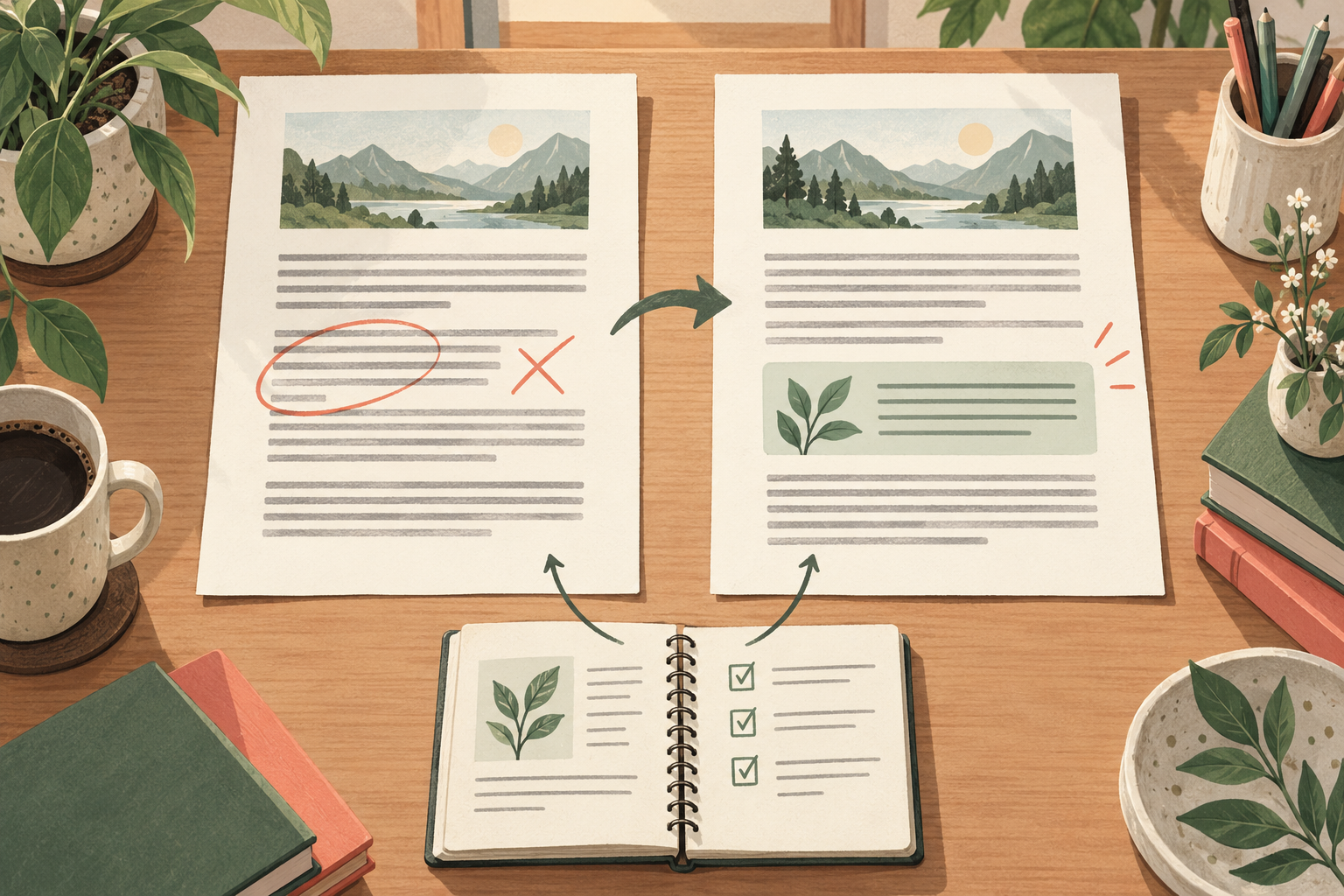
Use AI to review the article against a specific reader need, identify missing or unclear answers and revise only the parts you approve. Give it the original text, verified facts and relevant page data. Preserve useful material, check the proposed changes and inspect the saved page before judging the result.
Niwa lets WordPress owners turn that review into a concrete content edit. You can identify the article and section, supply the approved correction and check what changed. The aim is a clearer, more accurate page, not a rewrite for the sake of making it look new.
Choose a reason for the update
Start with an observed problem. A paragraph may contain outdated information, customers may ask a question the article misses, or Search Console may show that people arrive with a need the opening does not answer.
Do not assume a traffic decline proves the writing is poor. Check whether the page is accessible and indexed, whether demand changed and whether the decline affects comparable queries. Editing prose is useful only when prose is part of the problem.
Save the current version and note its URL, title, date and existing purpose. Record a baseline from the Search Console Performance report if enough data is available. Keep the original URL unless you have a reason and a separate plan to change it.
Assemble a small, reliable source pack
Provide the article, approved business details, current documentation and the questions it needs to answer. Include original examples the business can verify. Remove customer identifiers and unrelated private records.
For example, a flooring company may have an article about caring for a particular material. The owner can supply the current manufacturer's care instructions and explain which older recommendations are no longer applicable. AI should work from those instructions, not invent a cleaning method from general memory.
Google's generative AI content guidance calls for review of facts and metadata. Apply that review to the revised passages and any changed title, description or image caption.
Ask for a review before asking for replacement copy
Try this brief:
"Review this existing article for a homeowner deciding how to care for this flooring material. Compare it with the supplied current instructions. List factual corrections, missing answers and unnecessary repetition. For each recommendation, name the affected section and supporting source. Preserve accurate explanations and flag conflicts instead of resolving them by guessing."
Check the recommendation list yourself. A missing answer may belong in a short addition rather than a new section. A confusing explanation may need a simpler example. A suggestion unrelated to the article's purpose can be dropped.
Then request replacement copy for the approved sections. Ask for a concise account of what changed and what still needs confirmation. This makes review easier than comparing two completely different articles.
Add the expertise AI cannot supply for you
An article should contain something more useful than a rearranged version of other pages. Add a real example, an explanation of a decision or an observation from the person doing the work, where it helps the reader.
Do not turn a supplied example into a fabricated customer success story. If a step was not tested, do not describe it as tested. Google's people-first guidance encourages substantial answers and clear sourcing, rather than changing dates to suggest freshness without a meaningful update.
Make the revision in the existing WordPress article
In Niwa's owner conversation, name the article and specify the sections to replace. Supply the approved text and ask to preserve its URL, relevant links and visitor action. Review the draft before publication.
Check the saved content against the agreed revision. Inspect the public page on desktop and mobile, including any links or forms near the changed section. Niwa's website maintenance workflow explains why the saved record and visible page both matter.
Use the reviewed publishing workflow to keep the revision tied to a defined brief. It is especially helpful when several people can edit the same site.
Review the effect without inventing a cause
Record the update date and the exact changes. Compare the article's relevant queries and clicks over comparable periods, then check whether its visitors reach the intended next step. Account for seasonality, campaigns and other changes that occurred at the same time.
If the page becomes clearer but clicks do not rise, that does not make the update pointless. Accurate service information can prevent poor enquiries or customer confusion. If results worsen, inspect the changed sections and technical state before making another broad rewrite.
Bring the article and its evidence
Existing WordPress owners can install the standalone Niwa plugin. Niwa Business is USD 150 and includes a custom WordPress site or migration, hosting, maintenance and AI adaptation.
Contact Niwa with the article URL, the problem you see and the facts that should replace the outdated material. That gives the revision a clear purpose and makes the result easier to review.

