

How to Transfer a Lovable Website to WordPress
Choose an editable WordPress rebuild or a headless Lovable connection. Separate application code, content, backend data and login before planning the migration.
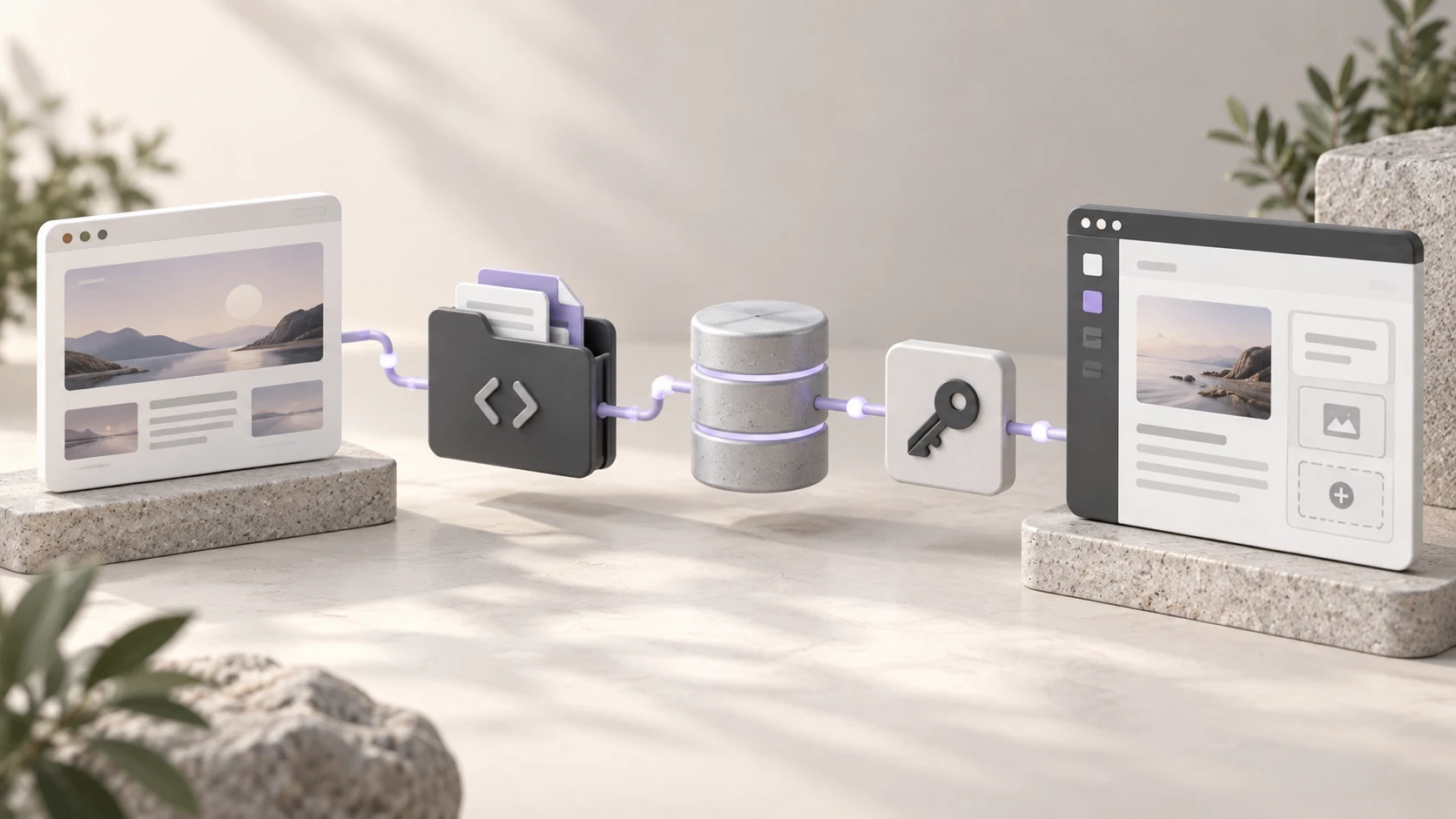
To transfer a Lovable website to WordPress, choose whether you want WordPress to render the whole site or only manage content behind a retained Lovable frontend. For an ordinary WordPress site, rebuild the design and content in editable WordPress templates, then migrate or reconnect required services. For a headless setup, connect the Lovable app to WordPress content. Neither route automatically converts application code, login and backend data into a WordPress theme.
Niwa Business includes a custom WordPress site or migration, hosting, maintenance and adapted AI tools for USD 150. Send Niwa your Lovable project and public address with the functions you need to preserve. Agree the scope and billing terms. A complex application with custom accounts or backend services needs an explicit assessment; the offer is not a promise that every application can be moved with a page import.
For a conventional WordPress destination, Niwa’s customer assistance tools can answer questions from approved business information after launch. This is separate from using AI to generate the original app or design.
Decide what you mean by moving to WordPress
A marketing website and a working application can look similar in a screenshot. Inspect the behavior behind the pages before choosing the migration route.
Does the site mainly publish services, articles and contact information? A conventional WordPress rebuild may provide the editing workflow you want. Does it contain custom dashboards, account access or records that change through the app? Those features need a separate backend and access plan.
| Destination choice | What changes | What still needs a plan |
|---|---|---|
| Conventional WordPress site | WordPress renders pages and manages content | App functions that must be recreated or retained separately |
| Lovable frontend with WordPress content | WordPress becomes a content source | Frontend hosting, app services and integration behavior |
| Application moved to another host | Deployment location changes | A separate decision about WordPress editing or rebuilding |
For example, a consultant’s service pages may be suitable for an editable WordPress rebuild. A customer dashboard attached to those pages should not be treated as another paragraph to import. Decide whether it stays as a separate application or becomes a specifically scoped development task.
Preserve code, content and service access separately
Use Lovable’s GitHub connection documentation to connect the project to a repository and preserve its code. Confirm that the authorized owner can access the repository and the version you intend to retain. A repository provides application source; it does not by itself copy backend services into WordPress.
Also save the approved text, media, page URLs and design references. Inventory external APIs, payment services, email delivery and authentication. Record which system currently owns each type of data and who has permission to migrate it.
Keep credentials out of public exports and browser-side code. List the connections that need to be reconfigured at the destination without pasting their secrets into a shared content document.
Preserve a working source while the replacement is tested. The ability to rebuild the frontend is not a reason to retire a backend that still serves existing users.
Inspect the application’s hosting requirements
Lovable’s hosting and ownership documentation distinguishes frontend and backend portability. Some projects use a static Vite build; server-capable projects, including those using TanStack Start, have different deployment requirements. Inspect your actual code and build configuration before selecting a host.
An app frontend can move while its existing backend remains connected. Moving the backend requires its own plan for database, authentication, storage and functions. Copying data into plain PostgreSQL does not automatically replace those other services.
If the desired outcome is a conventional WordPress website, you may not need to deploy the old frontend at all. Recover its content and design, then rebuild the public pages in WordPress. Retain any necessary application separately until a tested replacement exists.
Create a feature checklist with a destination for each function. Name the login system, where uploaded files live and which process sends notifications. Unresolved entries are migration decisions, not details that a theme importer can settle.
Rebuild an ordinary editable WordPress site
Prepare a staging WordPress installation while the source remains live. Choose the theme and editing method around the team responsible for updates.
Recreate shared navigation, header and footer, then build the pages using approved text and media. Use reusable patterns for services and posts. Keep content editable instead of pasting a compiled application bundle into a page and expecting WordPress editors to manage it.
Upload media to the destination or a deliberately retained service. Update links and confirm the actual storage location. Copy relevant titles and descriptions, and map old paths to their intended new pages.
Configure contact forms and other required functions explicitly. Test both the visible interface and the saved result. If the old site has account-based workflows, verify what happens to existing users before declaring the website migration complete.
Use a WordPress connection if you want a headless site
Lovable documents separate self-hosted WordPress and WordPress.com connectors. This route lets an app use WordPress content while retaining its own frontend. It is a content connection, not a PHP-theme conversion.
For the documented self-hosted route, prepare an HTTPS WordPress site with non-plain permalinks and a suitably permitted user. Create that user’s application password, add the WordPress connection in Lovable with the site URL and credentials, and link it to the intended project. Follow the official guide for current prerequisites and connection-sharing settings.
The connected user’s permissions control its access. The connector does not provide a separate WordPress login for every visitor, so do not confuse that connection with an end-user account migration.
Test a content update from WordPress through to the rendered app. Decide how previews, caching, media and navigation will work. Also check the production URL and metadata; a working API response alone does not prove that visitors see the updated article correctly.
Configure Niwa for the chosen architecture
A conventional WordPress destination provides the direct environment for the standalone Niwa plugin. Prepare accurate business information, connect the approved tools and test the intended customer workflow.
For a retained Lovable frontend, do not assume that a WordPress plugin’s widget or booking interface appears automatically in the app. Agree the frontend integration and verify its behavior on the actual public page. A headless content connector does not automatically reproduce every theme or plugin interface.
On an appropriate WordPress service site, Niwa’s booking tools connect the schedule to customer assistance. Using your website’s service information, Niwa can answer questions and book directly through WhatsApp. Test the saved reservation and confirmation with the architecture you chose.
Existing WordPress owners can install the standalone plugin without a rebuild. The relevant decision is the site’s operating architecture and workflow, not whether its first design was generated with AI.
Test the launch without losing application data
Review pages and navigation on desktop and phone. Test forms, authentication and any retained app services using controlled accounts and records. Verify that required media and historical content remain accessible.
Create a URL map, preserve suitable paths and set redirects for changes where you control the destination. Review canonical URLs, titles, descriptions and the sitemap. Avoid promising unchanged search rankings or automatic improvement from adopting WordPress.
Back up the relevant systems before changing website DNS or retiring services. Preserve email records unless email is part of the migration. Verify HTTPS and the live customer workflow after the switch, then remove temporary connections that are no longer needed.
Ask Niwa to assess the project with its public pages, repository access and backend inventory. Those details establish whether you need a WordPress rebuild, a headless content connection or a separate application migration alongside the website.

