

Can I Move My Website to WordPress Without Losing SEO Rankings?
Reduce SEO risk when moving to WordPress. Preserve useful URLs and content, map redirects, test indexing settings and monitor important pages after launch.
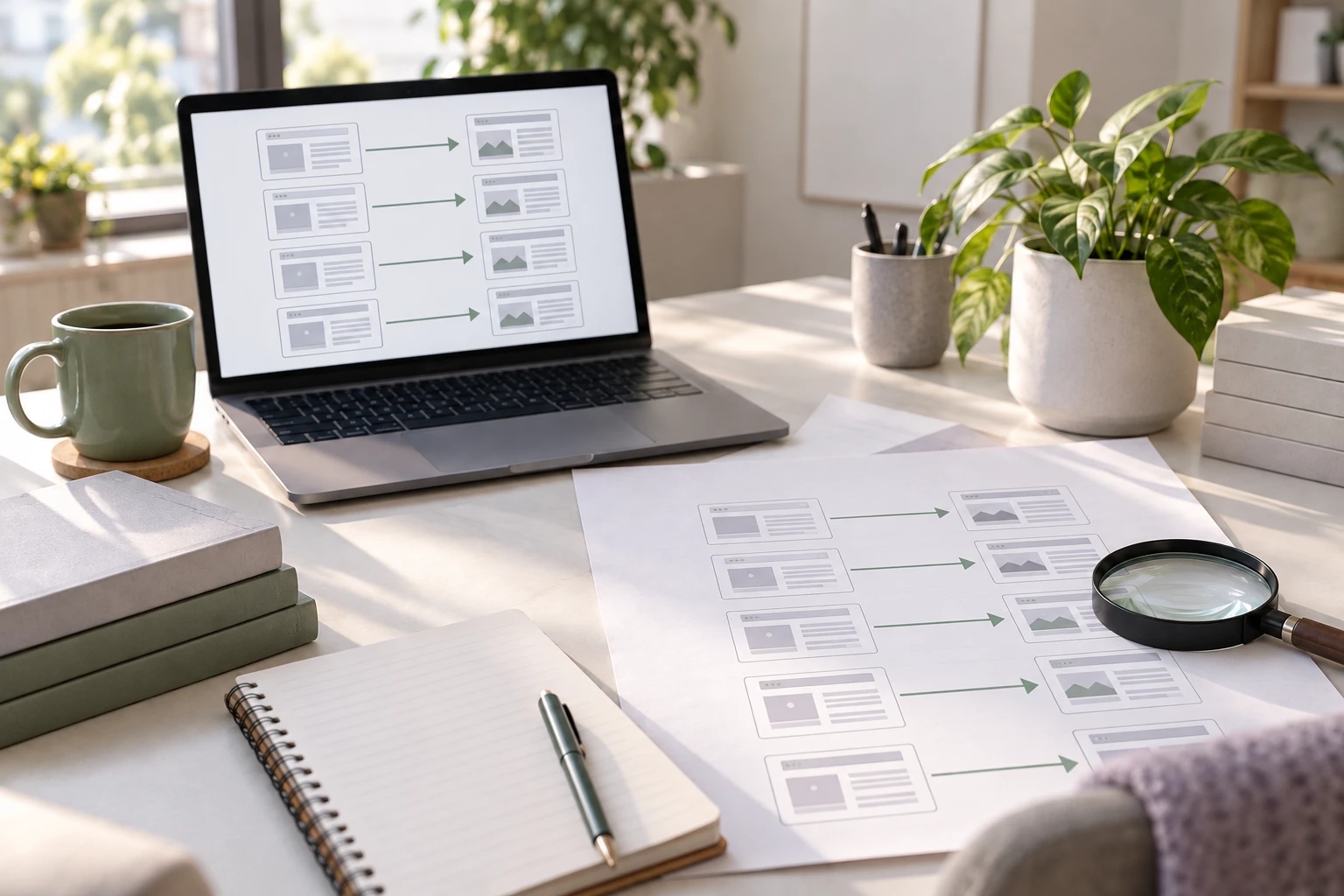
You can reduce the risk of losing search visibility when you move to WordPress, but nobody can promise that every ranking will stay unchanged. The practical aim is to keep useful content and page addresses accessible, transfer the signals that describe each page, and catch migration errors before customers find them.
With Niwa Business, the migration scope can include reviewing the existing site's important pages before the WordPress build begins. Bring the pages that generate enquiries or sales, rather than asking only for a visual copy of the homepage. Discuss an SEO-conscious migration with Niwa.
Google distinguishes a hosting move from a move that changes page URLs. Its site-move guidance explains that search results can fluctuate while changed pages are processed. That is a reason to plan carefully, not a reason to replace a functioning website indefinitely.
Establish what you need to protect
Before development, save a list of current URLs. Combine your sitemap, navigation, important campaign links and Search Console landing-page data. Include downloads and images that attract visitors, not just ordinary pages.
Record the page's purpose alongside its address. A repair-service page that brings qualified enquiries matters differently from an old announcement that receives occasional visits. Capture titles, descriptions, main headings, visible content and the conversion action on your important pages.
Use this record to distinguish a migration problem from an unrelated traffic change. Without a baseline, a quiet week after launch can look like a technical failure even when demand has also changed. Compare equivalent periods and check individual landing pages before drawing a site-wide conclusion.
Keep changes small enough to diagnose
Changing the platform, domain, page paths, content and business positioning together makes the result harder to interpret. If your current domain is still appropriate, you can keep it when moving to WordPress.
Preserve useful paths where practical. A page at /services/repairs/ can often retain that address in WordPress. Do not introduce a new path simply because an importer chose one automatically.
Keep the information that answers the visitor's question. A shorter new page may look cleaner but omit the service area, product specifications or delivery details that made the old page useful. Review proposed content changes as editorial decisions, separately from the technical move.
This does not mean keeping inaccurate or obsolete information. It means knowing what you changed and why, so you can investigate later with evidence.
Give each changed address a destination
Create an old-to-new URL map before the switch. For each changed page, choose the closest relevant replacement and use a permanent server-side redirect when the move is permanent. Google's redirect documentation describes how these responses communicate a move.
For example, an old page about commercial cleaning should reach the new commercial-cleaning page, not a generic homepage. A visitor following an old link still needs that specific service.
Test the actual response and final page. Check for loops, multiple unnecessary hops and a destination that returns an error. Update internal links to point directly to the new address; redirects are useful for old visitors and external links, not a reason to leave your own navigation outdated.
When content has genuinely been removed and has no relevant replacement, do not manufacture an unrelated destination. Record the decision so the team does not later mistake an intentional removal for a missing page.
Check the new site's search-facing details
Review the important pages on staging, then again on the public domain. The checks have different jobs:
- The page must return the intended response and show the expected content.
- Its title and main heading should describe the same subject as the approved page.
- Its canonical should identify the preferred public URL, not the staging address.
- Internal navigation and sitemap entries should use the intended final addresses.
- Public pages intended for search should not retain a staging-only noindex directive.
Google's canonical guidance explains the preferred-URL signal. Its noindex documentation also makes clear that a crawler needs access to see that directive. A checkbox alone is not evidence that staging is private or production is indexable.
Test mobile use as well. A page that loads but hides its enquiry button under a broken menu has preserved an address while damaging the customer journey.
Monitor pages, then investigate the cause
After launch, check Search Console, your traffic reporting and actual enquiries. Look for patterns rather than reacting to one position change. Are old addresses returning errors? Are important new pages excluded? Does the public page contain the expected text?
Use the URL Inspection tool to investigate a specific page. Its indexed information and live test answer different questions; a successful live fetch does not prove the page is already indexed or ranking.
If all organic landing pages suddenly disappear from reporting but Search Console still shows impressions, examine measurement setup as well as SEO. If one service page declines, compare its old and new content, path, internal links and search demand before changing unrelated settings.
Keep a dated change log. Correct verified errors first, then allow time for search systems to process the site. Avoid repeatedly changing URLs in response to daily fluctuations.
Put the migration and ongoing work in separate scopes
Niwa Business includes a custom WordPress website or migration, hosting, maintenance and AI tools adapted to the business for USD 150. Establish which pages and checks belong in your site's migration plan before the work starts.
After the move, Niwa's WordPress workflow can support owner work with website content. If WordPress is already running, the standalone plugin can be installed without commissioning another website. Review new content for accuracy and usefulness before publishing.
Send Niwa your current site, important landing pages and any planned URL or content changes. That gives the migration a concrete starting point and makes the post-launch checks meaningful.

