

Do I Need WordPress to Build an AI-Powered Website?
AI-powered websites can use different platforms. WordPress is required for Niwa itself, so choose the environment around your intended workflows and existing site.
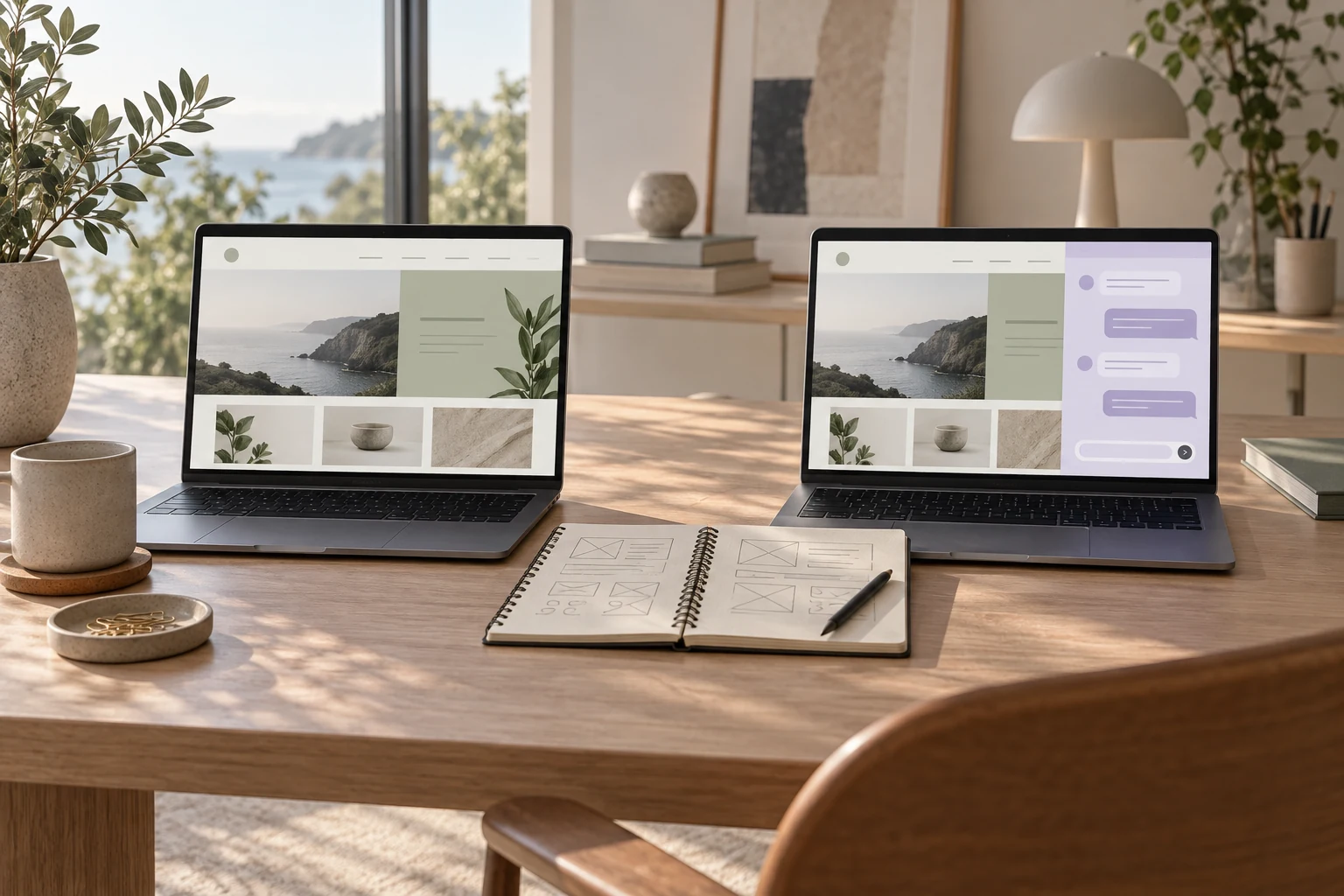
No. An AI-powered website can run on WordPress, another website platform or a custom application. What matters is the working connection between the website, its business information and the AI features you want. Niwa itself is a WordPress plugin, so using Niwa's operating tools requires WordPress.
That creates two different decisions: whether you need AI on the website at all, and which environment supports the customer and owner workflows you want. A platform's AI design feature does not answer both questions.
Look at ongoing features rather than the builder label
An AI builder helps create a website. Ongoing AI features help someone while the published site is running, such as answering a question or finding a relevant product. A platform can provide both, but check the actual features separately.
Wix, for example, documents Smart Chat as AI and manual visitor assistance. This provides a non-WordPress example of an operating customer feature. It does not establish that every platform or plan has the same catalog access, owner tools or integrations.
If you already have a website, identify the features available in its current environment before considering a move. A compatible assistant may be enough for a narrow customer-question task. A broader requirement for owner operations can lead to a different choice.
The AI-powered website overview explains the operating distinction. Use it to describe the work you need, then compare how each platform supports that work.
Why choose WordPress for Niwa?
WordPress provides a website environment in which plugins extend supported functionality. Niwa works there with the site's information and the tools available to customer and owner sessions.
For the owner, that can include supported website editing and business operations. For a WooCommerce store, it can connect assistance to catalog information. These are specific reasons to evaluate WordPress, rather than a claim that AI only works on this platform.
Existing WordPress owners can install the standalone Niwa AI plugin. The Niwa installation guide covers licence activation, the AI connection, indexing and public chat visibility. WordPress's plugin documentation describes the underlying installation method.
WordPress also brings maintenance responsibilities. The site, hosting, plugins and access need attention. Compare who will perform that work in your chosen setup rather than assuming the platform removes it.
Compare the customer task in each environment
Write a representative customer journey and ask what the platform can actually complete. For routine questions, inspect its information sources, refresh process and human contact route. For products, check the catalog and selected variant. For booking, check availability and the saved appointment.
Avoid treating an embed as proof of a complete integration. It may display a conversation while the action behind it still needs a connection. Conversely, a native feature may already cover the task without a custom build. Ask for a demonstration with your intended information and an observable result.
Niwa extends the website's business context to WhatsApp conversations, where customers can book appointments and use enabled sales actions directly. When comparing platforms, evaluate that complete workflow as well as the website's own visitor interface.
Decide whether migration is worth the wider change
Moving an established site affects more than its assistant. Review content, URLs, forms, products, bookings and the operational work that currently depends on the platform. Keep access to the domain, hosting and source information clear in the implementation agreement.
Migration may be sensible if you want Niwa's WordPress tools and also need the website rebuilt or maintained in that environment. It may be unnecessary if your existing platform already delivers the narrow task you need.
Do not choose a migration from a feature list alone. Compare a representative workflow, the maintenance arrangement and the work required to preserve the existing site. A new platform should support the business you run, not simply provide a different place to install a chat button.
Niwa Business includes a custom WordPress website or agreed migration, hosting, maintenance and an AI operating system adapted to the business for USD 150. The standalone Niwa AI plugin plan adds the operating tools to an existing WordPress site.
Review access, provider costs and portability
Check how each setup handles your business information, who controls the accounts and what can be exported or retained if you change supplier. These details depend on the actual service and agreement, so avoid assuming every platform offers the same ownership or exit process.
Niwa stores working records through WordPress while task information may reach the selected AI provider and connected services. Its safety guide describes those paths and permission boundaries. Review them alongside the tasks you intend to enable.
Use your own supported AI subscription without additional Niwa AI usage charges or Niwa-imposed usage caps. Provider subscription terms still apply; an API connection uses separate provider billing. Include the chosen connection in any cost comparison.
Contact Niwa with your current platform and intended workflow. The useful answer may be a standalone WordPress setup or an agreed migration, depending on what the website needs to do after launch.

