

Can My Website Book Appointments with AI?
Niwa can book appointments on the website or directly through WhatsApp, using configured services and availability and saving the appointment record.
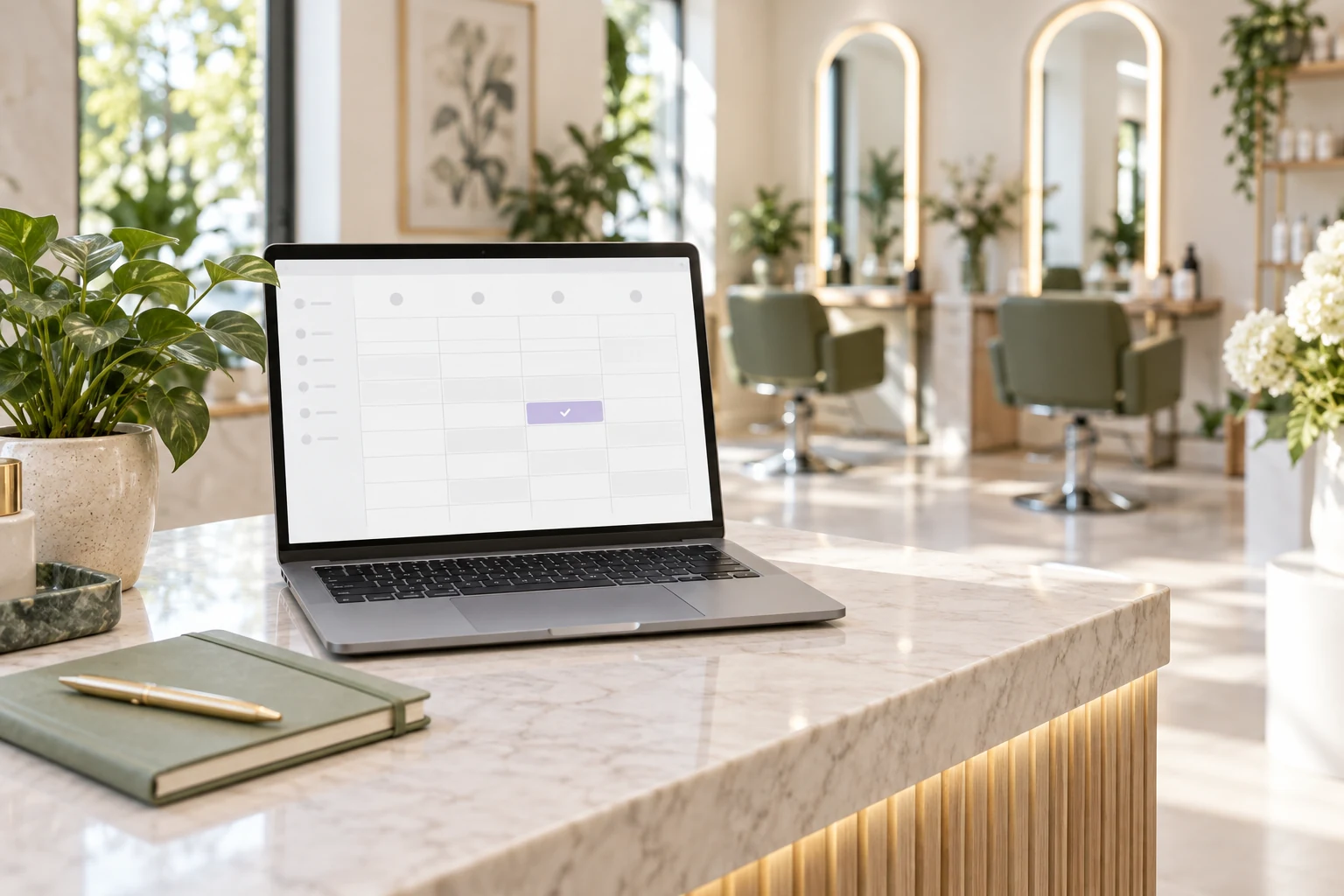
Yes. A website can use AI to help customers understand a service, choose an available time and book an appointment. Niwa can complete that booking through the website or directly in a WhatsApp conversation, using the business's configured services and availability. The saved record confirms the selected service, attendee and time.
Niwa includes website scheduling and appointment records on WordPress. The important setup work is aligning that flow with how your team actually provides services, then checking the reservation from the customer's first question to the saved appointment.
Give each bookable service a clear definition
A customer may know what they need without knowing which appointment type fits. Provide a service description that explains what happens, how long it takes, where it takes place and which requests need a different route.
For example, a first consultation and a follow-up are different commitments. If their names are similar, explain the difference before asking the visitor to choose a slot. Otherwise, the calendar may be technically available while the customer books the wrong kind of visit.
Keep the descriptions consistent with the information the assistant reads. When you change a service duration or location, review its booking configuration and its customer-facing page together.
The Niwa booking overview describes services, durations, team hours and appointment records. AI helps the person understand those choices; the configured business schedule determines which times are valid.
Make availability reflect the real team
Set the working hours of the people who provide each service. Account for breaks, planned closures and exceptions that affect appointments. An empty cell in a calendar is only useful if the business can honor it.
Check the appointment duration and the selected team member as well as the starting time. A customer should not be offered a visit that extends beyond the provider's working hours. Use the scheduling rules supported by your installation and test the resulting options.
Make the timezone clear for online appointments. A visitor may be in a different location from the business. The selected time and confirmation need to express the same appointment, rather than relying on an unexplained local clock.
Niwa has local scheduling; an external calendar connection is optional. If you connect Google Calendar or another supported service, verify the correct account, authorized calendars and synchronization behavior. A connected account should not be treated as proof that every source of availability is included.
Let the conversation lead to the actual reservation
A website enquiry might begin with a question about price, preparation or the appropriate service. The assistant can explain the supplied information and lead the customer to the relevant booking interface.
That interface needs a clear sequence: service, valid time, necessary attendee details and final confirmation. Show the customer what they selected before they finish. Avoid collecting details that are unnecessary for arranging the visit.
When the enquiry starts on WhatsApp, Niwa can handle the booking directly in the conversation. The agent uses the website's business context to explain the service, find availability, collect the necessary attendee details and save the appointment. See the WhatsApp agent overview for this connected customer workflow.
For requests that do not fit the standard services, provide a human contact route. The assistant should not squeeze an unusual request into an ordinary slot merely because it is available.
Verify the booking and its confirmation separately
Before customers depend on the flow, make a controlled representative reservation in each channel you enable and inspect the appointment record. Check the service, duration, team member, attendee details, selected date and timezone.
Then check the configured confirmation route. A saved appointment and a delivered notification are separate outcomes. If an email does not arrive, inspect that delivery rather than assuming the record was not saved and encouraging a duplicate booking.
Test an unavailable time and a closed day. Check how the system handles a second request for the same slot under the actual scheduling rules. Verify that the customer receives a valid next step when the requested option cannot be booked.
On a phone, make sure the service selection, calendar and final action remain usable. The assistant should not obscure the controls needed to complete the reservation. Recheck these details after a meaningful layout or scheduling change.
The Niwa installation guide covers the required connections. Review owner permissions separately from the customer experience so an administrator's successful test does not mask a missing visitor capability.
Keep appointment information current
Assign someone to maintain hours, closures and service descriptions. Tell customers how to request a change or cancellation using the route your business actually handles. Do not promise that every change is automatic without testing that specific action.
Existing WordPress owners can use the standalone Niwa AI plugin plan. Niwa Business costs USD 150 for a custom WordPress website or agreed migration, hosting, maintenance and an AI operating system adapted to the business.
Use your own supported AI subscription without extra Niwa AI usage fees or Niwa-imposed usage caps. Provider subscription terms still apply; an API connection uses separate provider billing.
Contact Niwa with your services and scheduling process. Include who provides the appointments and where the team currently keeps availability, so the proposed flow can reflect the visits you can actually deliver.

