

How to Use Product Bundles to Increase Order Value
A useful bundle combines products for a specific task. Price the complete set, test its component inventory and judge its result against separate purchases.
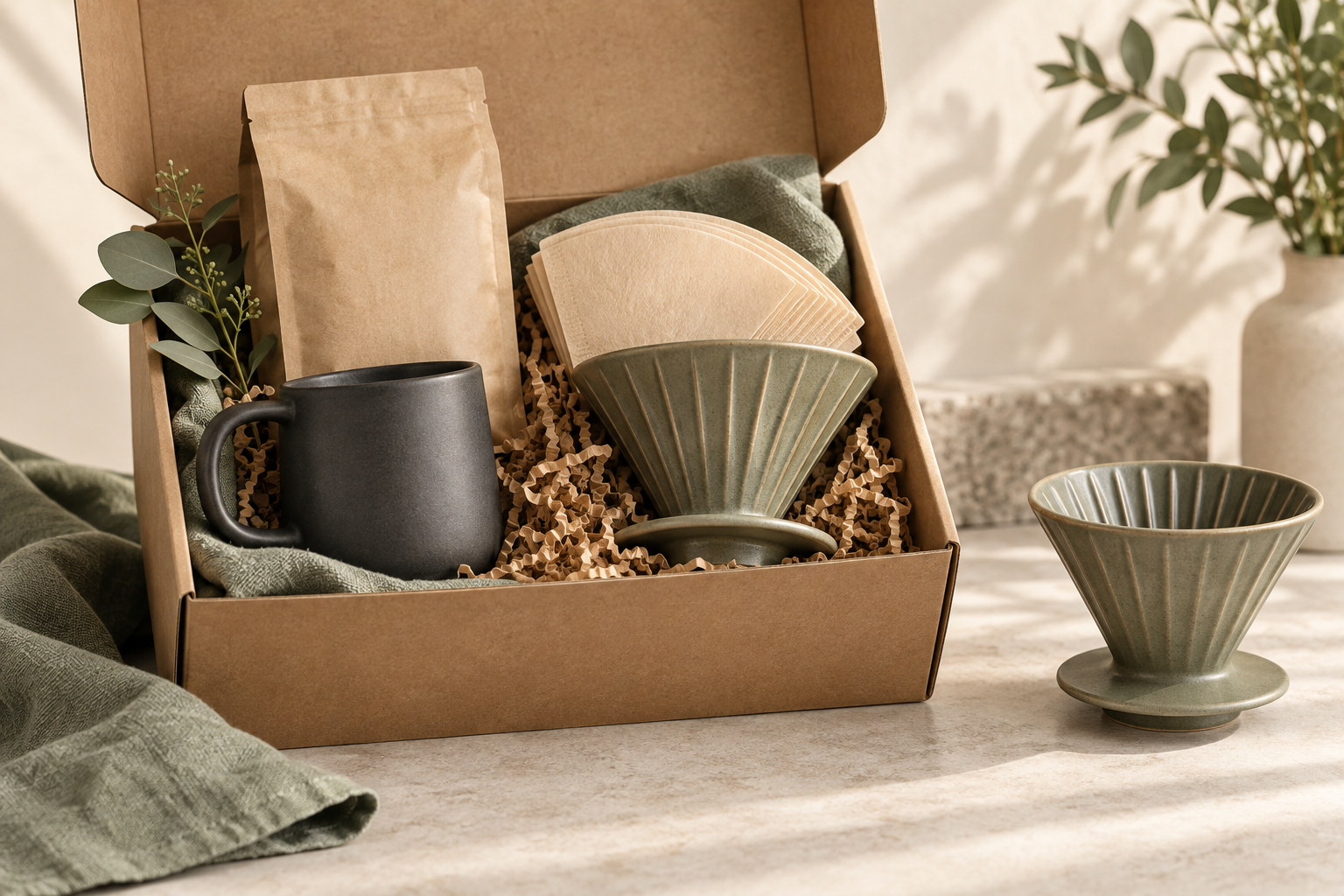
Use product bundles to increase order value by grouping compatible items around a task customers actually want to complete. Make the contents and combined price clear, keep unnecessary items optional where appropriate, and test whether the set increases contribution as well as basket size.
For a WooCommerce store, Niwa can help a customer understand which catalog items belong together. A conversational bundle recommendation still needs a store implementation that prices the purchase and handles stock correctly. Product advice and bundle inventory are different jobs.
Choose a task before choosing the products
Start with something a customer can describe: prepare coffee with a first brewer, maintain a pair of shoes, or pack a suitable travel camera kit. List what is essential, what is helpful and what the buyer may already own.
A beginner coffee kit might contain a dripper and fitting filters. A mug could be optional. Adding coffee because it fits the use case is different from hiding unrelated slow-moving stock in the package.
Keep the individual products available when it makes sense for your business. Someone replacing a single component should not need to purchase the whole kit again. A bundle earns its place through convenience, compatibility or a worthwhile price, not merely through being the only route to buy.
Decide how much choice the set needs
A fixed set works when the components are stable and customers want a ready-to-buy combination. A configurable set is more appropriate when size, colour, capacity or an optional accessory matters.
Each choice needs a clear effect on the total. If changing the main product makes an accessory incompatible, the bundle must prevent or clearly resolve that combination. Do not assume product names are enough to establish compatibility.
WooCommerce Product Bundles supports bundle pricing using a base price, individually priced items, or both. That is a separate extension. Check whether your existing tools cover the job before purchasing another one, and verify compatibility with your actual theme, cart and checkout.
Price the set from its costs
Consider this hypothetical example, excluding tax and delivery:
- A dripper sells for $32 and costs the merchant $16.
- Matching filters sell for $8 and cost $3.
- The pair sold separately brings $40 in revenue and $21 before other costs.
- A $38 bundle brings $19 before other costs.
The bundle is a larger sale than the dripper alone, whose product contribution is $16. It is a smaller contribution than a customer buying both products at full price. Whether the offer helps depends on how many people buy the filters because of it and how many would have bought them anyway.
Add payment fees, extra packing, delivery subsidies and expected returns to your own calculation. You do not need a discount if the complete set already saves the buyer time or makes a confusing purchase understandable.
Make contents and stock visible
Show every included product, the quantity, available variants and the total. Explain whether a pictured accessory is included. Keep photographs and descriptions aligned with the actual set so the customer does not discover missing items after delivery.
When stock is managed for components, a bundle sale should reduce the correct component quantities. The official Product Bundles documentation describes component stock behavior and the possibility of separate bundle-level limits. Check the settings for the extension you actually use.
Run a test purchase, then inspect the order, component stock, fulfillment information and accounting export. Also test a low-stock component, a cancelled order, a partial refund and removal of an optional item. A correct-looking cart is only one part of a working bundle.
Let Niwa clarify what the buyer needs
Prepare accurate product attributes and connect relevant WooCommerce products. In Niwa's storefront workflow, the conversation can help establish whether the shopper is starting from scratch or already owns part of the set.
For example, a customer asking which filters fit the brewer should get the documented compatible option. Someone who already has those filters can continue with only the brewer. The assistant should not add the complete kit solely because its price is higher.
Test the selected variants and supported cart controls in the real store setup. If the bundle needs a configurator, send the customer to that product flow instead of implying a conversational suggestion has already configured and purchased it.
Measure bundle sales against what they replace
Track bundle uptake, component attachment, completed-order conversion, AOV, contribution and returns. Compare eligible traffic with a suitable control. Watch for customers shifting from a full-price combination to a discounted bundle, since that can reduce earnings even while bundle sales rise.
Check reporting carefully. The official Product Bundles guide distinguishes bundle-specific reports from product reports, where individually priced component revenue can appear differently. Avoid counting both the parent bundle and its components as separate earned revenue.
Start with one well-defined kit and improve it from real questions and order records. Existing WordPress owners can add Niwa through the standalone plugin. Contact Niwa with a product set and the choices customers struggle to make.

