

What Happens If My AI Website Builder Shuts Down?
Plan for an AI website builder closing by separating hosting, editing, backend services, domain access and the material needed to restore your site.
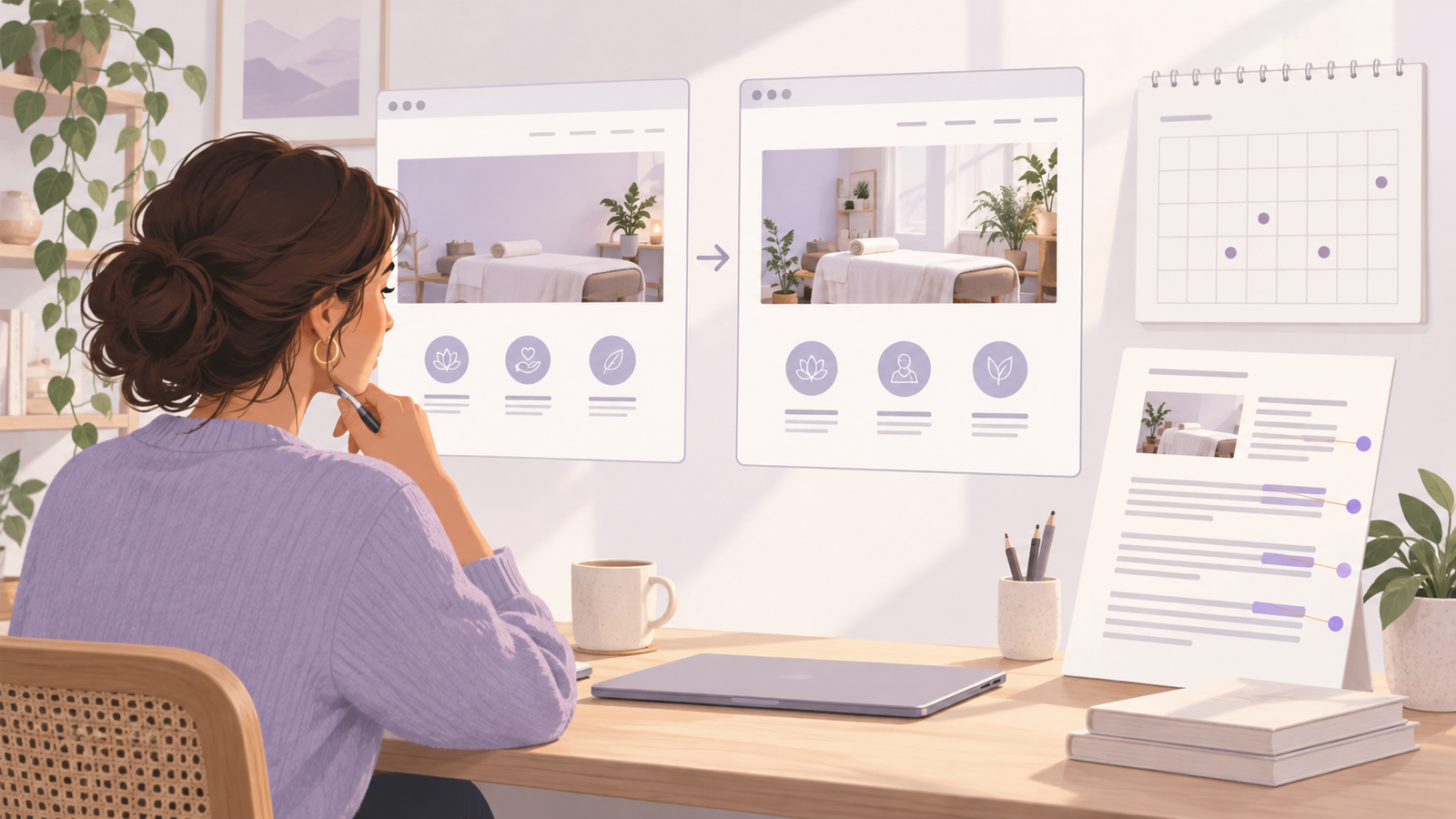
What happens depends on which parts of your website rely on the company. If it supplies both the editor and hosting, closure can affect the public site as well as future changes. If it only helped create a project that you host independently, the site may keep running while you lose that editing service. Backend services, domain access and connected tools can create separate dependencies.
For a WordPress business, Niwa provides supported assistance within a site arrangement you should understand and document. Its help guide explains connections, and its maintenance approach covers scoped owner work. Continuity still requires working accounts, suitable backups and someone able to restore the actual system.
Map the services that keep the website working
Identify the domain registrar, public hosting, editing tool and any backend that stores accounts, orders or appointments. Add payment, email and other essential connections. One company may provide several of those functions, but do not assume they always disappear together.
Ask a simple question for each component: if this service became unavailable, what would visitors and staff lose? Losing an editor might prevent changes while pages stay online. Losing a database service might leave pages visible while accounts or bookings fail.
Lovable's ownership and deployment documentation distinguishes its editor, frontend hosting and backend services. It explains why moving the frontend alone does not migrate the complete application's data and backend functions. Use that distinction when mapping any platform, rather than treating a source-code download as the whole website.
Find out what an export actually contains
An export may contain page text and media, a static website or a source project that still needs installation and connected services. Ask for the available format and compare it with your site's requirements.
Wix states that its proprietary website technology is not exportable as a functioning Wix site to another host. In that arrangement, a move can require rebuilding the website using material you retain.
For another example, Hostinger's documented export from AI Builder manual mode to WordPress covers supported content but excludes items such as styles and layout, store data, forms and submissions, integrations and SEO settings. That is a specific mode's documented capability, not a rule for every Hostinger product.
These examples show why "export available" is not enough. For your own site, record what transfers, what must be recreated and what needs a separate data export.
Keep the domain and important records recoverable
Make sure the business can access the domain registrar account and its recovery contact. Document who controls DNS and how a hosting change would be made. Domain management and website hosting may be separate services, so establish both rather than assuming the builder login controls everything.
Preserve approved content and original media under business control. For a working site, keep the appropriate project files, configuration information and data exports without exposing credentials. Store secrets through a suitable secure arrangement, separate from public project files.
For WordPress, backups require files and the database. A content export is useful but does not replace a complete recovery copy. Check that someone can restore the backup into a working environment; an unreadable or incomplete archive will not help when the service is unavailable.
Use a closure notice to prioritise what must survive
If a provider announces a shutdown, preserve the notice and its deadlines. Review export options and support instructions while the account is still available. Do not wait for the public website to fail before finding out whether customer records can be retrieved.
Prioritise the functions customers depend on. A service business may need contact and booking continuity before recreating every decorative page. A shop needs careful handling of orders, products and payments. Plan the replacement around that business function rather than copying only the visible homepage.
Verify the replacement privately before changing the domain's destination. Include the real enquiry, purchase or reservation route, with an appropriate test arrangement. Keep a clear record of any data that cannot be transferred and how the business will handle it.
Choose a maintenance arrangement with an exit plan
When buying your next site, agree which accounts the business controls, what can be retrieved and who would operate it if the creation tool became unavailable. Source ownership is useful, but you also need someone capable of maintaining dependencies and connected services.
Niwa's website capabilities can add customer and owner assistance to an existing WordPress installation. The standalone plugin is an option when your site already works and you want AI support without a full rebuild. Any connected AI provider remains a separate dependency to consider in your continuity plan.
If you need a site or migration with hosting and maintenance, Niwa Business is USD 150 for a custom WordPress site or migration, hosting, maintenance and AI adaptation. Discuss the assets and functions you need to preserve. An exit plan should explain how your business can keep serving customers even if one supplier changes or closes.

