

Can a WhatsApp AI Assistant Use My Website Content?
Niwa can use your WordPress business information for WhatsApp answers. Prepare clear pages, refresh changing facts and keep private material separate.
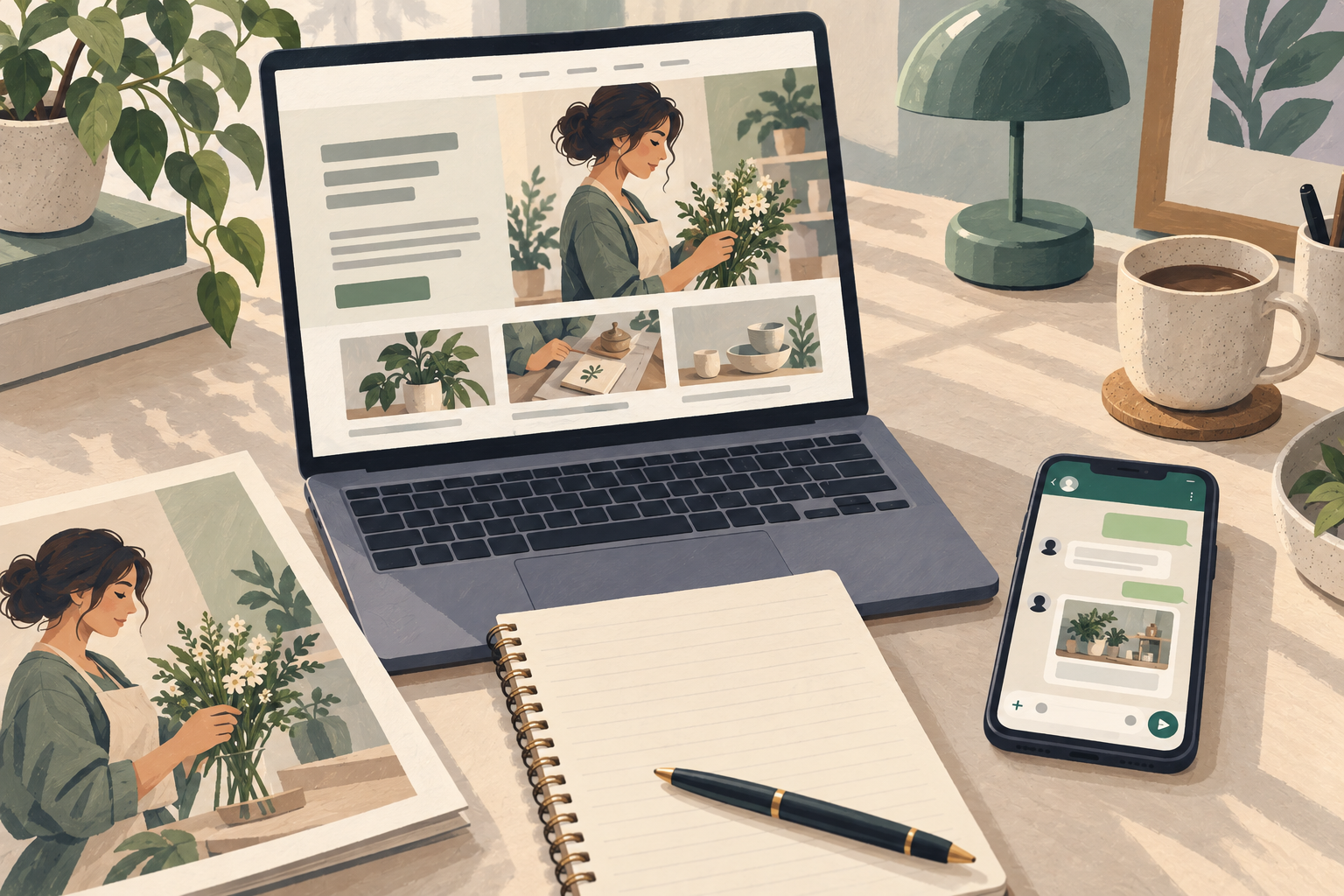
Yes. A WhatsApp AI assistant can use website content when its software connects customer messages to a business knowledge system. Niwa does this through WordPress: your business pages and supported store information can provide the context for product and service answers in WhatsApp.
The website supplies facts; the assistant uses those facts in a conversation. A customer can ask how two services differ without searching every page. The Niwa WhatsApp agent explains the relevant information and can continue into the business's sales or booking workflow.
Choose the pages customers actually need
Start with the information your staff use to answer enquiries. That usually includes service descriptions, product details, delivery terms, returns, opening hours and contact routes.
Look for the answer to a specific question, not merely a page that mentions the subject. "We offer several delivery options" gives little help to a customer asking whether you serve their area. A clear delivery page that identifies areas and conditions is a better source.
Review old blog posts as well as main pages. A historical promotion or discontinued service can conflict with current information. Decide which material should remain visible to customers and correct outdated pages before asking the assistant to rely on them.
This review improves the source, not just the AI response. A customer opening the resulting link should find the same explanation the assistant provided.
Make the important details explicit
A useful service description explains what is included, who it is intended for and what happens next. A useful product description includes the characteristics needed to choose it. An attractive page can still omit the facts a customer needs.
For example, a workshop might offer an inspection and a full repair. If both pages say only "professional service", the assistant has little basis for explaining the difference. Add what each service covers and when the team needs to assess the item before quoting.
Do not put essential conditions only inside an image. Give the website a readable text explanation of opening hours, prices where relevant and policies. Where you use brochures or external documents, check that their information has been included in the supported knowledge setup rather than assuming every file is automatically available.
Build the site knowledge in Niwa
Install the standalone Niwa AI plugin on your WordPress website and connect the supported AI account you intend to use. Your existing website can remain in place.
Niwa's setup guide documents the site indexing workflow. Run the index and review its completion status. Then test a question whose answer is clearly present on a published page. An index progress indicator establishes that content has been processed; the test establishes whether the assistant can use it correctly.
Keep your business guidance concise and practical. Explain how customers should choose between services, where staff must provide a quote and what contact route to offer. Use the visitor-facing business profile for the website assistant and keep private owner instructions in the appropriate private settings. Test the WhatsApp customer's actual role separately.
Treat current stock differently from a description
Some facts change slowly, such as a product's material. Others change while a customer is making a decision, including stock, a sale price or an appointment slot.
A page saved in an index is not a guarantee that a particular variation is still available. Use the connected store data exposed to the assistant for product and variation questions, then direct the customer to the product page to make the purchase. Avoid presenting an old sentence in a description as a live stock check.
Appointment availability comes from the business's booking schedule, not a sentence in its service description. Niwa can explain the service, help the customer choose an available time and complete the booking through WhatsApp. The booking agent page explains the services, team schedules and appointment records behind that workflow.
Refresh information when the business changes
Make updating the assistant part of the same task as changing the website. When you edit delivery terms or retire a service, refresh the relevant knowledge through Niwa and repeat the affected customer question.
Keep a small set of checks for facts that matter commercially. Ask about the current delivery area, the difference between two services and an item with several variants. Compare the answer with the source page and the actual store details.
If the answer conflicts with the website, identify the stale source before adding more instructions. An assistant told to "be accurate" cannot resolve contradictory prices by itself. Correct the source, refresh it and verify the response.
Keep private information outside the customer knowledge
Customers need approved business facts, not staff notes, credentials or another customer's records. Review material before adding it to a shared knowledge source, particularly documents prepared for internal use.
Role separation also matters after indexing. The private owner assistant can support administration, while customer assistance has a different scope. Giving the owner access to a document is not a reason to expose it to people messaging the business.
Test an ordinary customer question and a request for information the customer should not receive. The assistant should use the permitted business context and refer private matters to an authorised person. Keep these checks in the customer role rather than relying on an administrator test.
See whether the content is ready with one real enquiry
Choose a question your team answers often. Find the exact source fact, ask Niwa the question in WhatsApp and open the link it supplies. Then ask a follow-up that requires using the same information rather than repeating it.
If the business detail is missing, improve the page first. If the page is clear but the reply is weak, inspect indexing and the channel's guidance. This keeps the improvement tied to a real customer task.
Ask Niwa about using your website content in WhatsApp. Send the website URL and an example enquiry so the discussion starts with information your business already has.

