

Why Do My Advertising and Analytics Reports Disagree?
Understand mismatched ad and analytics reports by checking event scope, attribution, dates, identifiers and actual orders before changing budgets.
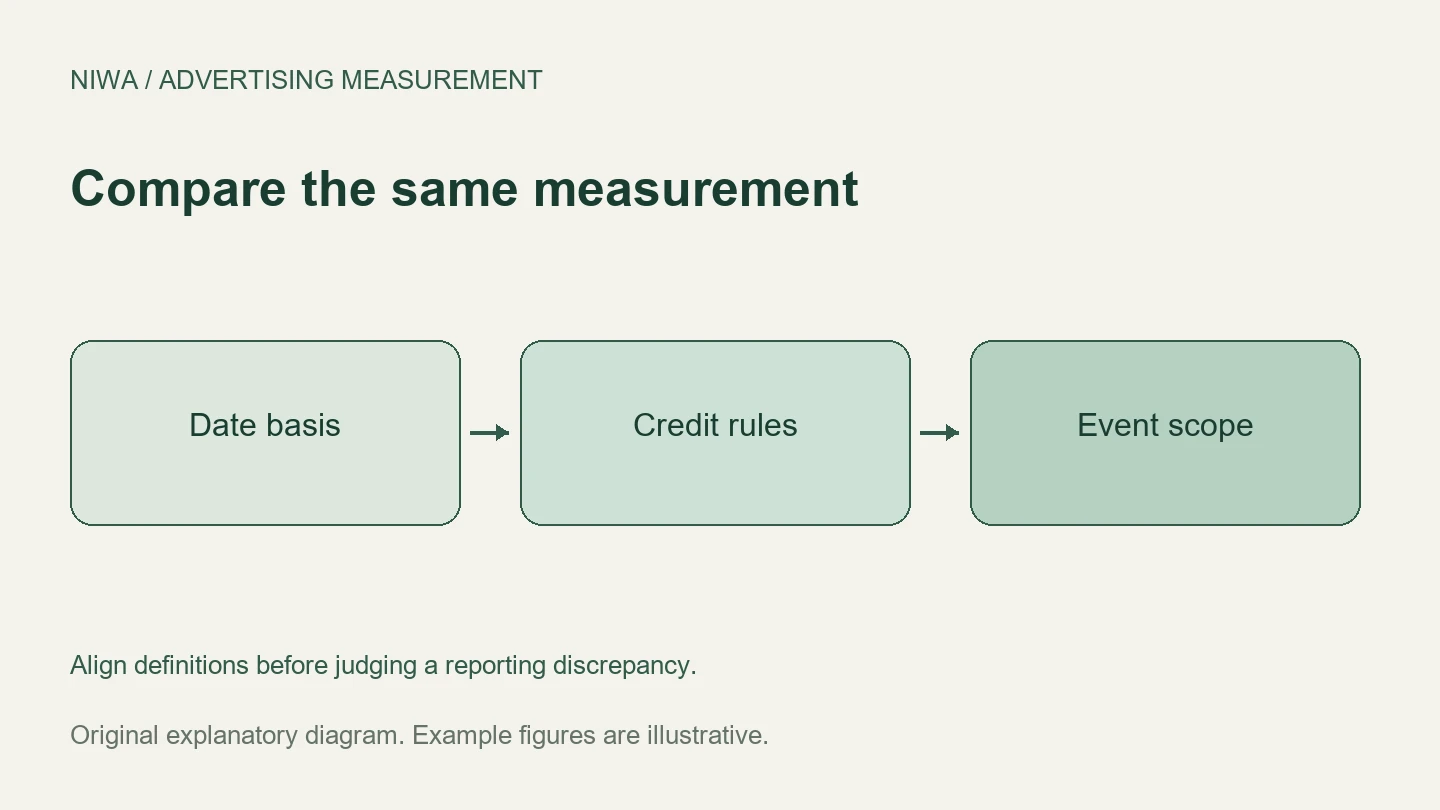
Advertising and analytics reports disagree because they can count different actions, observe different parts of the journey and assign credit under different rules. Dates, time zones, attribution windows, consent, duplicate events and missing identifiers can all change the result. Some differences are expected; others reveal an error. Compare the definitions and actual business records before deciding which number to trust.
On a WordPress site, Niwa can help customers reach an enquiry, product or booking step. Keep those stages distinct in your measurement. How Niwa works explains the assisted journey, while orders and payment records show whether the intended commercial outcome happened.
First check whether the metrics mean the same thing
An ad click and an analytics session are not interchangeable. One person can click several times, and a click may not become a measured visit if the page never finishes loading or tracking cannot run. Google’s clicks and sessions guidance explains why those counts should not be expected to match one for one.
The same problem occurs lower in the journey. A phone-link click differs from a connected call. A chat opening differs from a genuine enquiry. A booking-page visit differs from a completed reservation. A recorded purchase event can differ from the final paid and refunded order ledger.
Write down exactly what each report counts. Comparing the labels alone is not enough when two systems use the same word for different events.
Align the reporting date and time zone
An ad interaction can happen before the sale. Google Ads reporting offers interaction-based conversion columns and conversion-time columns. Google’s conversion reporting documentation explains the distinction.
For an illustrative example, someone clicks on 30 September and pays on 3 October. A report attributing to the ad interaction can credit September. A payment ledger shows October. Neither date is inherently false; the reports answer different timing questions.
Also align account time zones. A payment just after midnight in one zone may fall on the previous day in another. Check currency and processing delays while aligning the period. A current-day report may still be incomplete.
Compare attribution rules and report scope
An attribution window decides which earlier interactions remain eligible for credit. A reporting model decides how that credit is assigned. Some ad reports can credit eligible views as well as clicks, while another report may only contain a measured website journey.
Google Analytics also distinguishes event-scoped traffic dimensions from session and first-user dimensions. Changing its reporting attribution model does not make every acquisition report use the same rule. Google’s attribution settings documentation describes those boundaries.
Keep the business question visible. A first-user report can help explain acquisition. A session report explains the visit. An event-attribution view explains how eligible interactions receive credit for an outcome. Do not expect those views to tell an identical story.
Expect overlapping credit across platforms
A customer may encounter a social ad and then a search ad before buying. Both platforms can credit the sale under their own rules. Adding those platform totals may exceed your business’s actual paid revenue.
Keep platform reports for campaign operation and one consistent business-ledger view for cross-platform budget comparison. Show the attribution rule and the count of unknown-source orders alongside the result.
Attribution describes assigned credit. It does not automatically establish how many sales would have disappeared without the advertising. A separate, properly designed incrementality experiment addresses that causal question.
Check what each system can actually observe
Consent state, browser restrictions, blocked scripts, lost click identifiers and cross-device journeys affect observation. Server-side event collection may improve an implementation, but it does not remove consent obligations, duplicate handling or every missing journey.
WooCommerce’s native order attribution has session limits and only stores order data while the feature is enabled. It should not be treated as a lifetime record of every earlier visit. A returning customer’s order may therefore carry a different source from a longer-window ad report.
For a business that closes after a phone call, a website lead event and the later invoice also live in separate systems unless you deliberately connect them.
Investigate a suspected implementation error
Use a controlled test rather than a series of guessed changes:
| Check | What to confirm |
|---|---|
| Destination | Redirects preserve the intended tracking values |
| Event trigger | Success is recorded, not only a button click |
| Identity | Stable lead or transaction reference exists |
| Duplicate handling | Refreshing confirmation does not create another sale |
| Value | Currency, tax, refunds and discounts follow one definition |
| Configuration | Reports include the same intended conversion actions |
| Delivery | Tags and supported imports reach the destination |
Test a known journey on mobile and desktop. Find the corresponding order or enquiry, then compare how each report treats it. Do not solve a mismatch by deleting records or assigning unknown sales to your preferred campaign.
Explain the remaining gap in the report
Document the aligned settings, the known technical issues and the differences that remain because of reporting rules or observation limits. There is no universal acceptable percentage gap. A stable difference with a clear explanation is different from a sudden change after a broken tag or duplicate installation.
Use the Niwa setup guidance to make the website journey clear and testable. Existing WordPress owners can add the standalone plugin. Niwa Business is USD 150 for a custom WordPress website or migration, hosting, maintenance and AI adaptation. Contact Niwa with the customer journey and reports you need to understand, so the relevant website workflow can be discussed.

