

How to Write Product Descriptions with AI
Write product descriptions with AI by supplying verified product facts, explaining who the item is for and asking for copy that answers a buyer's actual questions.
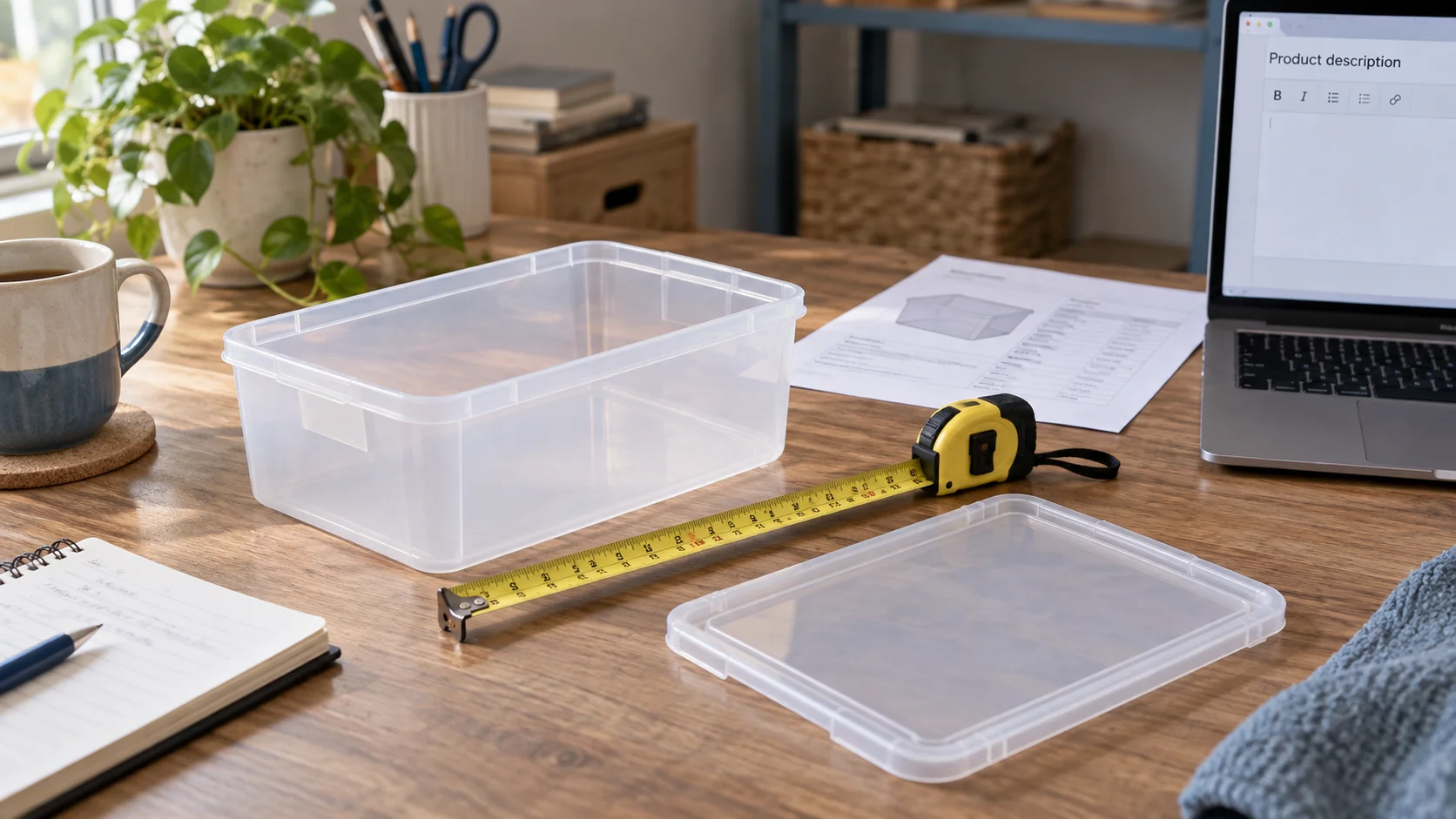
Write product descriptions with AI by supplying verified product facts, explaining who the item is for and asking for copy that answers a buyer's actual questions. Check every claim against the product record before applying the text. In WooCommerce, Niwa can help read the existing item, prepare descriptions and make a focused update to the approved product ID.
A description should explain the item someone will receive. It cannot establish a material, certification, compatibility or benefit that your source information does not support.
Identify the product and the information you trust
Choose one item before starting a catalog-wide rewrite. Record its product ID and SKU, the current descriptions and the supplier or internal specification you will use as evidence.
Collect the name, materials, dimensions, intended use, included components, care instructions and genuine limitations. Mark what varies between options. A product family may contain several sizes or configurations with different prices and stock.
WooCommerce's product documentation distinguishes simple products from products with variations. Niwa's WooCommerce operator can inspect the current catalog context before preparing a change.
Start with a read-only request:
Read product [ID or SKU]. Show its current short description, full description and relevant attributes. Identify which supplied facts apply to all variations and which belong to a specific option. Do not change the product yet.
Check the returned record. A similar name is not sufficient when two models differ in a feature buyers care about.
Choose what the buyer needs to understand
List the decisions the description must support. A shopper buying a storage box may need to know its dimensions, whether the lid is included and how to clean it. A long story about organization does little if those facts are absent.
Connect benefits to supported features. "A removable lid gives access from the top" follows from the product design. "Keeps food fresh for weeks" would need evidence and conditions beyond the word lid.
Avoid adding current stock or a changing price into evergreen copy unless there is a reason and a maintenance plan. WooCommerce already has dedicated fields for those values. Duplicating them in a paragraph can leave conflicting information when the catalog changes.
Ask for separate short and full descriptions
The short description gives the reader the main selection facts. The fuller description can explain details, use, included parts and care. Where they appear depends on the theme, so inspect the actual product page.
Use this request with your source notes:
Draft a concise short description and a fuller description for product [ID]. Use only the verified facts below. Explain the intended use, dimensions, included parts and care. Preserve brand and model names. List unanswered questions separately. Do not invent certifications, reviews, performance claims or compatibility.
Give the model a clear audience and a writing sample if your store uses a particular voice. Ask for one product first and inspect it before extending the approach.
Work through a concrete example
Suppose an example record describes a polypropylene storage box for stationery and craft supplies, measuring 40 x 30 x 20 cm, with a removable lid and hand-wash care instructions. The supplier has not supplied food-contact or dishwasher information. These are illustrative inputs.
A short description could be:
Polypropylene storage box for stationery and craft supplies, with a removable lid. Measures 40 x 30 x 20 cm; hand wash according to the supplied care instructions.
The full description could explain how to check fit and use the box:
Store stationery and craft supplies in this polypropylene box and remove the lid to reach the contents from above. Before ordering, compare the 40 x 30 x 20 cm measurements with the space where you plan to keep it. Follow the supplied hand-wash care instructions.
Do not turn absent dishwasher information into "dishwasher safe." Do not describe the box as certified for food storage without the relevant evidence. A product photograph can help show its shape but does not establish those claims.
Check the copy against the item being sold
Read every sentence while looking at the specification. Compare units, names, numbers and exclusions. Check whether the wording wrongly treats an optional accessory as included.
For a variable product, select representative options on the storefront. The parent description should not promise a feature that only one variation provides. Put option-specific information in the correct product data or supported variation content.
Have the responsible product expert review unfamiliar technical or safety claims. AI can help organize that review, but generating a confident sentence does not verify it.
Apply only the approved product fields
After approval, give Niwa the exact ID and the two final texts:
Update product [ID] with this approved short description and full description only. Keep the price, stock, SKU, attributes, variations and publication status unchanged. Return the saved descriptions so I can compare them.
Product edits are different from saving a new blog draft. Editing a published item may change its public description immediately, so approve the wording before executing the update. Retain the prior text and use a staging copy when the scope needs more testing.
Read the saved record, then open the product URL. Check the description tabs, mobile layout, selected options and links. If the editor is correct but the page is stale, investigate the relevant cache rather than submitting another product change blindly.
Maintain the facts as the catalog changes
Return to descriptions when suppliers revise specifications, included parts or care instructions. Update the affected fields, then check the storefront again. A routine review should have a defined product list and a responsible reviewer.
Existing WordPress owners can install the standalone plugin using the Niwa setup guide. Niwa Business is USD 150 for a custom WordPress website or migration, hosting, maintenance and AI tools adapted to the business. Contact Niwa with one product record and the descriptions you want to improve.

