

Jetpack MCP vs Niwa AI: Which WordPress AI Agent Fits Your Business?
Compare Jetpack MCP and Niwa AI for WordPress agents, content, WooCommerce, messaging, reporting, forms, leads, and conversion workflows.
If you already use Claude or another AI client to work on your website, Jetpack MCP gives it access to WordPress through your WordPress.com account. Niwa AI also supports MCP, but includes its own agent inside WordPress. That agent can develop the site, run approved store tasks and receive work through configured Telegram or WhatsApp channels.
We recommend Niwa for owners who want development, store operations, messaging and optional customer assistance in one WordPress product. Jetpack deserves a close look when your team already works through external AI clients and relies on Jetpack services.
Reviewed September 18, 2026. Published by Niwa. This comparison uses current official Jetpack documentation and an inspection of Niwa AI 0.13.994. It is not a performance benchmark or a claim that every integration has been tested together.
How Jetpack MCP and Niwa connect to WordPress
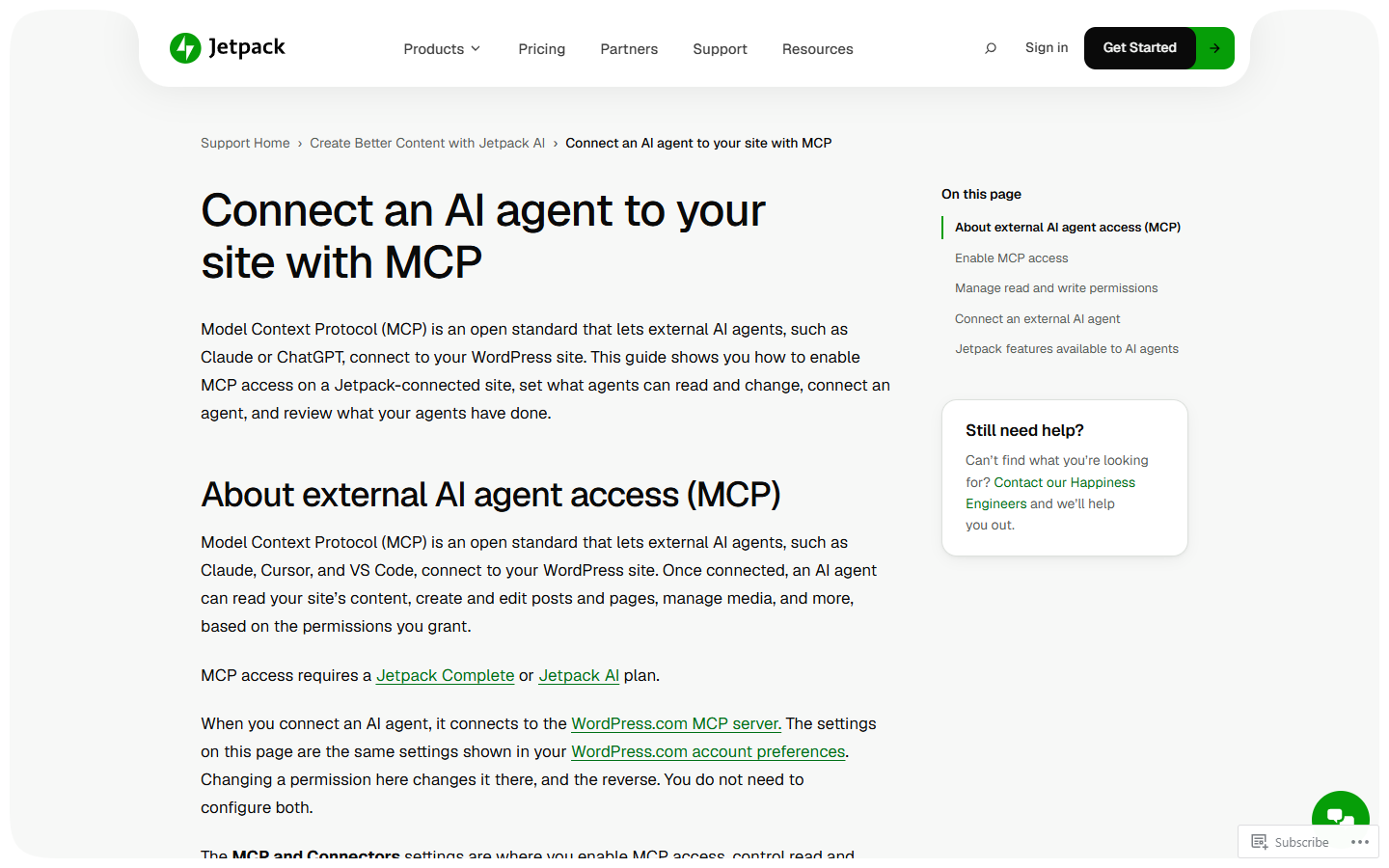
Jetpack connects compatible external clients to the WordPress.com MCP server. Its current setup guide requires a Jetpack AI or Complete plan for a self-hosted, Jetpack-connected site. Access starts disabled. Administrators choose which categories agents can read and change; those settings are shared with the WordPress.com account preferences.
The documented scope now includes content, site design and plugin management. It is broader than a connection to Jetpack features alone. See the current Jetpack MCP setup guide for requirements and permissions.
Niwa runs its Admin Autonomy agent inside the WordPress installation. An owner can work with it directly or connect an external MCP client. Through Niwa MCP, that client can hand over a complete task to Niwa’s agent or call the available native tools itself. Whole-task delegation needs a configured model connection; deterministic direct tools do not require Niwa to make a model call. Tools using other providers still need those services configured.
This gives you a choice of how to work without making a separate coding agent mandatory. The Niwa MCP guide explains the authenticated connection.
Capabilities at a glance
Agent access
Jetpack: External client through WordPress.com MCP; Jetpack also offers its own AI assistant.
Niwa: Native WordPress agent plus MCP task delegation and direct tools.
Site changes
Jetpack: Content, block templates, navigation, global styles and plugin operations are documented.
Niwa: Content, development workspace and editable Elementor page and widget workflows.
Working from messaging apps
Jetpack: The reviewed MCP guides describe external clients, without establishing native Telegram or WhatsApp owner administration.
Niwa: Configured Telegram and WhatsApp channels can reach the owner agent.
WooCommerce
Jetpack: Verify the exact store operations available; the reviewed tool catalog does not list a dedicated WooCommerce group.
Niwa: Native commerce tools, subject to installed modules, permissions and task authorization.
Customer assistance
Jetpack: MCP access itself is an administrative connection.
Niwa: Optional Storefront Agent, grounded product cards, lead capture and booking.
Recurring work
Jetpack: Depends on the connected client’s scheduling and available tools.
Niwa: Native reminders and scheduled agent jobs when configured.
Both can help change a website
Jetpack’s current tool catalog supports creating and editing posts and pages, working with media, updating block templates and template parts, and managing navigation and global styles. It also documents plugin installation, activation, updates and removal, subject to site and plan support. These are substantial site-management capabilities, not just writing assistance. The WordPress.com capability reference describes their scope.
Niwa’s development tools sit inside its own runtime. The inspected implementation includes a managed coding workspace with prepare and apply operations, plus native Elementor page-building and widget tools. An authorized task can therefore involve changing a page, adjusting a builder element or developing site code. Niwa is not limited to sending messages or editing product descriptions.
For example, an owner could ask Niwa to inspect an existing service page, prepare a revised layout and leave the result editable in Elementor. That is an example assignment, not a result measured for this article. The installed builder, available tools and permissions determine what the agent can actually complete.
Jetpack’s built-in AI assistant remains relevant for writers. Its product page describes text and image generation, tone changes, spelling help and title or summary generation. If those editor tasks are your main requirement, evaluate that assistant separately from MCP. See Jetpack AI.
Store operations and customer conversations
Niwa is the clearer fit when you want the same product to support the owner and, optionally, the shopper. Its WooCommerce operator provides the administrative side. With the appropriate configuration, owners can inspect store data and authorize changes through Niwa rather than moving between a coding client and a separate messaging tool.
The optional Storefront Agent serves a different audience. It can help visitors with product questions and display product cards grounded in tool results. Booking and lead features have their own configuration. Enabling a shopper-facing widget does not grant its visitors the owner’s administrative permissions.
The Jetpack references reviewed here do not establish an equivalent native shopper conversation layer or a dedicated WooCommerce operations group. That is a limit of this comparison’s evidence, not a claim that Jetpack, WordPress.com or an external client can never integrate with a store. Ask for the specific product, order or variation operation you need before choosing a setup.
Niwa’s messaging guide covers the owner channels. A configured owner can assign work from Telegram or WhatsApp; an external coding agent is optional. Its scheduler also supports reminders and recurring agent jobs. Recurring execution still depends on a functioning connection and the permissions needed for that task.
Permissions, backups and costs still matter
Jetpack exposes separate read and write categories and an activity log. Its developer reference requires explicit confirmation for write and delete operations. Permanent deletion can be irreversible, while some content changes can be recovered. Check the operation and the recovery options before approving it. The developer tool reference gives the details.
Niwa’s MCP access follows the token owner’s permissions and explicit write authorization. Its development workspace provides a controlled route for file changes. Neither those controls nor an activity log replace backups, a review of the proposed change or checking the actual result. This article does not claim that either product can automatically undo every action.
Compare the complete cost of the setup: the product plan, any external client subscription and the model or other provider usage your workflow needs. Jetpack’s public plan requirements and Niwa’s current onboarding terms are separate. Confirm the applicable terms on the Niwa get-started page before subscribing.
Which should you choose?
Choose Jetpack MCP if your preferred AI client is already where you do the work and you want it connected to WordPress and Jetpack services. Its documented content, design and plugin operations make it a capable option for that workflow.
Choose Niwa if you want the agent to run inside WordPress and handle a wider range of work from the same product: site development, WooCommerce administration, owner messaging, scheduled tasks and optional customer-facing assistance. You can still use an external MCP client when it suits the task.
Start with one assignment that matters on your site. Check the required modules in Niwa’s capabilities guide, then book a demo around that assignment. A saved draft, an editable page or a verified store change will tell you more than a generic promise of automation.

