Jetpack is no longer only a security, performance, statistics, and content toolkit. Its newer MCP access can connect external AI agents to WordPress, while Jetpack AI Assistant remains integrated with the block editor. That makes Jetpack MCP vs Niwa AI a relevant comparison for owners deciding how an AI agent should work with their website.
Both approaches can reduce repetitive WordPress work, but they solve different problems. Jetpack provides a controlled connection layer through which compatible external agents can read or change approved areas of a site. Niwa AI is designed as a business-facing WordPress operator that owners can delegate to through Telegram or WhatsApp, with workflows spanning WordPress, WooCommerce, publishing, reporting, competitor research, leads, and conversion work.
This comparison is based on official Jetpack documentation reviewed on July 16, 2026. Where Jetpack does not document a capability, this article describes it as not established in the reviewed documentation rather than claiming it is technically impossible.
Quick Verdict

Choose Jetpack MCP if you already use Jetpack, want to connect a supported external AI client such as Claude, Cursor, or VS Code, and value granular read/write permissions, explicit confirmation for write actions, and a log of agent activity.
Choose Niwa AI if you want a more complete operating relationship: direct Telegram or WhatsApp administration, explicit WooCommerce workflows, researched content publishing, founder-friendly business reporting, competitor monitoring, lead context, and conversion-focused execution.
The shortest distinction is:
Jetpack MCP gives external AI agents a governed doorway into WordPress. Niwa AI is designed to be the operator that walks through the doorway, understands the assignment, completes the wider workflow, and reports the business result.
What Is Jetpack MCP?
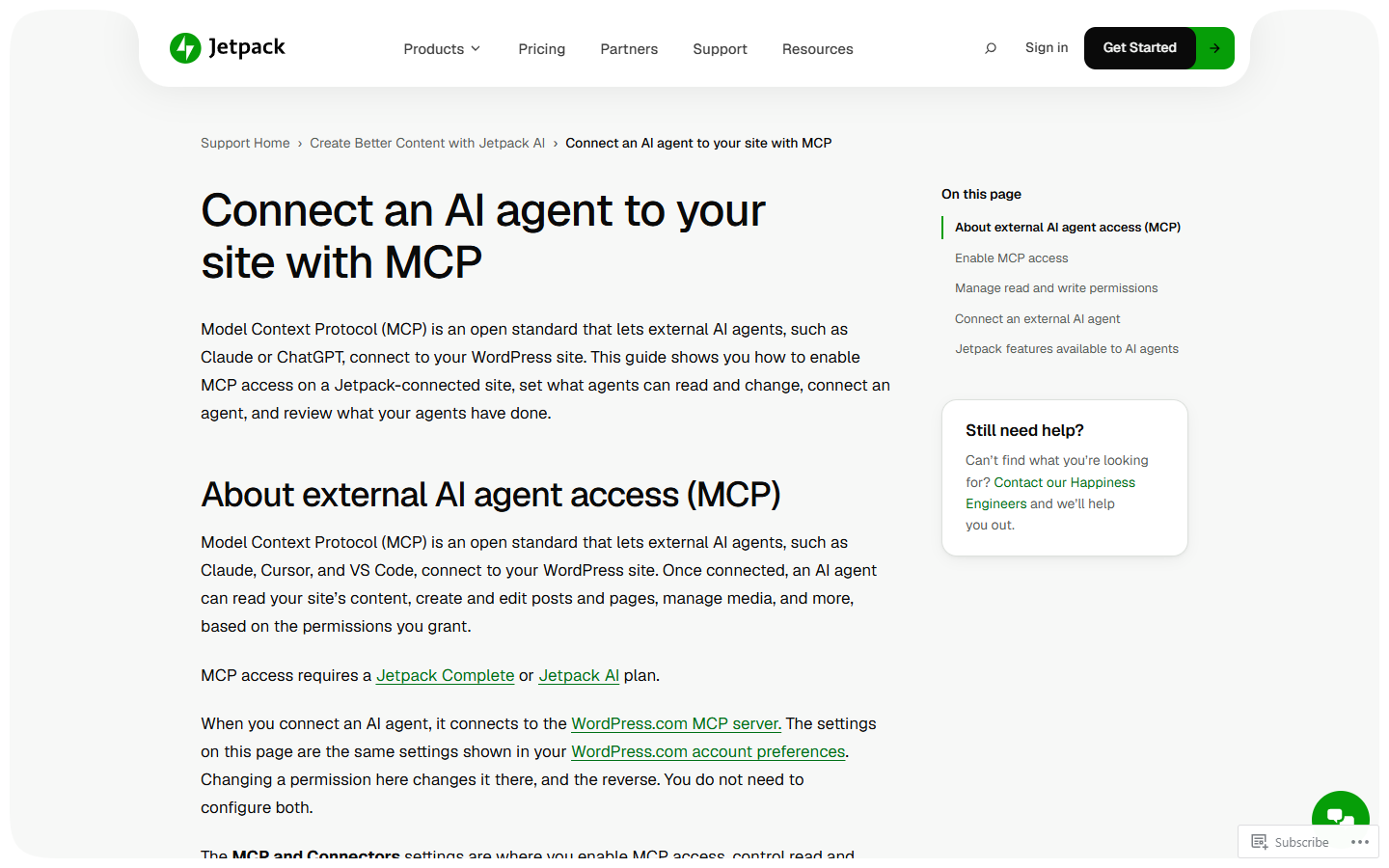
Jetpack MCP is an external AI agent access feature available through the Jetpack AI settings area. MCP, or Model Context Protocol, is an open standard that lets compatible AI clients connect to software and use exposed tools.
For self-hosted Jetpack sites, the official documentation says MCP access requires a Jetpack Complete or Jetpack AI plan. Access is disabled by default. An administrator enables it in WP Admin and decides which read and write categories connected agents may use.
Documented read categories include:
- general site information and configuration;
- published and draft posts;
- published and draft pages;
- design information such as theme details, colors, fonts, spacing, and registered blocks;
- domain information associated with the site.
Documented write categories include site settings and selected Jetpack configuration, posts, pages, design data, domains, and Jetpack Forms data. Every write action requires explicit confirmation before execution.
Jetpack currently provides connection instructions for Claude, Claude Code, Cursor, VS Code, Continue, and other compatible clients. It also records recent MCP tool executions in an activity log.
Jetpack-specific capabilities add useful depth. Connected agents can work with Jetpack Forms, including listing forms, reading configurations and responses, and, with write permission, creating, editing, or deleting forms. Other documented data includes Stats, Backup, Boost, Modules, and Related Posts. Newsletter, sitemap, shortlink, and connection-status capabilities can also be exposed when an administrator enables the required filter.
This is a meaningful architecture. Jetpack is not forcing owners to use one built-in conversational personality. It provides a permissioned interface that compatible AI clients can use.
What Is Jetpack AI Assistant?
Jetpack MCP should not be confused with Jetpack AI Assistant, although both sit within Jetpack’s expanding AI offering.
Jetpack AI Assistant works primarily inside the WordPress block editor. Its documented features include:
- generating posts, pages, paragraphs, lists, and tables;
- generating forms with pre-filled content;
- generating images and featured images;
- improving titles;
- correcting grammar and spelling;
- changing tone;
- translating, summarizing, simplifying, or expanding text;
- providing readability-oriented feedback;
- suggesting SEO titles and meta descriptions through newer Jetpack interfaces.
Jetpack AI Assistant is especially attractive to writers who want AI help without leaving Gutenberg. It shortens the distance between an idea and editable WordPress content.
Jetpack MCP expands the picture by allowing external agents to interact with the site beyond the editor, subject to the enabled tools, permissions, confirmations, and plan requirements.
What Is Niwa AI?
Niwa AI is designed around delegation from the business owner. The owner can send a request through Telegram or WhatsApp, and Niwa can carry the assignment across the relevant website, content, commerce, research, and reporting steps.
Typical workflows include:
- creating, updating, and publishing WordPress content;
- checking existing drafts and posts before selecting a new SEO topic;
- managing WooCommerce products, prices, stock, coupons, and catalog information;
- reviewing site or store performance and explaining what matters;
- researching competitors and turning findings into content or website actions;
- monitoring recurring business signals;
- investigating site problems and applying approved fixes safely;
- helping website visitors with product questions and buying hesitation;
- capturing useful lead context and routing the next action;
- connecting customer conversations with conversion improvements.
Niwa’s central idea is not merely that an AI model can access WordPress. It is that the owner should be able to describe a business outcome conversationally and receive a verified result without assembling the workflow step by step.
For another messaging-centered comparison, see WordPress Agent vs Niwa AI. For a dashboard and hosting-oriented alternative, read SiteGround AI Agent vs Niwa AI.
Jetpack MCP vs Niwa AI Comparison Table
| Capability | Jetpack MCP and Jetpack AI | Niwa AI |
|—|—|—|
| Core model | Permissioned connection between WordPress and compatible external AI agents, plus an editor AI assistant | WordPress business operator accessed through owner conversations |
| Self-hosted WordPress support | Yes, with Jetpack connection and an eligible plan for MCP | Yes; a core deployment context |
| Built-in WordPress editor writing | Strong Jetpack AI Assistant integration in Gutenberg | Content can be prepared and published through delegated workflows |
| External AI clients | Claude, Claude Code, Cursor, VS Code, Continue, and other MCP-compatible clients are documented | Niwa provides the operating agent rather than requiring the owner to select a separate MCP client |
| Telegram administration | Not established as a native Jetpack MCP owner channel in reviewed documentation | Yes |
| WhatsApp administration | Not established as a native Jetpack MCP owner channel in reviewed documentation | Yes |
| Posts and pages | Read and write access is documented | Yes |
| Media and images | Jetpack AI image generation is documented; connected agent scope depends on exposed tools | Supported within publishing and website workflows |
| Design access | Theme details, design tokens, and registered blocks are documented | Supported through approved website implementation workflows |
| Write safety | Granular permissions, confirmation before every write, and activity log | Approval-aware execution, verification, reporting, and safe implementation workflows |
| WooCommerce products, stock, coupons, and orders | A dedicated WooCommerce operations set is not established in the reviewed Jetpack MCP capability list | Explicit core use cases |
| Forms and form responses | Strong documented support through Jetpack Forms | Supported as part of lead and website workflows |
| Site statistics | Jetpack Stats data can be available to connected agents | Website and business reporting with owner-focused interpretation |
| Backup and performance data | Jetpack Backup and Boost data are documented as agent-accessible | Can inspect operational signals and act through wider site workflows |
| Researched SEO publishing | Jetpack offers strong editing tools; external agents can work with posts and pages | Duplicate checks, current research, intent selection, internal links, metadata, publishing, and status verification in one assignment |
| Competitor monitoring | No packaged competitor-monitoring workflow is established in reviewed documentation | Explicit one-time and recurring workflow |
| Visitor lead capture | Jetpack Forms responses are agent-accessible; customer-facing conversational qualification is not established by the reviewed MCP guide | Conversational intent capture, qualification, and handoff are supported use cases |
| Customer-facing sales assistance | Not established as part of Jetpack MCP or AI Assistant documentation reviewed | Product guidance, objection handling, recommendations, and escalation |
| Conversion workflows | Useful components exist, including Forms, Stats, Newsletter, and content tools | Designed to connect conversation, site action, reporting, leads, and revenue outcomes |
| Best fit | Jetpack users wanting controlled external-agent access and strong Gutenberg AI tools | WordPress and WooCommerce owners wanting one delegated business operator |
Where Jetpack MCP Is Stronger
Granular permission controls are central to the product
Jetpack makes permissions visible and configurable. Administrators can enable or disable read and write categories independently, and MCP access begins in the off position.
This is useful for teams that already have an external AI client and want to limit its WordPress reach. A content agent may receive access to posts and pages without receiving broader site or design access. A development-oriented agent may be given different permissions.
Every write action requires explicit confirmation. The activity log then gives administrators a record of recent tool executions. For organizations evaluating AI governance, this combination is a real advantage.
It works with multiple external AI clients
Jetpack is client-flexible. The official setup includes Claude, Claude Code, Cursor, VS Code, Continue, and a path for other MCP-compatible applications.
That is valuable for technical users who already work inside a preferred agent or coding environment. They do not need to adopt a completely separate interface just to reach WordPress.
Jetpack brings a broad existing product ecosystem
Jetpack’s agent access can draw on capabilities that were already part of the platform. Stats, Backup, Boost, Modules, Related Posts, Forms, Newsletter data, sitemaps, shortlinks, and connection information create useful building blocks.
For example, an external agent may review site statistics, inspect backup or performance information, read form responses, and edit content, depending on the enabled permissions and capabilities.
Niwa can interpret and act on wider business information, but Jetpack has a natural advantage when the task specifically concerns Jetpack’s own services.
Jetpack AI Assistant is deeply integrated into Gutenberg
For hands-on writers, Jetpack’s block-editor experience is polished and direct. The user can generate, rewrite, translate, summarize, expand, or correct content where the content is already being edited.
The image, title, readability, and SEO-assistance features make Jetpack AI useful even when the owner does not need a full operational agent.
A blogger who primarily wants writing acceleration may reasonably choose Jetpack AI Assistant without needing Niwa’s wider business scope.
Jetpack Forms support is substantive
Jetpack does more than create a visual form. Connected agents can list forms, inspect their configurations and responses, and modify forms when write access is granted.
That is a legitimate lead-management component. The difference is that form access should not be confused with a full customer-facing sales conversation. Jetpack can expose collected form data to an agent; Niwa’s customer-side model is designed to understand questions, hesitation, product intent, and next steps before or alongside a form submission.
Where Niwa AI Is Stronger
Telegram and WhatsApp are direct owner channels
Jetpack MCP connects WordPress to compatible external AI clients. That is flexible, but it requires the owner or administrator to choose, configure, and operate the external client.
Niwa is designed to be the agent and the operating relationship. The owner can assign work through Telegram or WhatsApp without treating an IDE or general-purpose AI client as the daily business command center.
This is particularly important for store owners, service businesses, and founders who spend more time in messaging apps than in WordPress dashboards or developer tools.
WooCommerce operations are explicit
The reviewed Jetpack MCP documentation does not establish a dedicated WooCommerce capability set covering products, variations, inventory, coupons, customers, and orders. That does not prove an external agent could never reach WooCommerce through another extension or future ability. It means buyers should not assume that current Jetpack MCP access automatically equals complete store administration.
Niwa’s WooCommerce scope is explicit. The owner can delegate product, pricing, stock, coupon, catalog, publishing, and reporting work and connect those actions to sales or conversion goals.
This matters because ecommerce assignments are usually connected. A low-stock report can lead to a catalog change. A repeated product question can lead to a product-page revision. A weak conversion signal can lead to a new offer, FAQ, comparison, or campaign.
For the customer side of that workflow, AI Sales Agent for WooCommerce explains how product, shipping, return, price, and trust questions can influence the purchase decision.
Niwa packages the workflow, not only the connection
MCP is infrastructure. It gives an agent a governed way to use WordPress tools. The quality and completeness of the outcome still depend on the external agent, its instructions, available context, tool selection, and the user’s supervision.
Niwa’s value proposition starts one layer higher. The founder assigns an outcome, such as:
- find a defensible new competitor topic;
- check all existing drafts and published posts;
- research current primary sources;
- write a fair comparison;
- add internal links and metadata;
- publish exactly one article;
- confirm the final WordPress status.
That is a repeatable business workflow, not simply permission to create a post.
Business reporting is broader than retrieving Jetpack data
Jetpack Stats, Backup, and Boost data can be useful inputs for an external agent. Jetpack deserves credit for exposing those signals.
Niwa is designed to combine relevant signals and explain them in an owner-friendly way. The goal is not merely to retrieve traffic, a backup status, or a performance value. It is to identify what changed, why it matters, and which approved action should follow.
For an ecommerce owner, useful reporting may connect traffic, products, sales, stock, repeated customer questions, content performance, and competitor movement. That cross-functional interpretation is a central Niwa use case rather than an optional result of configuring a general-purpose external agent.
Competitor monitoring is an explicit workflow
Jetpack MCP can let an external agent work with WordPress. The external client may also have web-search capabilities, depending on that client and its setup. However, a packaged Jetpack workflow for competitor discovery, verification, recurring monitoring, and implementation is not established in the reviewed documentation.
Niwa can treat competitor intelligence as an operating loop: identify a relevant change, verify the source, compare it with the current site or offer, recommend an action, and, when authorized, publish or update the appropriate WordPress asset.
That distinction is important for SEO. Competitor research has little value if it creates duplicate search intent, relies on outdated claims, or never becomes a useful page.
Customer-side conversion work goes beyond forms
Jetpack Forms gives connected agents meaningful access to form structures and responses. That can support lead collection and follow-up operations.
Niwa’s conversion model begins earlier in the journey. A website visitor may need help choosing a product, checking compatibility, understanding delivery, comparing options, resolving price hesitation, or deciding whether to book a call. Capturing the context behind that conversation creates a better lead than collecting contact details alone.
Read AI Lead Capture for Ecommerce for a practical explanation of how questions, intent, and next-step context improve lead quality. AI Conversation Intelligence for Ecommerce shows how repeated conversations can become product-page, checkout, and merchandising improvements.
Which Is Better for Content Publishing?
Jetpack AI Assistant is excellent for creating and improving content inside Gutenberg. Its direct editor integration, image generation, title help, readability feedback, translations, and block-level editing make it a strong tool for writers who remain actively involved in every draft.
Jetpack MCP also lets an external agent read and write posts and pages, subject to permissions and confirmation. A capable external agent can therefore participate in broader publishing workflows.
Niwa is the stronger fit when the assignment requires complete editorial operations rather than only writing assistance. That includes checking drafts and published posts, choosing a distinct intent, researching current sources, making supported comparisons, linking relevant site content, creating metadata, publishing, and verifying the final result.
Jetpack is stronger as an AI-enhanced editor and controlled agent connection. Niwa is stronger as a delegated publishing operator.
Which Is Better for WooCommerce?
Based on the current official documentation reviewed for this comparison, Niwa has the clearer WooCommerce proposition.
Jetpack MCP documents WordPress content, design, site, domain, Forms, Stats, Backup, Boost, Modules, Related Posts, Newsletter, sitemap, and shortlink capabilities. A comparable documented set of WooCommerce product, stock, coupon, customer, and order tools is not present in the reviewed guide.
A Jetpack user could potentially connect other WordPress abilities, plugins, or custom development to an external agent. Technical teams may value that extensibility. But a store owner should evaluate the operations available now rather than assume that an MCP connection automatically covers every commerce task.
Niwa is built for store operations and for the conversion context around them. That includes owner administration and customer-facing guidance, not just content generation.
Which Is Safer for WordPress Changes?
Both products take safety seriously, but their models differ.
Jetpack provides clear category permissions, disables MCP access by default, requires confirmation for every write, and records executions in an activity log. This is a strong, understandable model for external-agent governance.
Niwa combines authorization boundaries with assignment-level verification and reporting. For sensitive implementation work, the operating model emphasizes inspecting the real site state, preparing controlled changes, validating them, applying them safely, and reporting the result.
Jetpack may appeal more to administrators who want to govern several possible external clients. Niwa may appeal more to founders who want one accountable operator that manages the workflow without requiring them to design every tool interaction.
Can Jetpack MCP and Niwa AI Work Together?
Potentially, yes.
Jetpack MCP could provide a standardized, permissioned connection to selected WordPress and Jetpack capabilities. Niwa could provide the business-facing operating layer: understanding the founder’s assignment, selecting the correct workflow, researching outside the site, coordinating the available tools, verifying the result, and reporting what changed.
Whether that combination is appropriate depends on plan requirements, available tools, permissions, and the site’s architecture. Teams should avoid giving overlapping agents broad write access without clear ownership and logging rules.
Frequently Asked Questions
Is Jetpack MCP the same as Jetpack AI Assistant?
No. Jetpack AI Assistant mainly helps users create and improve content inside the WordPress block editor. Jetpack MCP lets compatible external AI agents connect to WordPress and use approved read or write capabilities.
Which external agents can connect through Jetpack MCP?
Jetpack currently documents setup options for Claude, Claude Code, Cursor, VS Code, Continue, and other compatible clients.
Does Jetpack MCP work on self-hosted WordPress?
Yes. Official documentation says self-hosted Jetpack sites need a Jetpack Complete or Jetpack AI plan for MCP access, plus an active Jetpack connection and administrator configuration.
Can Jetpack MCP publish posts and pages?
Yes. Posts and pages are included in documented read and write categories. Write actions require explicit confirmation.
Can Jetpack MCP manage Jetpack Forms and responses?
Yes. Connected agents can list forms, read their configurations and responses, and create, edit, or delete forms when appropriate write access is enabled.
Can Jetpack MCP manage WooCommerce products and orders?
A dedicated WooCommerce operations set is not established in the Jetpack MCP documentation reviewed on July 16, 2026. Store owners should verify the exact product, inventory, coupon, customer, and order actions they require.
Does Jetpack provide Telegram or WhatsApp administration?
Native Telegram or WhatsApp owner administration is not established in the reviewed Jetpack MCP documentation. Jetpack connects WordPress to supported external AI clients. Niwa explicitly uses Telegram and WhatsApp as owner communication channels.
Is Jetpack better than Niwa for writing?
Jetpack may be better for writers who want hands-on AI assistance directly inside Gutenberg. Niwa may be better when the owner wants to delegate the entire researched publishing assignment, including intent checks, source verification, internal linking, publishing, and final status verification.
Is Niwa better than Jetpack for lead capture?
Jetpack has substantive form capabilities and can expose form responses to connected agents. Niwa is designed for a broader conversational lead workflow that can capture buyer goals, objections, product interest, urgency, and the correct next action.
Which option is better for nontechnical business owners?
Niwa is generally the clearer fit when the owner wants to delegate through Telegram or WhatsApp without choosing and configuring a separate MCP client. Jetpack MCP is attractive to users who already understand external AI clients and want fine-grained control over their WordPress access.
Final Verdict
Jetpack MCP is an important development for WordPress AI. It gives compatible external agents a controlled, permissioned route into WordPress and Jetpack services. The combination of granular categories, write confirmations, activity logging, Forms access, Stats, Backup, Boost, and Jetpack AI Assistant makes it a serious platform for AI-enabled site work.
Its strengths are real: flexible client choice, strong governance, deep Jetpack integration, and an excellent Gutenberg writing experience.
Niwa AI is designed for a different level of delegation. Instead of asking the owner to choose an external client and assemble the workflow, Niwa acts as the operating partner across WordPress, WooCommerce, messaging, researched publishing, business reporting, competitor monitoring, lead context, and conversion execution.
Choose Jetpack MCP when you want governed infrastructure that connects your preferred external AI agent to WordPress. Choose Niwa AI when you want the business operator itself, especially when the assignment must continue beyond a post edit into commerce, reporting, customer intent, or growth.
If you want to test that broader operating model with a real website assignment, book a Niwa demo.