

Should I Rebuild My Website or Migrate It?
Choose between migrating and rebuilding your website by assessing useful content, technical limitations, customer journeys, design needs and maintenance.
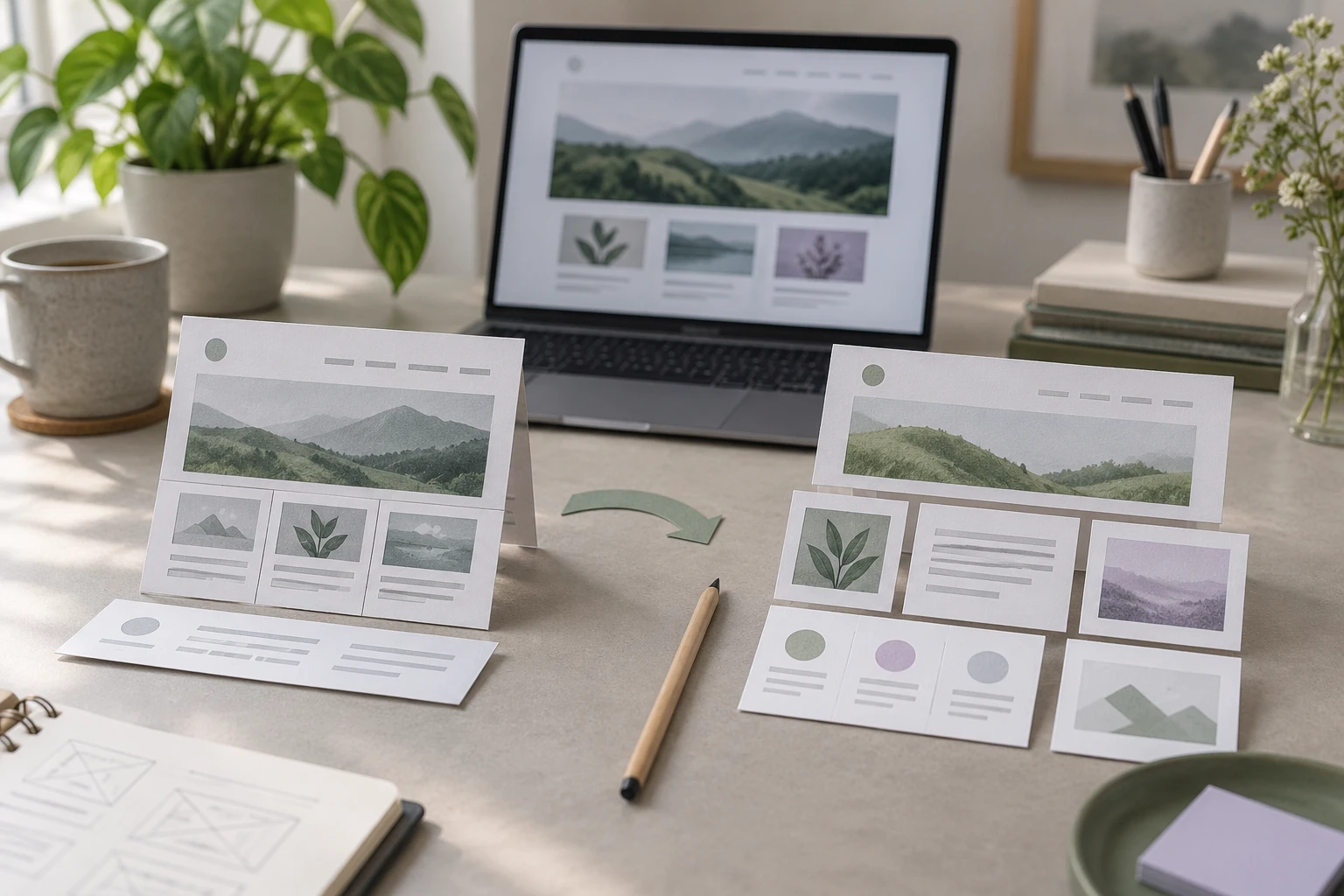
Migrate what already serves the business well. Rebuild the parts that cannot transfer usefully or prevent customers and staff from completing important tasks. Many projects need both: preserve good content and useful URLs while recreating the design or features on a more suitable platform.
Niwa Business includes a custom WordPress website or migration, hosting, maintenance and AI tools adapted to the business for USD 150. Show Niwa your current site and the problems you want solved so the proposal can distinguish necessary work from a change of appearance alone.
Begin with the job the website must do
Write down the outcomes the site supports today. A local service business may rely on enquiries and bookings. A retailer may need product selection, checkout and account access. A publishing business may need a searchable content archive and a manageable editorial workflow.
Identify the actual failures. Customers might be unable to complete a mobile form, staff might struggle to update a service, or the platform might not support a required integration. Those are concrete reasons to change something.
A dislike of the homepage is a different problem from losing orders at checkout. Keep the observation and the proposed solution separate until you know which part of the system causes it.
Favor migration when the useful system can transfer
An existing WordPress installation can often move to a suitable new host with its files, database, theme and plugins. WordPress's migration documentation describes that transfer work.
Migration is a sensible starting point when the current content is accurate, the customer journeys work and the main issue is hosting or a manageable configuration problem. You can improve specific defects without discarding the whole site.
Check compatibility and maintenance before copying. A transferred plugin that the new environment cannot run is still a problem to resolve. Moving an installation also preserves its unwanted dependencies unless you deliberately remove or replace them.
If you already have a suitable WordPress website and want Niwa, the standalone installation guide provides a route without another website build. Adding an AI customer assistant is not, by itself, a reason to redesign every page.
Favor rebuilding when the platform blocks the requirement
A builder's internal design project may not become a usable WordPress theme. Its export might supply content while forms, templates or business rules need new implementation. WordPress.com's import guidance makes that distinction explicit.
A rebuild can therefore be necessary even when you want the new site to look familiar. It may also be appropriate when the information structure is confusing, the design fails on important devices or the owner cannot maintain recurring page types efficiently.
Name the requirement the rebuild must satisfy. For example, the business might need reusable service pages with a working booking route, not merely a different collection of animations. That requirement gives the design and technical choices something to answer.
An AI-assisted build can help produce the new website. An AI-powered customer workflow operates after it exists. Choose each according to the business task, and review the resulting site rather than judging it by the tool used to create it.
Preserve the assets that still earn their place
Before deciding on a blank start, assess the existing content, images, page addresses and customer data. Accurate service information and useful landing pages do not become worthless because the underlying platform changes.
Retain those assets where practical and improve them deliberately where needed. Keep the domain if it still fits the business; the domain continuity guide separates that decision from replacing the website behind it.
If useful page paths change, map them to relevant replacements and test the redirects. Google's site-move guidance explains the search-facing implications. A visual redesign should not silently discard routes people still use.
Preserving customer data needs more than keeping a logo and page text. Identify which records are transferable, which depend on an external service and what must remain available during the change.
Compare two realistic scopes
Prepare a migration option and a rebuild option against the same business requirements. For each, identify the work, dependencies, recurring services, testing and owner effort.
The migration option might retain the theme and fix a small group of defects. The rebuild option might replace templates and navigation while preserving content. Avoid comparing a fully specified rebuild with an optimistic migration that leaves its unresolved problems unpriced.
Consider the period after launch. Who can edit the site, who maintains the components and what happens when a connected service changes? A quick move that leaves a difficult maintenance burden may be a poor fit, even if it requires less initial development.
Include the required custom integrations, content work and new features in each proposal so you can compare the same scope.
Use a hybrid plan when it solves the problem
Consider a service site with good articles and recognizable branding, but outdated page templates and a confusing appointment route. A practical plan can preserve the content and domain, recreate the templates and introduce a clear website booking journey.
Niwa can use the website's business information to answer service questions and complete appointment booking directly in WhatsApp. The customer chooses an available time and supplies the required details in the conversation, and Niwa records the reservation. Include its configuration and booking tests in the WordPress migration scope alongside the other business features.
Test the proposed result on a separate environment and review it against the business requirements. WordPress.com's staging documentation describes the separate-copy approach; the mechanism depends on your host.
Bring Niwa the current site, the parts worth preserving and the tasks that are failing. The resulting plan should explain what moves, what is rebuilt and how the business will recognize a working result.

