

AI Order Modification Assistant: Edit Orders Without Chaos
Learn how an AI order modification assistant handles item, quantity, variant, and shipping changes before fulfillment while protecting payment accuracy.
A customer places an order, then notices the wrong size. Another wants to add an accessory before the parcel leaves. A third entered the right address but chose the wrong delivery option. These requests arrive after the sale, yet the outcome is not fixed: a fast, accurate change can preserve the order, while a slow or careless answer can create a cancellation, refund, charge dispute, or warehouse mistake.
An AI order modification assistant gives customers a controlled way to request changes after checkout. It does not blindly rewrite orders. It verifies the customer, checks the live order state, applies store rules, calculates any price difference, asks for confirmation, and either completes the approved change or hands the case to the right person.
For ecommerce teams, that turns a messy support category into a measurable post-purchase workflow.
Why order changes need more than a chatbot
Order modification looks simple from the customer side: “Can you change blue to black?” Behind that sentence are several systems and decisions. Has payment been captured? Is the order still editable? Has inventory already been reserved? Did the warehouse start picking? Does the replacement have the same price and tax treatment? Will the change affect shipping?
A generic chatbot may collect the request, but collection is not resolution. A useful assistant must work with the commerce platform, payment state, inventory, fulfillment events, store policy, and support ownership. It should never promise a change merely because the request sounds reasonable.
The safer promise is: “I’ll check whether this order is still eligible for that change.” That keeps the conversation helpful without inventing capabilities or ignoring warehouse reality.
What an AI order modification assistant can handle
The best first use cases are frequent, structured, and governed by clear rules. Depending on the store and platform, the assistant can help with:
- Variant swaps: changing size, color, material, or another option while checking stock and price differences.
- Quantity changes: increasing or reducing units before fulfillment locks the order.
- Item changes: adding a relevant product or removing an unwanted line item when the payment workflow supports it.
- Delivery changes: updating a shipping method, delivery note, phone number, or approved destination detail.
- Discount questions: checking whether a missed code can be applied under store policy rather than automatically granting it.
- Cancellation fallback: routing the customer into a clear order cancellation workflow when the requested edit is impossible or no longer useful.
Address changes deserve extra care because they can affect tax, shipping cost, fraud review, and carrier eligibility. Stores with frequent correction requests should connect this flow to a dedicated AI address correction assistant instead of treating every address field as harmless text.
Order state determines the safe next action
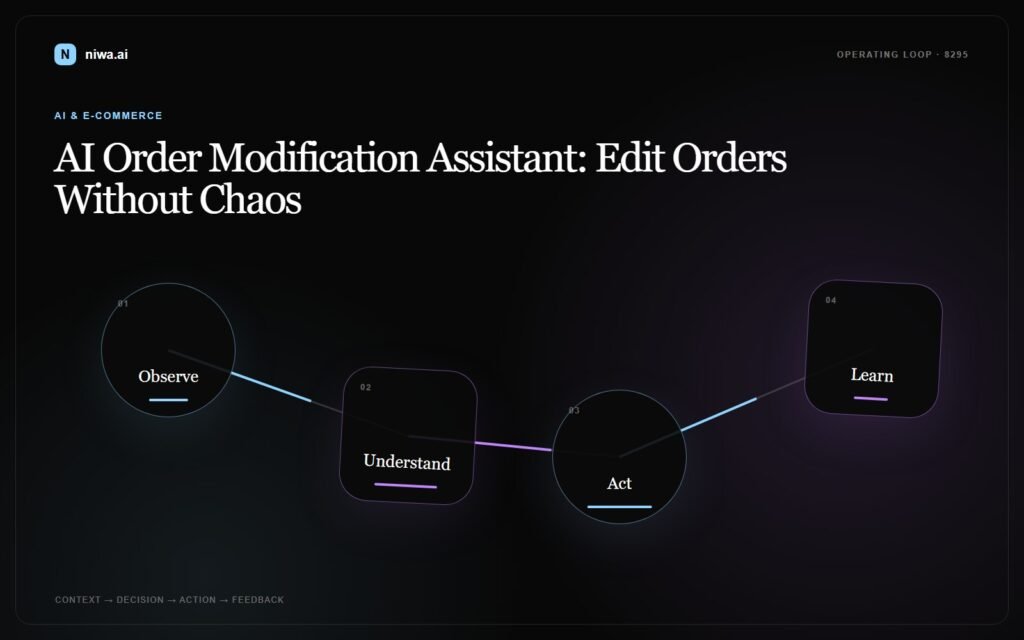
The same request can be easy at 10:02 and impossible at 10:20. The assistant therefore needs a state-based decision model, not one universal answer.
Unpaid or payment-pending
The order may still be editable, but the assistant must avoid creating a total that no longer matches the payment attempt. It can explain the options, recalculate the basket, and provide an approved payment path if the platform supports one.
Paid and unfulfilled
This is often the best window for controlled changes. The assistant can check stock, calculate the difference, and use the platform’s supported order-editing process. Shopify’s official documentation says merchants can edit placed orders before fulfillment, including adding or removing products, adjusting quantities, and updating shipping fees. It also notes that an additional payment can require an updated invoice. See Shopify Help Center: Editing orders.
Allocated, picking, or packed
The order record may still look open while the warehouse has already started work. At this stage, the assistant should check fulfillment events or require human approval. A database edit that never reaches the warehouse creates the worst outcome: the customer receives the original item while support believes the order was changed.
Fulfilled or handed to the carrier
Direct modification is usually no longer the right workflow. The assistant should explain the status and move the customer to an exchange, return, carrier, or post-purchase support path. It should not disguise a return as an “edit.”
Platform rules also differ. WooCommerce documents editable order details and line items, but its guidance says that when an already-paid order needs additional items, the merchant should create a new order rather than simply adding them to the existing one. That is a useful reminder that automation must follow the active platform’s rules, not a generic ecommerce assumption. See WooCommerce: Single Order Page and Manually Adding an Order.
A practical order modification workflow
- Identify and authenticate the customer. Ask for the minimum information needed, then use an approved verification method before exposing or changing order details.
- Retrieve the canonical order state. Read payment, inventory, fulfillment, warehouse, shipping, and cancellation status from connected systems.
- Classify the requested change. A size swap, added item, removed item, delivery correction, and discount request require different rules.
- Check eligibility. Apply the store’s time window, product exclusions, fraud controls, fulfillment lock, and approval thresholds.
- Calculate the commercial effect. Show any item, tax, discount, shipping, refund, or payment difference in plain language.
- Ask for explicit confirmation. The customer should see the proposed result before any irreversible action.
- Commit once and record the outcome. Use an idempotent operation so a retry cannot add the same item twice, and keep an audit trail of the old and new state.
- Confirm or escalate. Send a concise summary with the updated order details, or hand off a complete case when automation must stop.
This workflow is more valuable than a fast answer alone. It connects conversation speed with operational accuracy.
Three realistic ecommerce scenarios
Scenario 1: Wrong size, same price
A customer orders a medium jacket and asks for a large five minutes later. The assistant authenticates the customer, confirms the order is paid but not allocated, checks that large is available at the same price, presents the change, receives confirmation, updates the order, and sends a revised summary.
Business outcome: the store preserves the sale without creating a cancellation and new checkout.
Scenario 2: Add an accessory after payment
A buyer wants to add a charger. The assistant checks platform and payment rules before promising anything. If the store supports order edits with an additional invoice, it can calculate the difference and send the approved payment step. If the active workflow requires a separate order, it can create or hand off that path while keeping shipping expectations clear.
Business outcome: the store captures incremental revenue without silently producing a payment mismatch.
Scenario 3: Request arrives after packing
A customer wants to swap a color, but the warehouse has already packed the parcel. The assistant explains that the order can no longer be safely edited, records the preferred replacement, and offers the correct exchange or human-support path.
Business outcome: the store avoids a false promise and gives the customer a concrete next step.
Guardrails that protect revenue and trust
- Use least-privilege access. The assistant should only read and change fields required for approved workflows.
- Never collect raw card details in chat. Additional payment should use the commerce platform or payment provider’s secure flow.
- Require stronger verification for risky changes. Address, contact, high-value, and cross-border changes may need extra authentication or staff approval.
- Read live status before every commit. Recheck the order immediately before changing it because fulfillment can advance during the conversation.
- Make retries safe. Every edit needs an idempotency key or equivalent protection against duplicate actions.
- Preserve the audit trail. Store who requested the change, what was verified, what rules ran, what changed, and when.
- Fail closed, not creatively. If inventory, payment, or fulfillment data is unavailable, the assistant should escalate instead of guessing.
These controls are especially important when the conversation begins in website chat or WhatsApp. The channel is only the front door; the order system remains the source of truth. A connected AI website chat and WhatsApp workflow should carry verified context forward without giving every channel unlimited order access.
What the human handoff should contain
Some requests will always need judgment. The assistant still creates value if it hands over a ready-to-resolve case rather than “customer needs help.” The handoff should include:
- verified customer and order identifiers;
- the requested before-and-after state;
- current payment and fulfillment status;
- inventory result for the replacement item;
- price, tax, discount, shipping, payment, or refund difference;
- the rule that blocked automatic completion;
- the customer’s confirmation and urgency;
- the recommended next action and responsible queue.
That context can move into the same support or CRM process used by an AI CRM handoff. The customer should not have to repeat the entire story after escalation.
How to measure the business impact
Do not judge the assistant only by chat volume. Track whether it changes commercial and operational outcomes:
- Eligible modification completion rate: the share of safe requests completed without staff intervention.
- Prevented cancellation rate: orders kept after a correct modification option was offered.
- Revenue delta: additional revenue from approved additions minus refunds and concessions.
- Time to confirmed resolution: from the first request to a committed change or accepted handoff.
- Edit error and rollback rate: warehouse mismatches, duplicate additions, wrong refunds, and reversed edits.
- Handoff quality: cases resolved by staff without asking the customer for information already provided.
Review failed and escalated conversations weekly. They reveal unclear policies, missing integrations, late warehouse signals, and modification types that may be safe to automate next.
Implementation checklist
- Map every supported change type and the allowed order states.
- Define authentication requirements by risk.
- Connect live order, payment, inventory, fulfillment, and shipping data.
- Document price, tax, discount, refund, and additional-payment rules.
- Add a final state check immediately before each edit.
- Protect write actions against duplicates and keep a full audit trail.
- Design customer confirmations for both successful edits and blocked requests.
- Send exceptions to a named team with complete context.
- Test concurrent warehouse updates, unavailable variants, payment failures, and repeated messages.
- Measure prevented cancellations, resolution time, revenue effect, and edit errors.
Turn post-purchase changes into a controlled sales workflow
An AI order modification assistant is not a shortcut around commerce rules. It is a faster way to apply those rules consistently. When it verifies identity, reads the real order state, calculates the full commercial impact, and knows when to stop, it can preserve revenue while reducing support and warehouse confusion.
If your team spends hours fixing item, quantity, variant, delivery, and payment-change requests after checkout, Niwa AI can turn those conversations into structured actions and clean human handoffs.
Book a Niwa AI demo to map the safest order-modification workflows for your store.

