

Can AI Book Appointments Through WhatsApp?
Niwa can book appointments directly through WhatsApp. Learn how service context, connected availability and customer confirmation produce a saved booking.
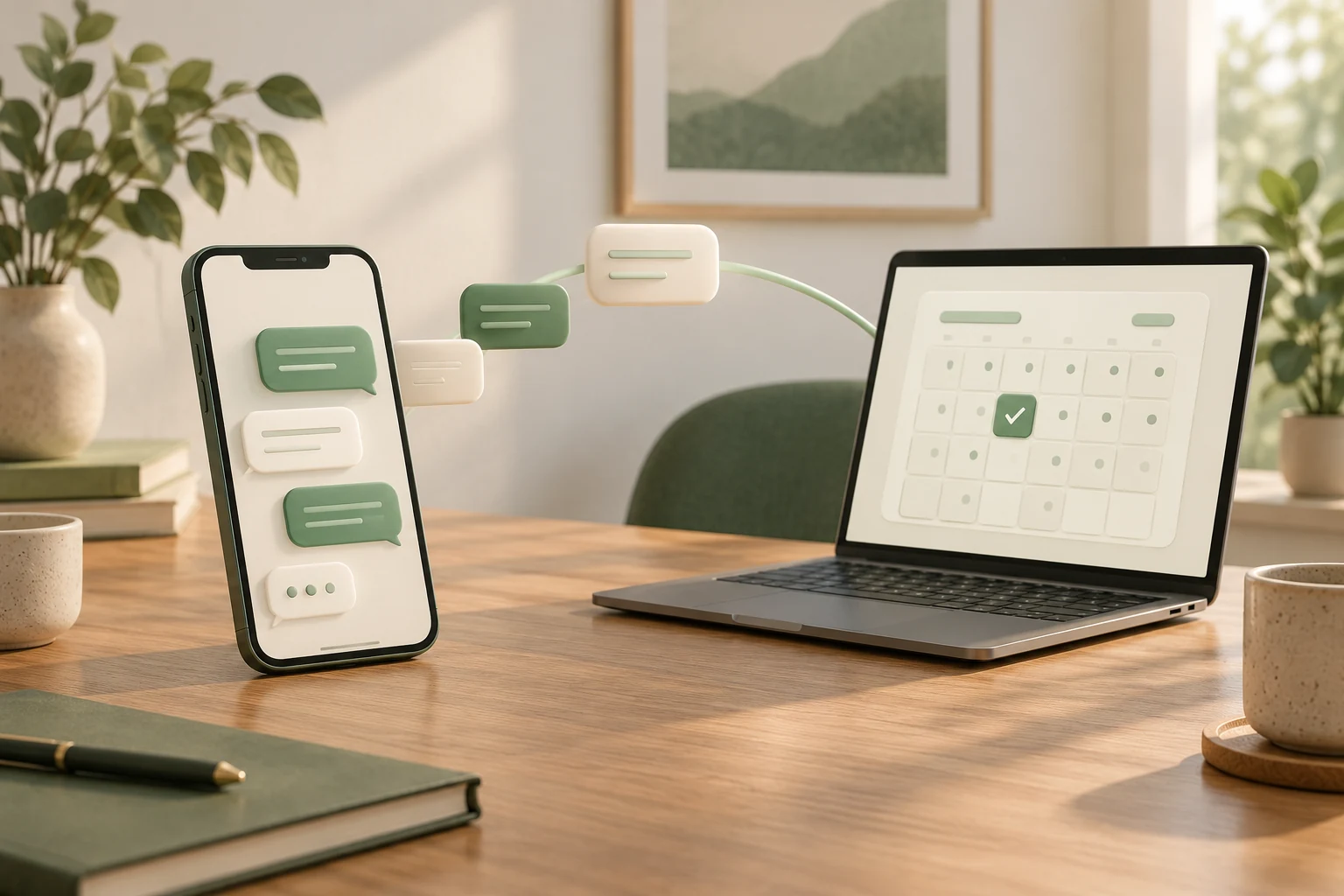
Yes. Niwa can book appointments directly through WhatsApp using your business and website context, connected availability and booking workflow. A customer asks about a service, chooses an available time, supplies the required details and confirms the appointment in the conversation. Niwa saves the reservation and replies with its details, so the customer can finish without leaving WhatsApp.
For a service business, the useful question is whether an enquiry reaches a real appointment record. A friendly reply about Friday afternoon is only one part of that process.
What Niwa handles in the WhatsApp conversation
The WhatsApp AI agent uses your website and business information to help customers understand the services you offer. It can explain what a consultation includes, answer a duration or preparation question and continue into the connected booking workflow when the customer is ready.
Give it clear descriptions of the appointments people can request. If a business offers an initial consultation and a follow-up session, explain their different purposes. Someone asking for help choosing should understand the appointment before confirming a time.
The Niwa booking agent uses configured services, eligible staff and availability to support the reservation. Connect these business actions to the WhatsApp customer agent so the answer can become an appointment in the same conversation.
Three different meanings of “AI booking”
Before selecting a system, distinguish these workflows:
| Workflow | What happens | Evidence that booking is complete |
|---|---|---|
| AI collects a request | The assistant records a preferred day or time for a team member to review | A team member subsequently creates and confirms the appointment |
| AI offers a website booking route | The assistant supplies a booking link for a customer who prefers that route | The website saves an appointment after the customer finishes the flow |
| Niwa books directly in the conversation | The agent checks connected availability, collects the required details and records the confirmed choice | The booking system returns the saved appointment and Niwa confirms it on WhatsApp |
Niwa supports direct conversation booking. A website link can still be useful when a customer wants to browse or use a form, but it is an additional option. When comparing systems, ask for a complete reservation demonstration rather than judging the workflow by an AI label or a calendar logo.
What the assistant needs from your business
Prepare service descriptions, durations, staff assignments, working hours, time between appointments and any required customer details. Connect your calendar and booking actions, and give the agent your website’s business context so its explanations match the services it can reserve.
Use descriptions that explain what the customer receives. “Initial consultation to discuss a new project” is more helpful than an internal label such as “Service B.” Clarification should follow the meaning of the request, including the customer’s language, rather than depend on a fixed phrase they must type.
Keep availability in the booking system. A note in an AI prompt saying “we are usually free on Fridays” cannot replace the calendar, holidays or existing appointments. Niwa should offer times from connected availability and check the selected slot again when saving it.
Existing WordPress owners can install the standalone Niwa AI plugin. The installation guide covers the scheduler and channel setup. Keep customer booking permissions separate from owner administration when connecting the actions the agent can perform.
Test the decision, then test the reservation
Use two separate checks before launch.
First, test the conversation. Ask a clear service question, a vague request and a question in another customer language. Check that the answer reflects your business and that the agent can clarify the service before offering appointment times.
Next, complete the reservation on WhatsApp. Select a service and available time in the conversation, supply the required details and confirm the appointment. Read the saved record back in Niwa and check the service, staff member, timezone and start time against the confirmation.
Also test a busy period and two customers attempting the same remaining slot. Booking correctness belongs to the reservation system even when AI began the conversation.
Example: choosing the right consultation
A customer messages a design consultancy: “I have a small shop and need help planning the interior. Which session should I book?”
Niwa explains the initial planning consultation and checks available appointments. The customer chooses a time, provides the required details and confirms the reservation in WhatsApp. Niwa saves it and replies with the appointment details and booking reference. The consultancy now has a scheduled consultation it can find in its records.
This is an illustrative workflow, not a customer case study or a measured sales result. Use your actual service and connected schedule when testing it.
Questions to ask before choosing AI scheduling
Ask where the customer completes booking, which calendar determines availability and how a saved appointment is identified. Check whether notifications follow the saved record, how changes are handled and what happens if a message fails to arrive.
For Niwa, start with the WhatsApp booking setup guide. The agent should understand the customer’s request through meaning and business context, without requiring a special command.
If you need a website or migration, Niwa Business is USD 150 for a custom WordPress site or migration, hosting, maintenance and business-adapted AI tools. You can also use the standalone plugin on your existing WordPress site.
Discuss AI-assisted booking with Niwa. Include your services, staff count and current booking system so the conversation and reservation steps can be planned together.

