

How to Automate Personal Training Enquiries
Automate routine training questions, gather useful enquiry details and offer the right next step. Use Niwa without treating every request as a booking.
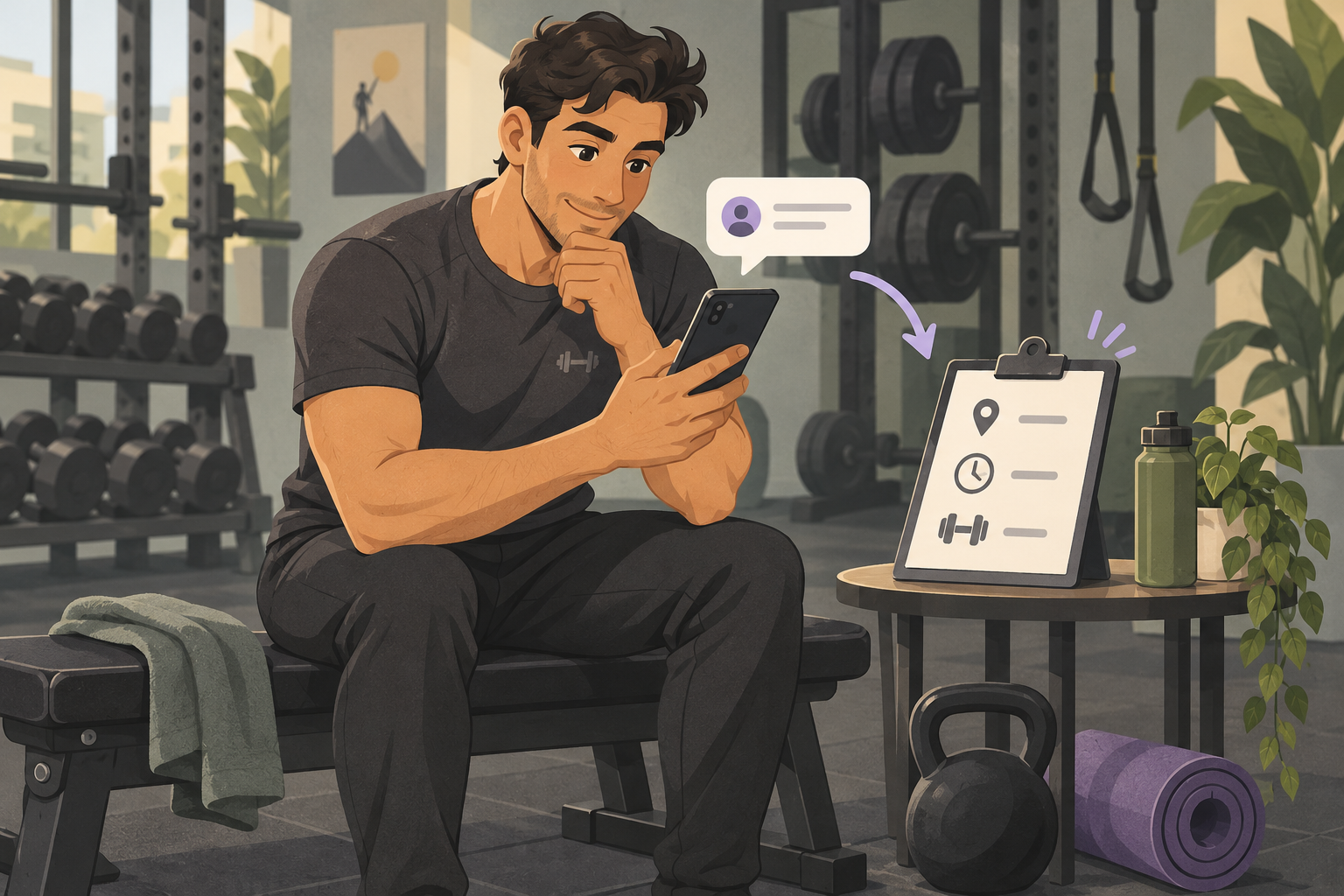
To automate personal training enquiries, give an assistant accurate service information, ask for the details needed for the next step and separate bookable consultations from requests you need to review. Niwa uses your website's business context to answer those questions on WordPress and WhatsApp, collect the relevant details and book through your connected appointment workflow.
The aim is a useful first exchange. You need to know whether someone is asking about an in-person session, online coaching or a group service before offering an appointment. A trainer should make the decisions that depend on professional judgment.
Describe the services before designing the replies
Write down the training formats you actually offer, their location, published prices and how a client gets started. Explain whether a first consultation is required and what it covers. Only present a free introductory call if you already offer one on those terms.
Keep online coaching separate from reserving gym time. A person buying ongoing coaching may need a different onboarding process from someone booking a single private session. If a price depends on an assessment or a custom package, explain when you provide it instead of inventing a quote.
Add this information to the service content Niwa uses. Correct the underlying page when an offering changes so the website and assistant have the same reference point.
Ask for enough context to choose the next step
For an initial enquiry, useful details might include the training format, preferred location, general goal, typical availability and a way to reply. A person who wants evening in-person sessions needs a different answer from someone looking for remote coaching.
Keep the first exchange short. Ask about the next decision rather than collecting a complete client history before explaining your service. Handle detailed health or assessment questions through your established professional process, rather than making a public chat perform an assessment.
If you use an enquiry form, give each field a visible, descriptive label. W3C's form-label guidance explains how labels help people identify and use the controls. A chat interface is another route; it does not remove the need for an understandable form when you offer one.
Offer a consultation only when it can be booked
Consider a trainer who begins new in-person clients with a defined consultation. Configure that service's duration, the trainer who provides it, working hours and required contact fields in Niwa's booking setup.
Niwa can explain the consultation, check available times and collect the details needed to save the appointment. The client can start on your website or in a WhatsApp conversation. Confirmation should follow the successful booking action, with the consultation, trainer and time clearly identified.
If you need to review the enquiry first, use a request route. Ask the person for the agreed initial details and review them in the inbox or form workflow you use. A request for Tuesday evening should not receive wording that says Tuesday is reserved unless the appointment has actually been saved.
Match the schedule to the trainer's capacity
Availability includes more than gaps between clients. Account for travel if you work at different locations, the time needed to prepare, breaks and days when you do not take new consultations.
If several trainers use the same room or equipment, confirm that the scheduling arrangement checks those shared resources. Do not assume that separate trainer calendars protect a shared studio from overlapping use.
Keep the owner's review focused
Decide which enquiries can proceed to a defined appointment and which need a personal answer. Examples include a custom workplace programme, a location outside your normal service area or a goal you need to discuss before recommending a format.
Make the enquiry and the requested next step easy to find in the channel you review. Niwa can carry out direct business actions, so configure what should happen to a qualified enquiry: save a consultation, collect a request for review or continue into an agreed sales workflow. Connect any separate CRM you use as part of that setup, rather than leaving enquiries in an inbox you do not monitor.
Test an enquiry that does not fit
Check a straightforward consultation booking and an enquiry outside your normal scope. In the first case, inspect the saved service, trainer, date and contact details. In the second, check that the person receives a clear request or personal-review next step rather than an unavailable appointment.
Also test an unanswered service question. Improve the information Niwa can use or direct the client to you. Review the quality of the enquiries and completed bookings, rather than counting every chat start as a new client.
Set up Niwa for your training business
You can install the standalone Niwa AI plugin on an existing WordPress site. Niwa Business is USD 150 for a custom WordPress website or migration, hosting, maintenance and AI adaptation around your services. Ask for the billing terms and the exact workflow included.
Tell us how you handle training enquiries today. Include your service formats, the first question you usually ask and whether the next step is a consultation or your own review.

