

How to Get More Demo Requests from a SaaS Website
Improve the SaaS demo journey with clear product answers, a useful demo offer and working website booking. Measure requests, bookings and attendance separately.
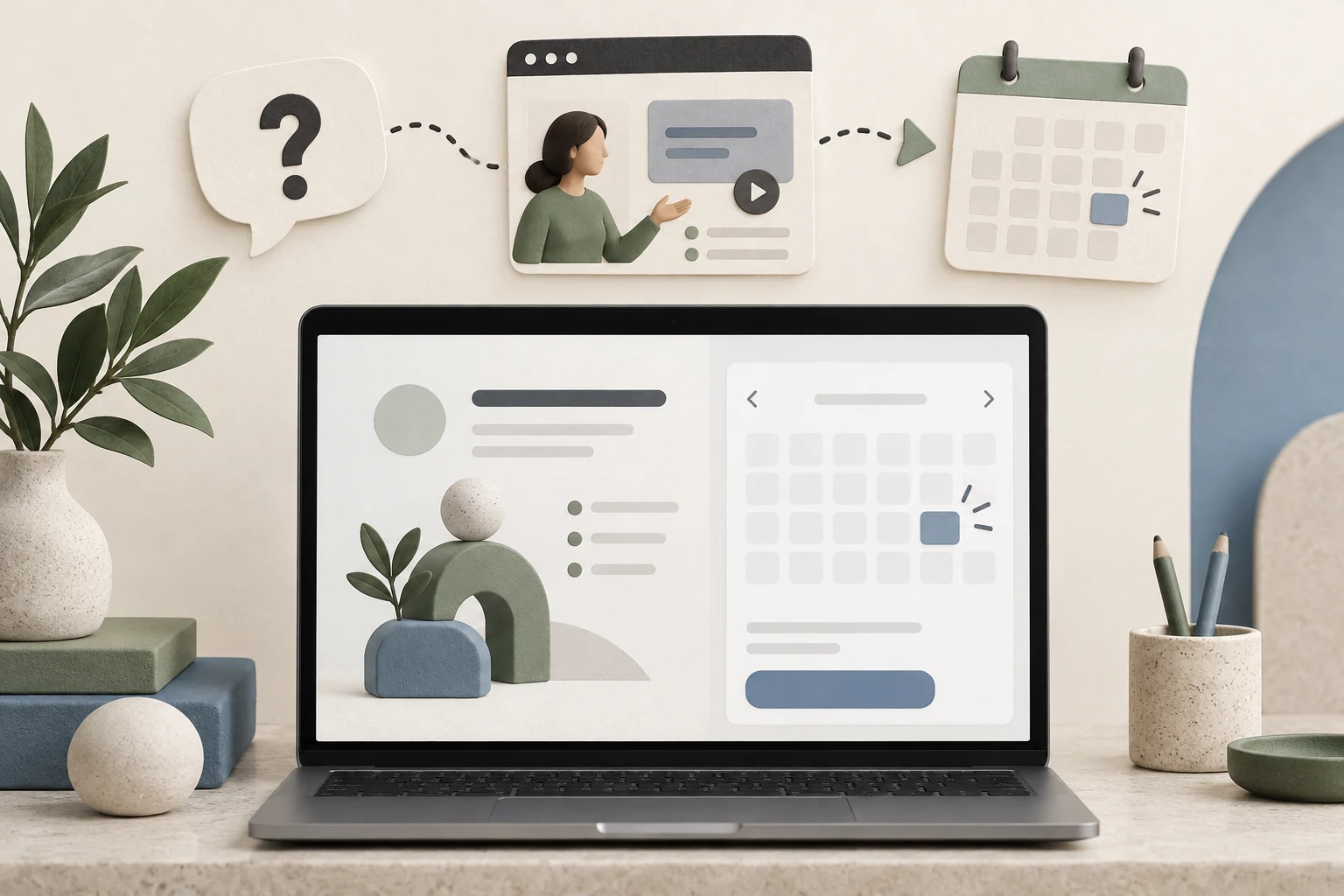
To get more demo requests from a SaaS website, show buyers what the demonstration will help them decide, answer evaluation questions before the form and make the request or booking easy to finish. Niwa answers product questions and books demos through connected workflows on your website or WhatsApp. Measure whether those changes produce suitable, attended demos.
A buyer deciding whether your software handles multi-location reporting needs a different invitation from someone who has never seen the product. The website should help both understand why a demonstration is useful. More buttons alone will not resolve an unanswered requirement.
Find where the demo journey breaks
Trace one journey from an entry page to an actual sales conversation. Can the visitor tell who the software is for? Can they find the relevant feature, plan and integration details? Does the demo page explain what happens next? Can they finish on a phone?
Separate a request form from an appointment booking. A request means your team still needs to respond and arrange a time. A saved booking means the schedule contains an appointment. Label the route honestly so visitors know whether they are choosing a time or waiting for a reply.
Review failed submissions and recent sales questions alongside the pages buyers visited. A repeated question can reveal missing content; it does not prove everyone who leaves has the same objection.
Describe the demonstration as a useful decision
Explain what your team will show, who should attend and what the buyer can prepare. A product-specific invitation might say: "See how to build a monthly report across your locations." Use that wording only if the demonstration actually covers that workflow.
State the real duration and whether the session uses sample data or a buyer's configured environment. Do not imply a custom proof of concept when the appointment is a standard product tour. Publish practical details about the meeting format and follow-up.
Keep a self-service alternative for visitors who want to read documentation or try the product first. Their decision may need more information before a conversation with sales.
Resolve the question before asking for the meeting
Prepare Niwa with current plan rules, feature descriptions and integration prerequisites. On a pricing or feature page, it can help someone understand whether a published capability fits their requirement and ask for the missing detail that changes the answer.
For example, a buyer asks whether separate branches can have different reporting permissions. Niwa explains your documented roles and plan requirements. If the requirement is supported, it can direct them to the relevant demonstration. If it needs technical review, give them a clear contact route rather than promising a feature you have not established.
Your AI-powered SaaS website needs accurate product information behind that conversation.
Make website booking reflect the real sales schedule
Set the demo service, duration, team availability, timezone and required attendee details. Explain which team takes the meeting. A booking page with no suitable times is a scheduling problem to investigate, not something better copy can hide.
The Niwa Booking Agent connects product questions with your configured booking workflow. A buyer can ask questions, review available times and book a demo through Niwa in a website or WhatsApp conversation. Keep a website booking route available too, and check that whichever route the buyer uses creates the intended appointment.
Ask only for details needed to arrange or prepare for the demonstration. If a question is optional, make that clear. Do not force visitors to upload private datasets before deciding whether they want a standard tour.
Scheduling providers also distinguish availability, booking fields and confirmation settings. For example, HubSpot's scheduling documentation treats these as separate parts of setup. Check them separately in whichever system you use.
Check the mobile experience and confirmation
Use a phone-sized browser to complete the journey. Check that the assistant does not cover the form, the selected timezone is visible, fields have clear labels and errors explain how to continue. Inspect the saved record, then confirm that the intended notification reaches a controlled test inbox.
Review loading, interaction and layout movement as part of the page experience. Google's Web Vitals guidance describes these dimensions. A performance improvement can make the flow easier to use, but it does not establish a particular conversion increase for your website.
Measure the outcome without inflating it
Track completed requests, saved bookings, attendance and sales-accepted opportunities as separate outcomes. Define an eligible audience and consistent reporting period. Exclude internal tests and identify duplicate requests before interpreting changes.
For a hypothetical reporting example, 20 of 1,000 eligible visits contain a saved booking: a 2% visit-to-booking rate. Measure demo attendance separately. These numbers illustrate the calculation; they are not a Niwa benchmark.
Change one meaningful part of the journey at a time and review downstream fit as well as request counts. A new form that attracts many unsuitable inquiries may increase work without improving acquisition.
Improve the journey you actually have
Existing WordPress owners can use the standalone Niwa plugin. Niwa Business is USD 150 for a custom WordPress website or migration, hosting, maintenance and AI adaptation. Your SaaS product and billing backend remain a separate scope.
Send Niwa your current demo journey, including the page URL, how meetings are arranged and one question buyers ask before booking. We can discuss the website changes and assistant setup relevant to that journey.

