How to Transfer a Lovable Website to WordPress
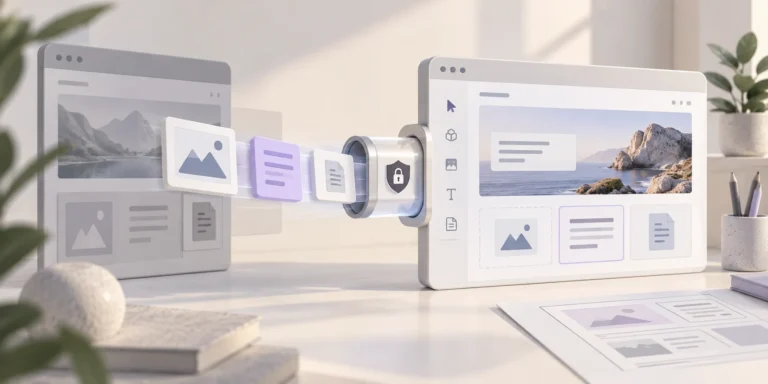
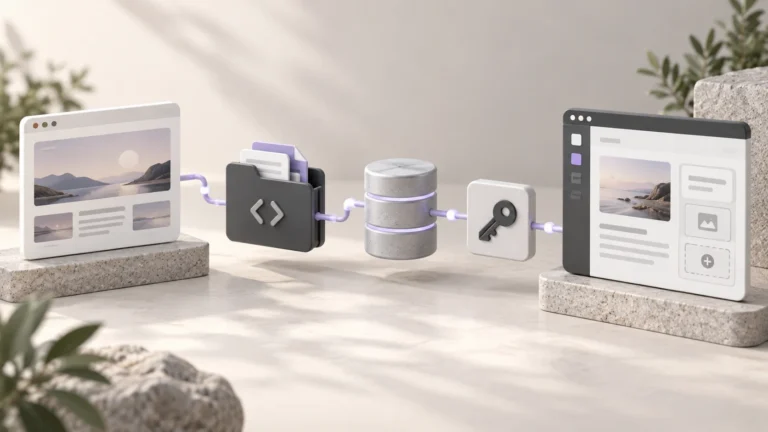
Choose an editable WordPress rebuild or a headless Lovable connection. Separate application code, content, backend data and login before planning the migration.


Practical guides on WordPress, AI, e-commerce, and building better customer journeys.
Choose an editable WordPress rebuild or a headless Lovable connection. Separate application code, content, backend data and login before planning the migration.
Transfer a Duda website to WordPress by checking agency export access, saving published assets, rebuilding dynamic functions and planning an editable client handoff.
Move Google Sites content to WordPress using a data archive and editable rebuild. Check embedded-file permissions, public URLs, forms and the launch separately.
Use Hostinger’s builder content export to WordPress, verify its application-password connection, then rebuild layouts, forms, SEO and excluded business functions.
Transfer GoDaddy Website Builder content to WordPress, distinguish it from GoDaddy-hosted WordPress, and plan products, appointments, media and domain changes.
Move a Weebly website to WordPress with a page archive and separate blog plan. Rebuild the design, verify images, map .html URLs and test business functions.
Move Squarespace content to WordPress with its XML export, then check images, rebuild excluded pages and functions, preserve URLs and test the launch.
Transfer a Webflow site to WordPress by separating code export, CMS data and hosted functions. Plan editable templates, media, redirects and launch tests.
Move a Wix website to WordPress, check what imports, rebuild its design and business functions, and preserve important URLs before switching the domain.
Take appointment bookings directly on WhatsApp after reception closes with Niwa. Use connected availability and keep service hours and holidays accurate.