How to Make an AI Chatbot Use Your Website Content
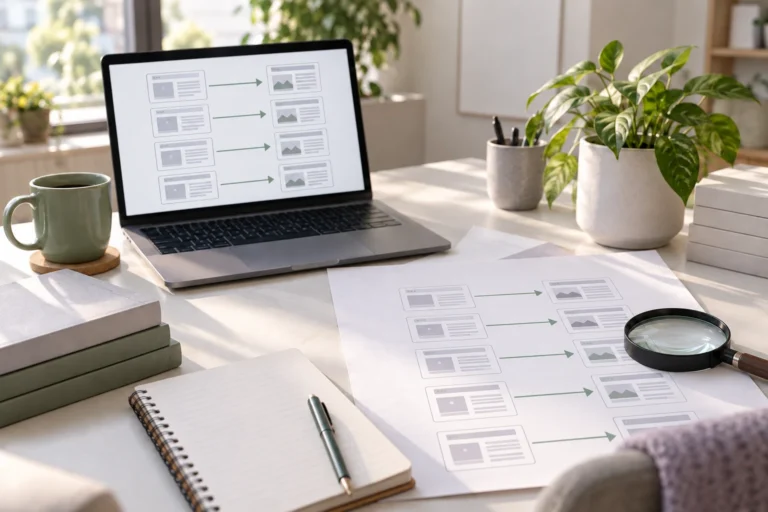
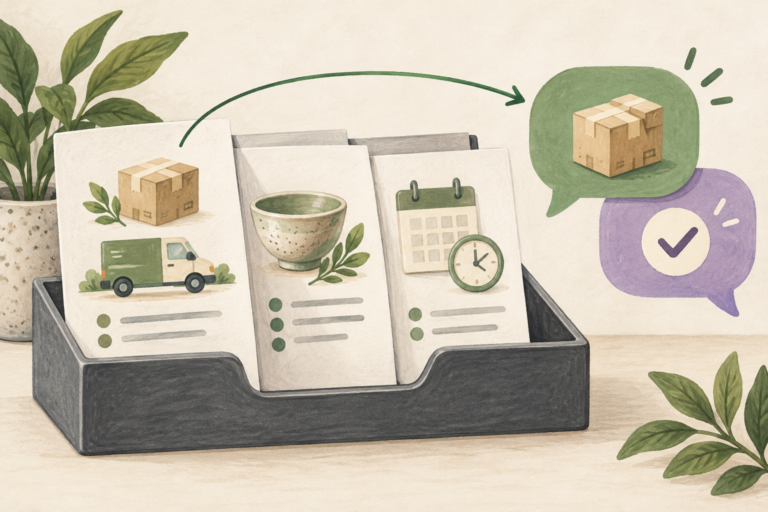
Give Niwa accurate website content, rebuild the knowledge index and add business rules. Test retrieval and answers against your published information.


Practical guides on WordPress, AI, e-commerce, and building better customer journeys.
Give Niwa accurate website content, rebuild the knowledge index and add business rules. Test retrieval and answers against your published information.
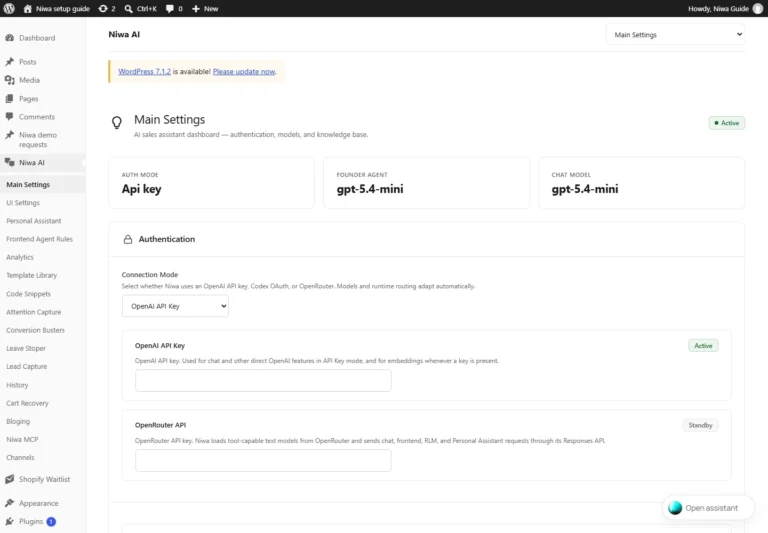
Connect Niwa through supported ChatGPT sign-in, OpenAI API or OpenRouter. Save the active mode, select a model and verify a customer-chat reply.
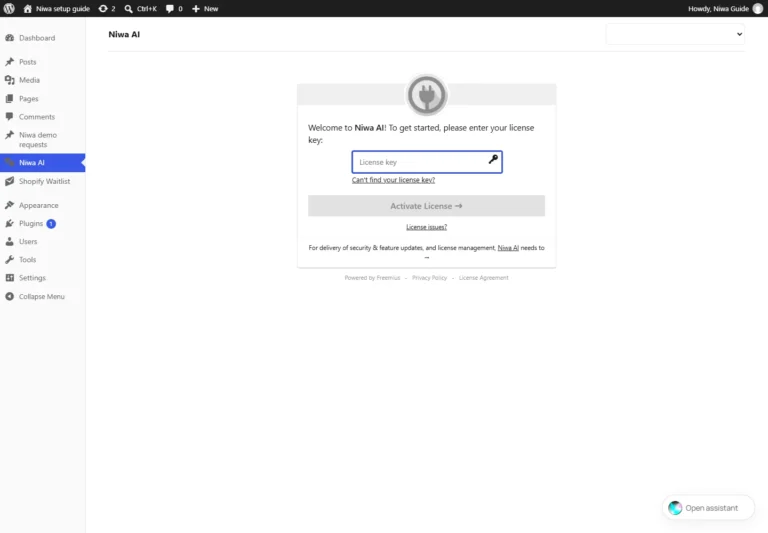
Install the Niwa AI ZIP on an existing WordPress site, activate your licence and confirm the plugin is ready for model and customer-chat setup.
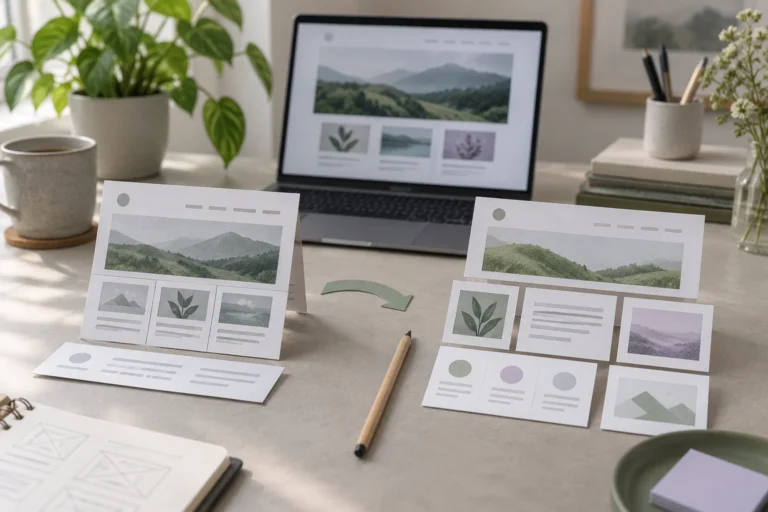
Choose between migrating and rebuilding your website by assessing useful content, technical limitations, customer journeys, design needs and maintenance.
Avoid ten practical WordPress migration mistakes, from missing access and email dependencies to lost URLs, stale store data and incomplete launch testing.
Test your WordPress migration before the domain switch. Check the target server, layouts, forms, bookings, checkout, URLs and the final launch configuration.
Keep your site’s recognizable design when moving to WordPress. Learn what transfers, what must be recreated and how to review layouts and customer features.
Move your website while preserving business email. Identify mailbox hosting, save DNS records, separate the website switch from email changes and test delivery.
Understand what a WordPress migration quote should cover: content, design, forms, store data, redirects, hosting and maintenance. Compare scope before price.
Reduce SEO risk when moving to WordPress. Preserve useful URLs and content, map redirects, test indexing settings and monitor important pages after launch.