How to Build a Website with Bolt
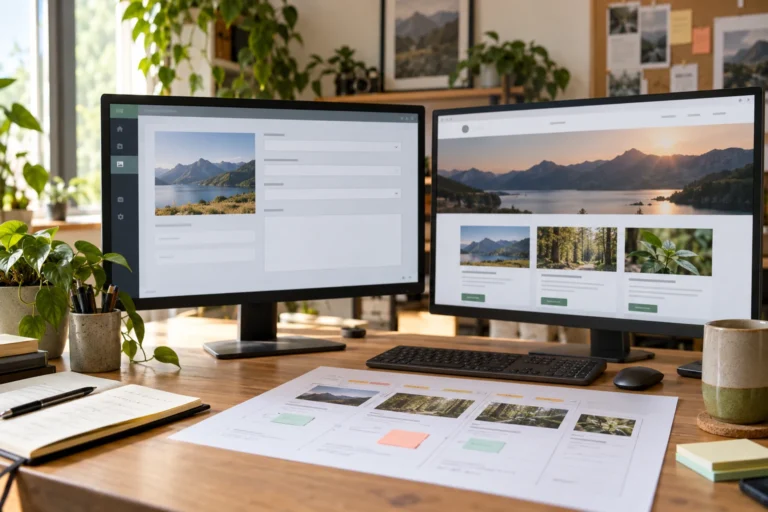
Build a website with Bolt from a practical brief. Connect the enquiry workflow, protect service credentials, save the project and verify the published site.


Build a website with Bolt from a practical brief. Connect the enquiry workflow, protect service credentials, save the project and verify the published site.
Publish an AI-built website on your domain. Deploy the right build, connect DNS without disrupting email, enable HTTPS and verify the public release.
Add payments to an AI-built website using a hosted payment link or server-backed checkout. Verify payment status, order records and fulfilment before launch.
Connect an AI-built website to a CMS by defining editable content, mapping API fields and testing draft, publishing, caching and access permissions.
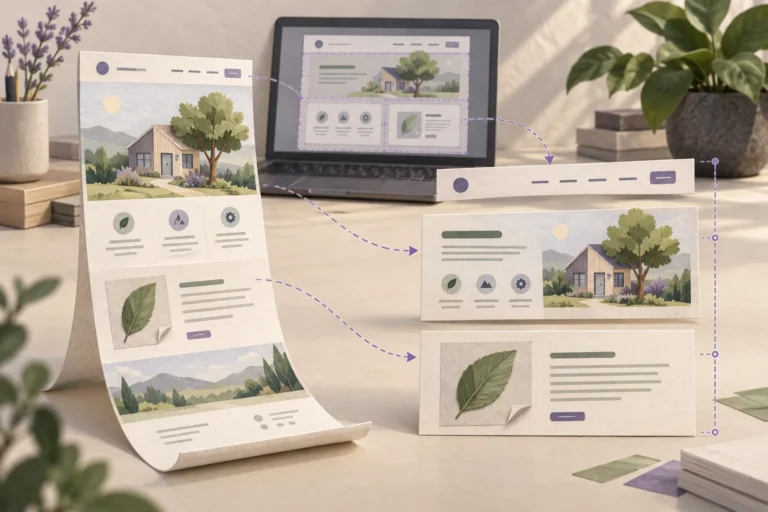
Convert AI-generated HTML into an editable WordPress block theme. Separate templates from content, rebuild layouts with blocks and test the installed theme.
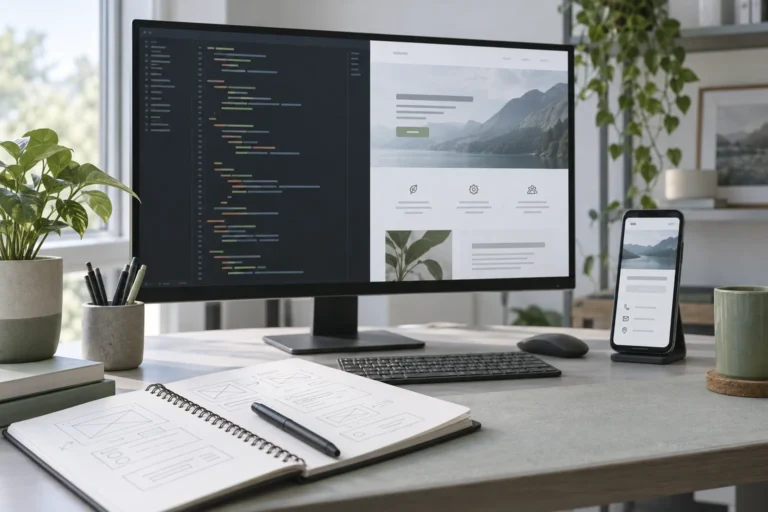
Build a website with Cursor using a clear project brief, reusable components and focused changes. Verify mobile pages and the complete enquiry workflow.
Build a website with Lovable, test its real customer journey, save the code and choose how WordPress will handle content after launch.
Reduce AI website running costs by reviewing duplicate services, measuring actual usage and testing changes to hosting, model requests and maintenance.
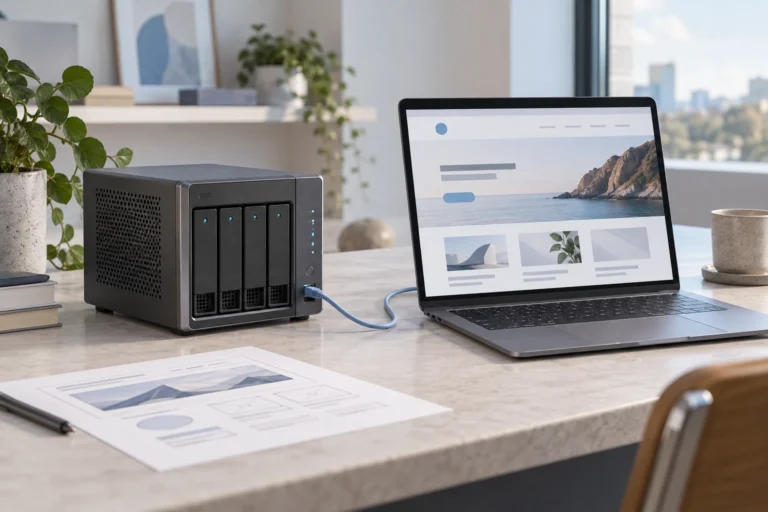
Yes, AI websites need hosting. Learn when it is included in a builder, when WordPress needs its own host and why model access is a separate service.
Build a website with Codex in a real project. Define the scope, review changes, test the customer journey and prepare a maintainable WordPress handoff.