

How to Connect an AI-Built Website to a CMS
Connect an AI-built website to a CMS by defining editable content, mapping API fields and testing draft, publishing, caching and access permissions.
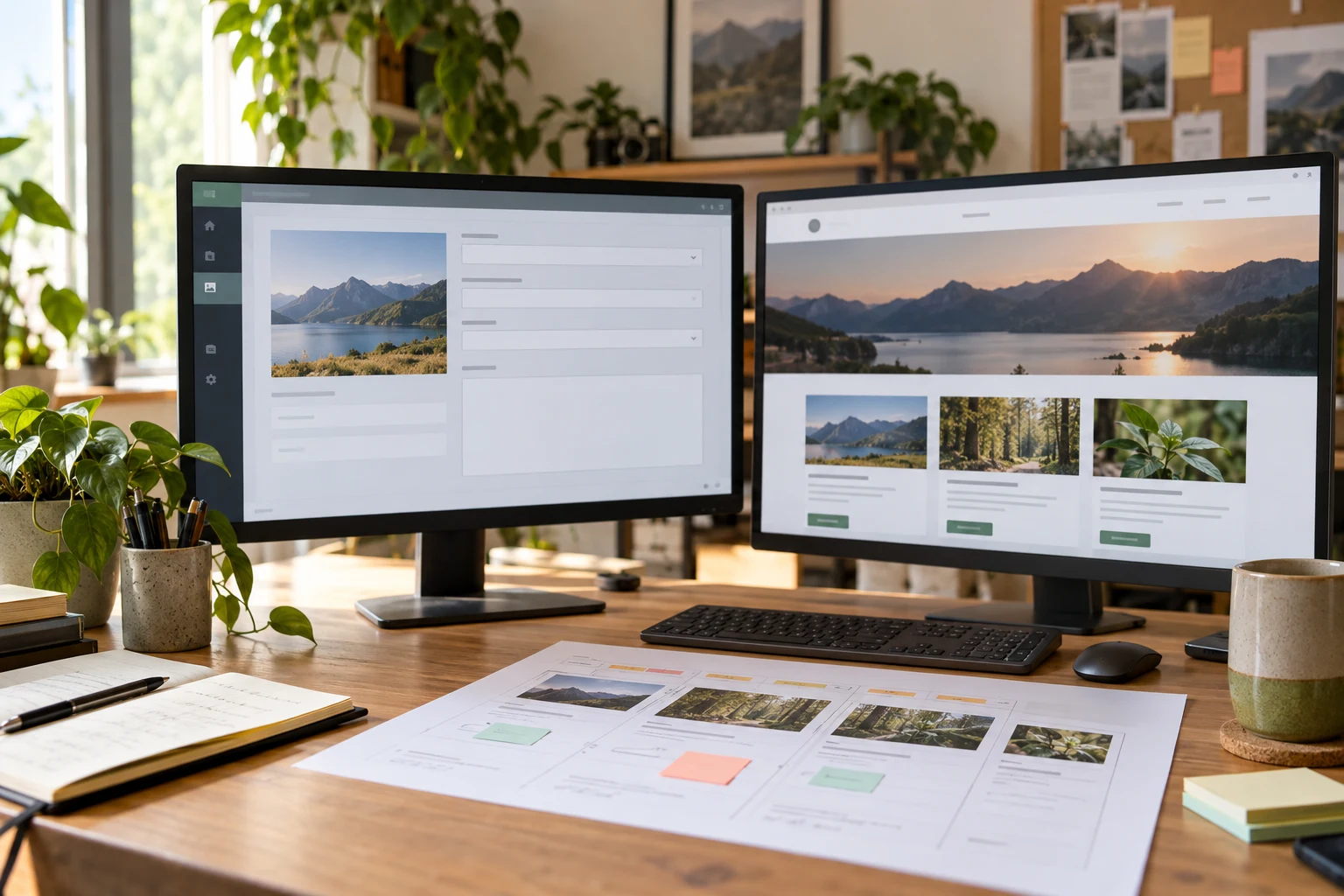
To connect an AI-built website to a CMS, decide which content staff must edit, create that content in the CMS, and replace the frontend’s sample data with real CMS records. Then test the complete editorial journey: edit, preview, publish and confirm the public result. An API request that returns data is only one part of the connection.
WordPress can provide the editing interface for a separate generated frontend or render the website through its own theme. The native WordPress route also provides a straightforward place for Niwa customer assistance and authorized website operations. Choose the arrangement before adding connectors, because a plugin installed in WordPress does not automatically appear on a separately hosted frontend.
This example connects a fictional design studio’s generated website to WordPress. The studio needs to update project stories and photographs without asking a developer to change component files.
Decide whether you need a separate frontend
If the generated design can become a native WordPress theme, the content and public rendering can stay in one application. The owner uses the WordPress editor, and the theme renders the pages. You do not need an external API layer merely because AI helped create the design.
A separate frontend is useful when the project has a concrete requirement for that architecture. WordPress then acts as the content backend, while the other application controls public pages. You must operate both pieces, including previews, deployment and frontend integration behavior.
Write down where the authoritative content lives. Once WordPress owns the project descriptions, remove the duplicate hardcoded copies from the generated components. Otherwise, a successful CMS edit can leave the public page displaying an older embedded version.
Model the content around the editor’s job
List the fields the studio will change. A project story might need a title, slug, body, excerpt and featured image. A contact page needs approved contact details and a real enquiry destination. Reuse WordPress posts or pages where they fit before creating a bespoke content type.
Map those records to the visible design:
| Website element | CMS content | Check before release |
|---|---|---|
| Project card title | Post title | Longer titles remain readable |
| Project URL | Post slug or stored route mapping | Old links have an explicit policy |
| Card summary | Excerpt | Empty summaries have a useful layout |
| Project article | Body content | Supported blocks render correctly |
| Card photograph | Featured media | Image and alt text reach the frontend |
Create two or three representative records, including one with a longer title and several photographs. Use real approved material. Sample records containing invented awards or clients should not become public content.
Start with a public read connection
WordPress’s REST API exposes content through JSON endpoints. Publicly published content is generally available without authentication, while private operations follow access restrictions. A separate application can read those records and render them. WordPress REST API handbook.
For a basic post list, an example read request is:
GET https://cms.example.com/wp-json/wp/v2/posts?per_page=6
Inspect the actual response before asking the AI tool to build around it. The post API documents fields including the ID, slug, title, excerpt, content and featured-media reference. Some text fields contain rendered HTML rather than a plain string. WordPress post endpoint reference.
A focused development brief could say:
Replace the project cards’ sample data with published WordPress posts from [approved CMS URL]. Map the title, excerpt, slug and featured image explicitly. Build the project detail route from the same records. Handle loading, an empty result and an unavailable CMS. Preserve the accepted visual design.
Show me the real response fields and the resulting page. Do not expose private records or introduce a browser credential for reading public content.
Test pagination instead of assuming the first response contains every record. For individual project pages, decide how the route resolves a slug to a CMS record and what happens when it is missing.
Render the content the CMS actually stores
Match the rendering approach to the content format. If the frontend uses rendered WordPress HTML, it must display the supported markup safely and style it consistently. If it uses a structured content model, it must map each supported field or block deliberately.
Ask the developer which block types the frontend handles. Paragraphs and images can work while a plugin-provided gallery or interactive block remains absent. An API response containing HTML does not load every WordPress script, stylesheet or plugin interface into a separate application.
Restrict the editor to the supported content choices where appropriate, or implement the missing renderers. Do not let staff publish content that the public site silently drops. Test links, lists, captions and a long article in the actual frontend.
For Niwa, clarify the public integration separately. Installing its WordPress plugin supports the WordPress site; displaying it on another frontend requires a supported integration and verification. The Niwa setup guide is the starting point for the native WordPress route.
Keep private writes on the server
The owner can edit directly in WordPress without exposing write credentials to website visitors. If the separate application needs to create or update content, use a permitted server-side integration.
WordPress Application Passwords support authenticated REST requests over HTTPS, with the connected user’s capabilities controlling access. Cookie-and-nonce authentication serves logged-in WordPress contexts; it is not a generic private credential for an unrelated public application. WordPress REST authentication.
Give the integration only the permissions it needs. Keep its credential in private server configuration, and verify that public users cannot invoke privileged operations through an unprotected application endpoint. A server holding a credential still needs to authorize the person requesting a change.
Test permitted and denied actions separately. If the application submits stories as drafts, verify the draft record in WordPress and confirm that an unauthenticated visitor cannot publish it. Keep a stable record ID so retries update the intended submission rather than creating duplicates.
Define when an edit reaches the public site
The generated frontend might request content on each visit, use a cache or build pages at deployment time. Identify which behavior the project actually uses. A CMS publish event does not automatically refresh a previously built static page.
Choose a release mechanism that fits the site. That could be a controlled rebuild after publication or an appropriate cache refresh. Document how the editor previews an unpublished change without exposing draft content publicly.
Make one visible test change, preview it, publish it and check the public page. Confirm the title, text and image. Then revert the test through the same workflow. Record how long the change took to appear, rather than promising instantaneous updates without evidence.
Check deletion and slug changes as well. Decide whether removing a project returns a missing-page response and whether changing its URL requires a redirect. Avoid maintaining contradictory copies on the CMS and frontend.
Hand over an editorial workflow that staff can use
Give the owner a short procedure for adding a project, choosing its image, previewing and releasing it. Include the supported content types and the person responsible if the frontend build fails.
On a native WordPress website, Niwa’s website maintenance agent can support authorized content work. Verify that the edited record and rendered page agree. This is especially relevant when the business wants AI help after construction, rather than only during development.
Existing WordPress owners can install the standalone Niwa plugin. Niwa Business is USD 150 and includes a custom WordPress website or migration, hosting, maintenance and AI adaptation.
Share the generated project, proposed content model and staff’s editing requirements with the Niwa team. Those details make it possible to choose and implement the CMS connection without guessing how the business will maintain its website.

