

AI-Powered Website for SaaS Businesses
Use Niwa to answer SaaS product questions and book demos on your website and WhatsApp, with email support and authorized WordPress content updates.
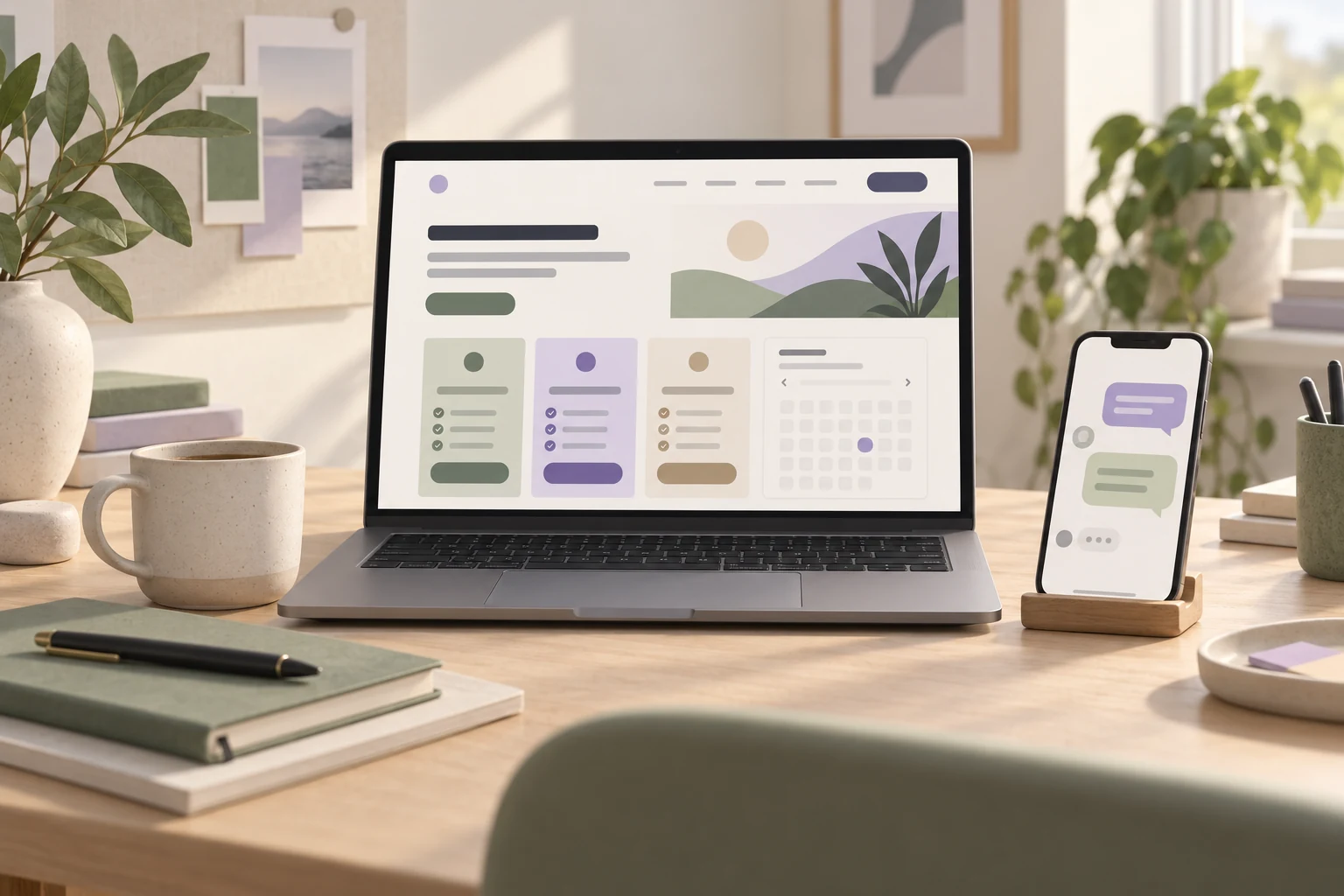
An AI-powered website for a SaaS business helps people understand your software, choose a suitable plan and book a demo. Niwa answers product questions on your WordPress website and WhatsApp using your business information. For demos, Niwa can offer your business availability and book the appointment through connected workflows on the website or within a WhatsApp conversation. It also helps your team handle customer support by email and make authorized changes to website content.
If you already have a WordPress site, you can install the standalone Niwa AI plugin. If you need a website or migration, Niwa Business is USD 150 and includes a custom WordPress website or migration, hosting, maintenance and AI tools adapted to your business.
Discuss your SaaS website with Niwa
Answer the question that brings someone to your pricing page
A visitor may understand what your software does and still need one detail before signing up. Does the plan include their required feature? How are seats counted? Can the product work with the system their team already uses?
Niwa can explain those details from your website and business information, then ask a useful follow-up question. Someone choosing a plan for twelve users needs a different answer from someone buying access for a single administrator.
Supply the rules behind your pricing table: who needs a paid seat, which features belong to each plan, how usage is measured and what costs extra. That gives Niwa a basis for explaining the options in the context of the visitor's task.
The next step can be a trial page, a setup guide, a conversation with sales or a booked demonstration. You decide which routes fit your product.
Turn a website or WhatsApp question into a booked demo
Consider a team evaluating your project-management software. This example illustrates a workflow you can set up with Niwa.
- The buyer asks about a requirement. On your website or WhatsApp, they ask whether your software supports the CRM their team uses. Niwa explains the documented connection and its prerequisites.
- Niwa helps clarify the fit. The buyer describes their team size and workflow. Niwa uses your plan information to explain the relevant option and gathers the details your sales team needs.
- The buyer chooses a demo time. On your website or within the WhatsApp conversation, Niwa can offer available appointments from your business schedule and book the selected time through the connected workflow. The buyer provides the required contact details. Check that the appointment is saved with the expected service and attendee information.
Your team can prepare around a specific requirement instead of starting with an unexplained demo request. Keep qualification focused on what changes the conversation. Someone exploring the product should still be able to read a guide or contact you without completing a long interview.
Set up your demo duration, availability and required details before offering appointments. Check the saved booking and confirmation as part of setup. Explore Niwa's booking and lead capabilities.
Help customers by email after the first conversation
Questions continue after a demo or signup. A customer may need help finding a setup guide, understanding a plan limit or checking how a documented feature works.
With your business mailbox connected and permissions set, Niwa can help handle customer support by email using the information and instructions you provide. Give it the product guidance it should use and identify the requests that belong with a person. See Niwa's personal assistant.
For example, an email about a published import procedure can use your existing instructions. A report that an import failed in a particular customer account may need a product specialist to investigate. The customer's description tells your team what to look at; it does not give the website assistant access to private application data.
This lets Niwa help with the communication around your product while your team handles the work that needs its judgment or account access.
Keep website information aligned with the product
When you release a feature or change a plan, the public website needs to reflect it. Your pricing page, feature descriptions and answers to common questions should describe the same product.
Through its owner assistant, Niwa can make authorized changes to WordPress content. You can ask it to update a plan description, add a documented integration requirement or improve a page that leaves an important question unanswered. Review the saved result against the change you requested.
Customer questions can also show what to explain next. If people repeatedly ask whether a connection is native or requires another service, add that distinction to the integration page. The answer becomes easier to find both in the page and in future conversations.
Your team supplies the product facts. Niwa helps keep the website useful as those facts change.
AI-built and AI-powered describe different work
A website built with AI uses AI during creation, perhaps to draft copy, generate a layout or write code.
An AI-powered website provides assistance after launch. With Niwa, that includes answering business questions, helping visitors take the next step and supporting authorized owner work in WordPress. See how Niwa works.
For SaaS, the value is in the tasks around your software: explaining a plan, booking a demonstration, answering a support email or updating a product page.
Keep your SaaS application on the stack it needs
WordPress can manage the public website that explains and sells your software. Your SaaS application can remain on its existing stack, with its own accounts, subscriptions and product workflows.
Niwa can explain a published integration without being connected to that integration itself. A native connector, an automation service and custom API work are different options, and your documentation should make the difference clear.
Actions inside an authenticated SaaS account, such as inspecting an invoice, changing access or provisioning a workspace, require their own supported integration and permissions. Website migration does not include that application work automatically.
Choose the route that fits your website
Add Niwa to an existing WordPress site
Install the standalone Niwa AI plugin, activate your license and connect a supported AI account. Prepare your product and plan information, enable the website chat and set up the WhatsApp, booking or email workflows you want to use.
You do not need a new website just to use Niwa. The installation guide explains setup for an existing WordPress site.
Build or migrate with Niwa Business
Niwa Business is USD 150 for a custom WordPress website or migration, with hosting, maintenance and AI tools adapted to your business.
For SaaS, that adaptation can focus on your product questions, plan selection, demo schedule and customer communication. Send your current website and the workflow you want to support through the Niwa contact page.
Questions SaaS teams ask
Can we use our own AI subscription?
Yes, through a supported subscription connection. Niwa adds no extra AI usage charges or Niwa-imposed usage limits to that connection. Your provider's subscription limits and terms still apply. The connection must support the account you intend to use.
Can Niwa explain our SaaS plans?
Yes. Give it your current features, seat rules, usage allowances and additional charges. It can explain the relevant options using those facts. Individual quotes and undocumented exceptions should go to your team.
Can buyers book a demo through WhatsApp?
Yes. Niwa can answer the buyer's questions, offer available demo times and book the selected appointment through your connected workflow within the WhatsApp conversation. Configure your business availability and verify the saved appointment and confirmation.
Will it generate more qualified demos?
Niwa helps answer evaluation questions and collect the context behind a request. Measure the outcome on your site: completed bookings, attendance, product fit and what happens after the demo. Those results depend on your product, traffic and sales process.
Tell us what you want Niwa to handle
Send your website URL, your current setup and a question customers ask before a trial or demo. Include the work you want Niwa to help with, such as WhatsApp inquiries, demo appointments, email support or updates to your product pages.
Use the contact page to send those details. We reply by email and can discuss the standalone plugin or Niwa Business route for your site.

