

How to Update Old Blog Posts with AI
Update an old blog post with AI by saving its current version, checking which facts or instructions have changed and giving the assistant a precise revision brief.
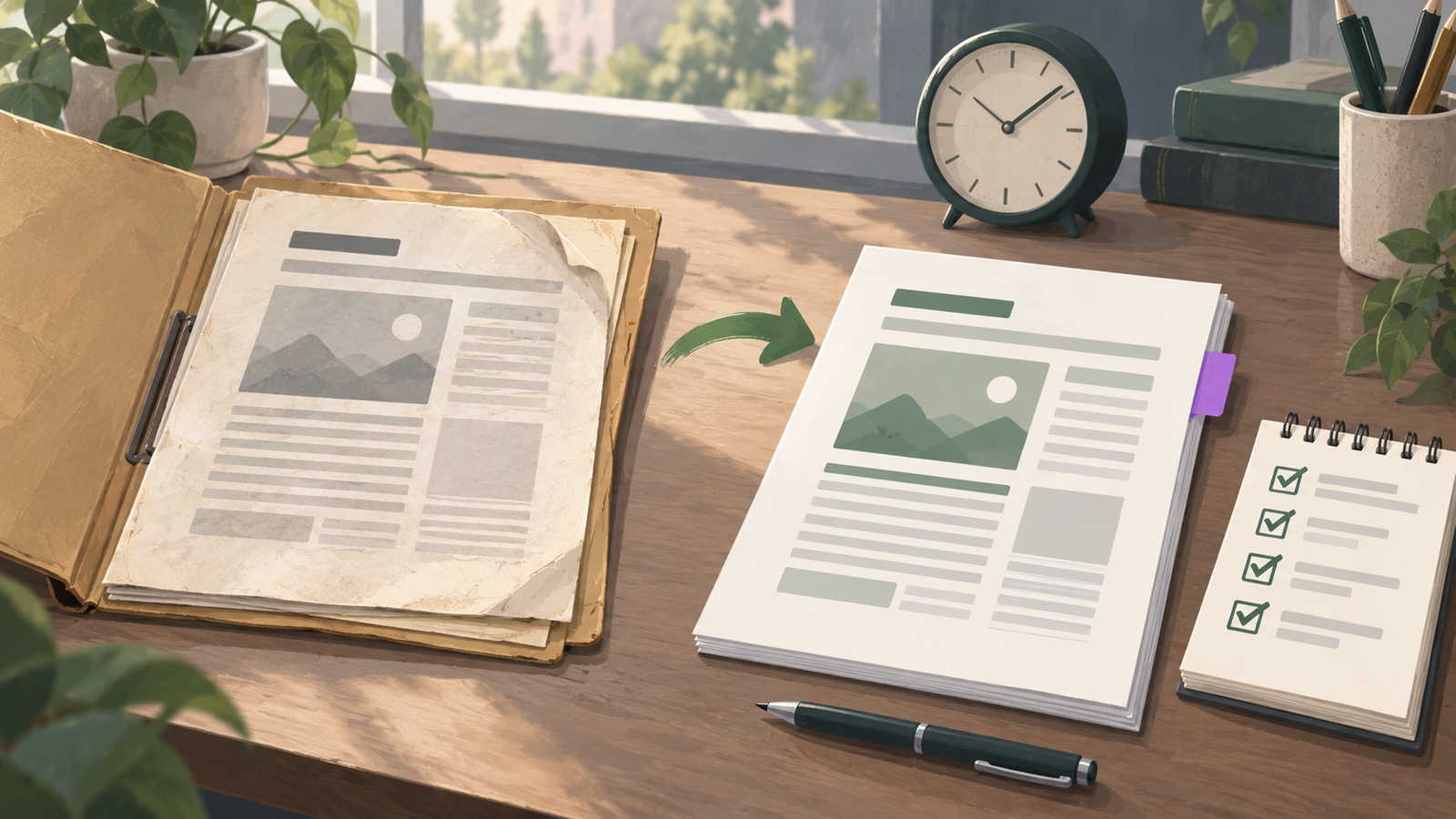
Update an old blog post with AI by saving its current version, checking which facts or instructions have changed and giving the assistant a precise revision brief. Keep accurate, useful sections, compare the proposed changes and save the update to the same article when its purpose remains the same. Niwa's SEO workspace can help prepare and apply a reviewed content update on WordPress.
The useful outcome is an article that still answers the reader's question accurately. Rewriting every paragraph or changing the date does not establish that the page has improved. Start with the reason the article needs attention.
Establish what the existing article does
Open the public page and record its URL, title, post ID and intended reader. Save the current text, metadata, featured image and links. Where WordPress revisions are available, check the revision history as well. A separate working copy makes it easier to compare content even if the site's revision settings differ.
Read the article as a visitor completing its task. Note accurate explanations worth keeping, outdated steps, missing conditions and points where the next action is unclear. Check the current mobile page rather than relying only on the editor's text.
If several people maintain the site, identify who owns the update. Read the current saved version again before applying changes so another editor's work is not overwritten by an older copy.
Select updates with a specific reason
Good reasons include a changed product specification, a replaced screenshot, a broken source link or an instruction that no longer matches the platform. Questions from readers may reveal a missing explanation. A service change may require a paragraph and call to action to be revised together.
Search Console can help prioritize pages already receiving exposure. Compare a defined period and the relevant page in its performance report. Queries can show which questions visitors associate with that page. Treat the report as evidence about that period, not a promise that rewriting will recover traffic or increase rankings.
If an article's facts and explanation remain useful, leave them alone. A minor spelling correction does not require a new introduction, new URL or a claim that the entire guide is newly researched.
Create a freshness ledger
For each section needing work, record what changed, the current source and the correction required. Keep this in the editorial notes rather than filling the published article with an internal audit log.
A short ledger might include:
- Setup instructions: the current interface places the control elsewhere; replace the affected step after testing it.
- Delivery terms: the business has changed the service area; use the approved current policy.
- Screenshot: the old image no longer matches the step; capture the relevant current view.
- Source link: the original document moved; read the replacement before updating the link.
- Next action: the destination page now uses a different enquiry route; test the route and revise the wording.
Collect current primary evidence before asking AI for a replacement paragraph. Do not ask it to make a page "fresh" without providing what actually changed.
Give AI a section-level revision brief
Use a bounded instruction that preserves the article's purpose:
Revise this existing article using the attached change notes and current sources. Keep the URL, reader intent and accurate explanations. Change only the sections listed in the ledger and any directly affected summary or call to action. Show the proposed changes before saving. Mark unresolved facts for the editor. Do not invent platform behavior, new dates or performance claims.
Review the proposed changes against the ledger. If the model removes a useful condition or adds an unsupported feature, correct the proposal before it reaches WordPress. For broader writing guidance, the blog drafting guide explains how to build an article from verified material.
An update should not quietly turn an informational guide into a different sales page. If the reader's task has changed completely, decide whether a new article is appropriate and what should happen to the old one before applying a replacement.
Use a concrete before-and-after test
Suppose an older setup guide tells readers to select a control from a menu that has since moved. This is an illustrative editing scenario, not a claim about a particular WordPress release.
Do the task in the current environment. Record the new location and any required permissions. Ask AI to rewrite that step using your notes, then follow the rewritten instruction yourself. A fluent sentence still fails if it leads to the wrong screen.
Check related sections too. The introduction may promise an outcome the new process no longer supports, and a screenshot may point to the old location. Update those dependencies while preserving unrelated content.
Record the correction's scope: "Updated the setup step and screenshot to match the current interface." That is more useful than claiming the whole article has been transformed.
Review the saved version before calling the update complete
Confirm the exact post ID and inspect the proposed changes before authorizing an update. An edit to an already published WordPress post may become public when saved. Do not assume it behaves like creating a new draft or that every editing route provides a separate unpublished revision.
Keep the existing URL when the page still serves the same purpose. Check the title and description for consistency with the revised content. Update a visible review date when it reflects substantive review, and describe a material correction when readers need to understand what changed. Google's people-first content guidance cautions against changing dates merely to make unchanged content appear fresh.
Read the saved content back from the affected post, then open the public URL. Check the corrected instruction, image, links, heading order and mobile layout. Refresh any page cache as appropriate for the site and confirm the public page shows the revised version.
Keep the next review manageable
Retain the ledger and sources with the update record. For facts likely to change, identify a sensible review trigger, such as a product release or an amended service policy. Avoid rebuilding an entire article every time one detail changes.
If you want help updating existing WordPress content, contact Niwa with the article URL, what changed and the evidence you want the new version to use.

