

WooCommerce short description vs description: what to write
Give the short and full product descriptions distinct jobs, write from verified facts, and use Niwa to update the intended WooCommerce field.
A WooCommerce short description should help a shopper understand the product without reading the whole page. The full description gives you room for the details that need more explanation. If both fields contain the same long paragraph, you have made the visitor read it twice without learning anything new.
The useful distinction is the question each field answers. The short description says what the item is, what matters about it and any essential qualification. The full description explains the product well enough for someone to decide whether it suits their needs.
What belongs in each description?
WooCommerce provides separate Product description and Product short description fields. Its product editor documentation describes the first as detailed product content and the second as a concise summary. Open an item under Products > All Products to review both.
Use the following split as an editorial starting point, then adjust it to the product. A replacement part may need a compatibility warning immediately; a simple desk accessory may need only a clear statement of material and what is included.
| Short description | Full description |
|---|---|
| What the product is and its main use | A fuller explanation of how it is used |
| Material or feature that matters to the choice | Verified specifications and construction details |
| An essential inclusion or exclusion | The complete package contents and relevant options |
| A purchase-critical limitation | Detailed fit, care or setup guidance where applicable |
Keep essential qualifications visible even when they deserve a fuller explanation elsewhere. It is reasonable to mention an important exclusion in both places. The aim is to help the reader, not to make the two fields artificially different.
Build the copy from an approved product brief
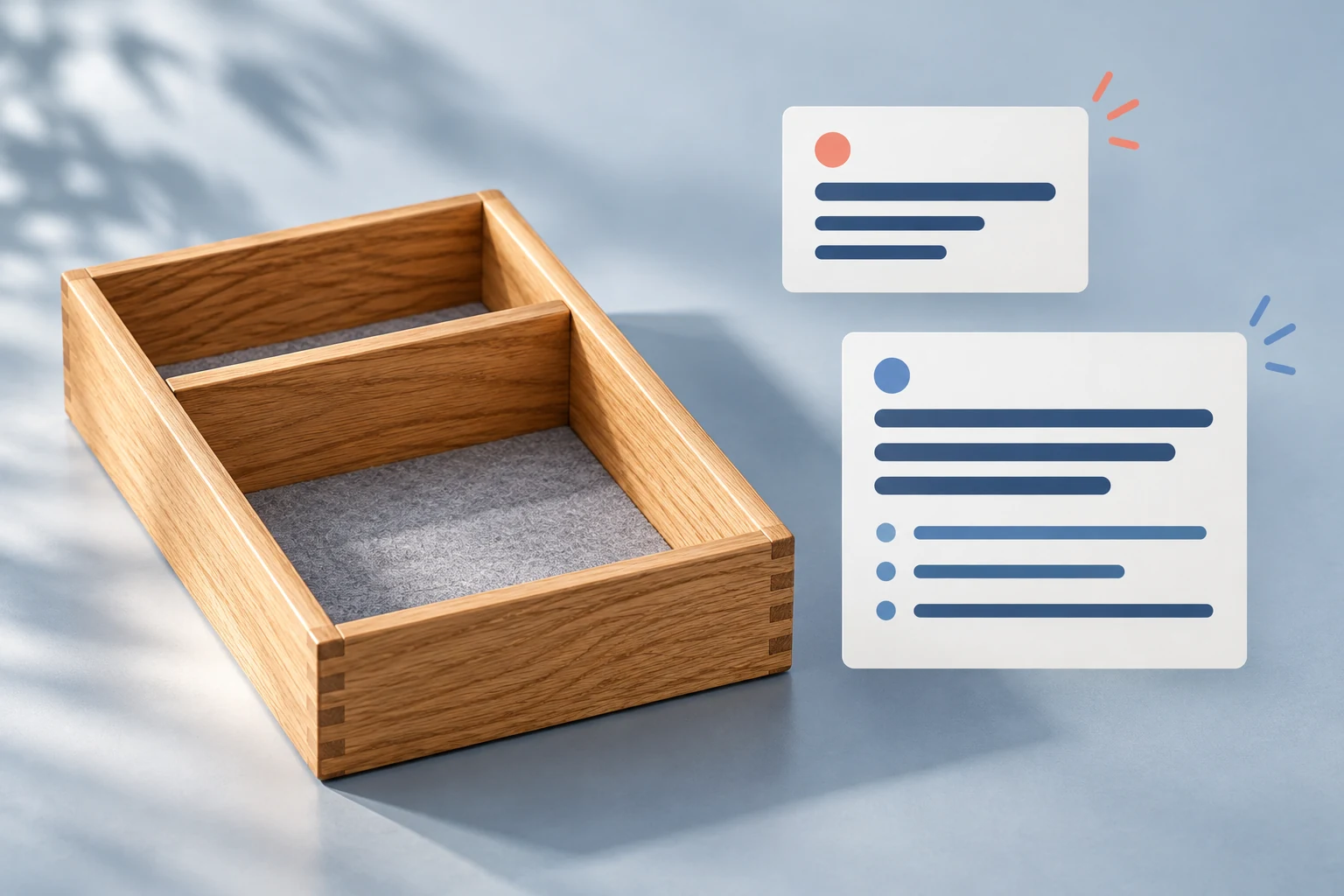
Imagine a small US stationery store selling a simple product called Oak Desk Tray, SKU TRAY-OAK. For this fictional example, the merchant’s approved brief confirms solid oak, a removable divider, a felt-lined base, natural grain variation and no included pens or display accessories.
A usable short description would be:
Solid oak desk tray with a removable divider and a felt-lined base. Natural wood grain varies. Pens and other display accessories are not included.
Each sentence gives the customer a concrete fact. There is no unsupported promise that the tray is scratchproof, sustainably certified or handmade in a particular country. Those might be useful claims for a real product, but they need evidence first.
The full description can explain how the divider changes the arrangement of the tray, list the confirmed contents, and add verified dimensions and care instructions once the merchant supplies them. It should not fill missing specifications with plausible guesses. In this example, the brief has no measurements or cleaning instructions, so those remain open questions.
If you use AI to draft the copy, provide the approved facts and ask it to identify missing information separately. Google’s guidance on generative AI content emphasizes accuracy, useful original content and human review. Fluent writing does not establish that a material, certification or performance claim is true.
Write for the actual product layout
Preview where your theme displays the short description before deciding how much to put there. A compact summary beside the product image has a different job from a long section below the buying controls. Custom layouts may use these fields in different places.
Try reading the summary at mobile width. If it becomes a wall of text before the customer reaches the product choices, remove the brand history and secondary detail. A short paragraph or a few factual bullets can work; pick the format that fits the information instead of chasing a universal word count.
For the full description, use clear headings where the product warrants them. A complicated item may need sections for fit, package contents and setup. A straightforward tray does not need a long story just because the editor has space for one.
Ask Niwa to change the intended field
Niwa’s authorized administrator workflow can inspect a WooCommerce product’s saved full and short descriptions. Its product update tool accepts those as separate fields. That lets you request a change to the summary without asking for a rewrite of the whole product page.
Start with identification and review:
Find the product with SKU TRAY-OAK. Show its product ID, name, current short description and full description. Do not make changes yet.
Confirm that the result is the intended record. Then provide the exact replacement, including any qualification you need to retain:
For the confirmed Oak Desk Tray product, replace only the short description with: “Solid oak desk tray with a removable divider and a felt-lined base. Natural wood grain varies. Pens and other display accessories are not included.” Keep the full description, title, URL, price, stock and categories unchanged. Show the saved short description afterward.
Follow any confirmation required by your configured Niwa workflow. Review the saved field in WooCommerce and open the public product page to check the result. These are illustrative instructions, not a record of a real customer edit. The Niwa WooCommerce AI Operator overview explains the broader administrator use case.
Once one product is correct, you have a pattern for reviewing others. Do not paste the tray’s material claims or exclusions into unrelated products. Each item still needs its own facts, and an existing long description may contain information that the new summary must preserve.
Keep the short description and Google snippet separate
The product summary is not a universal control for the text Google displays under a search result. Google primarily creates snippets from page content and may use a meta description when it better describes the page, as its snippet documentation explains. Different searches can produce different snippets.
Your SEO plugin or another integration may reuse product text, so inspect its configuration separately. Saving a short description does not prove that a meta description, shopping feed or external listing received the same update. Avoid treating those separate destinations as one field.
Finish with a customer-facing check
Check the ordinary product URL while signed out, on a wide screen and at mobile width. Read the short and full descriptions together. They should agree about the material, included items and limitations, and the longer section should add useful detail.
Compare the saved price, stock, title and URL with the values you intended to keep. If a custom layout still shows older copy, establish which field it uses before making another content change. A successful save and a correct public display are separate things to verify.
Customer questions can help decide what to clarify next. Our guide to turning repeated questions into product-page fixes covers that follow-up process.
To try a focused description update on your own catalog, book a Niwa demo and bring one product URL with its approved facts. During your Niwa demo, we cover the subscription and AI usage. There is no obligation to buy.

